Tag Archive: PDF
May 2, 2017 / by Marco / Bundle, Business', deals, design, entrepreneur, Mac, PDF, Processing, website
The Mac PDF Processing Bundle for $29


KEY FEATURES
Don’t let PDF restrictions get in the way of your productivity. PDFConverter converts native PDF files to almost any file format, and even retains their original layouts. With advanced character accuracy and support to convert up to 200 PDFs at once with a single click, this tool won’t miss a beat (or a letter).
- Convert native PDFs to .docx, .pages, .rftd, .ppt, & many more
- Retain original fonts, images & formatting when converting
- Extract images in PDFs to .jpeg, .png, .tiff, .gif, & more
- Drag & drop up to 200 PDF files to the queue & convert them at once w/ a single click
- Save converted documents that look just like the original
- Convert encrypted PDFs
PRODUCT SPECS
Details & Requirements
- Version 4.1.0
- Minor updates included
- Input files supported:
- Adobe PDF files (.pdf)
- Output files supported:
- Microsoft Office Word (.docx)
- Microsoft Office PowerPoint (.pptx)
- Plain Text file (.text)
- Rich Text Format Directory (.rtfd)
- EPUB Format (.epub)
- HyperText Markup Language (.html)
- Pages (.pages)
- Keynote (.key)
- Image file (.bmp, .png, .tiff, .jpg, .gif)
- Languages:
- Armenian (Eastern), Armenian (Grabar), Armenian (Western), Bashkir, Bulgarian, Catalan, Croatian, Czech, Chinese PRC+English, Danish, Dutch, Dutch Belgian, English, Estonian, Finnish, French, German, German (new spelling), German (Luxembourg), Greek, Hungarian, Indonesian, Italian, Latvian, Lithuanian, Norwegian (Bokmal), Norwegian (Nynorsk), Old English, Old French, Old German, Old Italian, Old Spanish, Pidgin English, Polish, Portuguese (Brazilian), Portuguese (Standard), Romanian, Romanian (Moldavia), Romany, Russian Old Spelling, Russian, Slovak, Slovenian, Spanish, Swedish, Tatar, Turkish, Ukrainian, Norwegian
Compatibility
- 1G Hz or above Intel processor
- 512 MB physical RAM (memory) or more
- 1024 x 768 or higher resolution display
- Mac OS X 10.8 or later
SOFTWARE LICENSE DETAILS
- License redemption deadline: redeem within 30 days of purchase
- Length of access: lifetime
- Restrictions: valid for 1 Mac only


KEY FEATURES
PDFs are the preferred format for sending documents since they’re secure and can be opened on any device in any OS. But it’s not always so easy to make a PDF out of certain file formats. PDFCreator resolves that problem by allowing you to create PDFs from 16 formats in just a click, letting you and your team be more productive than ever.
4/5 Stars, Softpedia
- Protect common documents like .docx & .rtf from being edited by converting to PDF
- Make your ePub files more compatible by creating PDFs and supporting a mix of graphics, tables, charts, photographs, etc.
- Turn web HTML & local HTML files into PDFs that can be easily navigated w/ page numbers
- Save your images as document format to occupy less space
- Merge multiple documents into a single PDF
- Convert up to five files at once to PDF
- Assure high-quality file printing w/ precise page layout & high resolution images
PRODUCT SPECS
Details & Requirements
- Version 4.0.0
- Minor updates included
- Input formats: .docx, .txt, .rtf, .pptx, EPUB, CHM, HTML
- Image input formats: .ico, .psd, .jpeg, .png, .gif, .bmp, .tga, .tiff, .jpg
Compatibility
- 1G Hz or above Intel processor
- 512 MB physical RAM (memory) or more
- 1024 x 768 or higher resolution display
- Mac OS X 10.8 or later
SOFTWARE LICENSE DETAILS
- License redemption deadline: redeem within 30 days of purchase
- Length of access: lifetime
- Restrictions: valid for 1 Mac only


KEY FEATURES
If you spend a lot of time working with PDFs, you’ve probably encountered a moment or three when the sender of an attachment forgot to remove a password. Alternatively, your work is secret, and the PDF was intentionally sent to you encrypted. In either case, PDFPasswordRemover lets you unlock encrypted PDFs to open, edit, copy, and print them. With an easy-to-use interface, this tool will save you time – and time is money, right?
10/10, Mac Software Reviews
‘Cisdem PDF Password Remover 3 for Mac is nothing less than a perfect PDF password decryption software,’ thetechhacker
- Remove restrictions & owner passwords to open & edit in PDF viewer without any restrictions
- Add up to 200 PDF files at a time to have passwords removed
- Unlock a 500-page encrypted PDF within a minute
- Decrypt passwords w/ brute force decryption when you forget how to access your PDF files
- Gain permission to print a secured document in PDF format or make edits, add hyperlinks, create bookmarks, & more
PRODUCT SPECS
Details & Requirements
- Version 3.6.0
- Minor updates included
Compatibility
- 1G Hz or above Intel processor
- 512 MB physical RAM (memory) or more
- 1024 x 768 or higher resolution display
- Mac OS X 10.7 or later
SOFTWARE LICENSE DETAILS
- License redemption deadline: redeem within 30 days of purchase
- Length of access: lifetime
- Restrictions: valid for 1 Mac only


KEY FEATURES
PDFs too large to email or upload? Compress them with PDFCompressor! Reduce the size of a single or multiple PDF files with a single click, all while maintaining original PDF formats. With preset filter modes and advanced resolution and image quality settings allow you to set sizes and quality of PDFs so you can expedite your file sharing and free up disk space.
- Save disk space or accelerate uploading & transferring of images by selecting between four preset filter modes, or setting custom sizes
- Remove useless elements unnecessary for normal use like embedded “base 14” fonts, metadata, thumbnails, & more
- Compress PDFs in 3 simple steps, & compress 500-page PDFs within 1 minute
- Perform batch compression of hundreds of PDF documents at once
- Email attachments faster, load websites more efficiently, & make PDFs more mobile-friendly
PRODUCT SPECS
Details & Requirements
- Version 3.0.1
- Minor updates included
Compatibility
- 1G Hz or above Intel processor
- 512 MB physical RAM (memory) or more
- 1024 x 768 or higher resolution display
- Mac OS X 10.8 or later
SOFTWARE LICENSE DETAILS
- License redemption deadline: redeem within 30 days of purchase
- Length of access: lifetime
- Restrictions: for use on 1 device
PDF Expert 2.2 for Mac for $29
KEY FEATURES
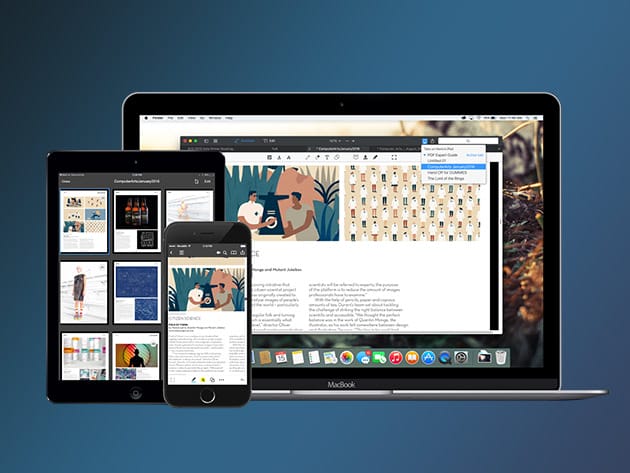
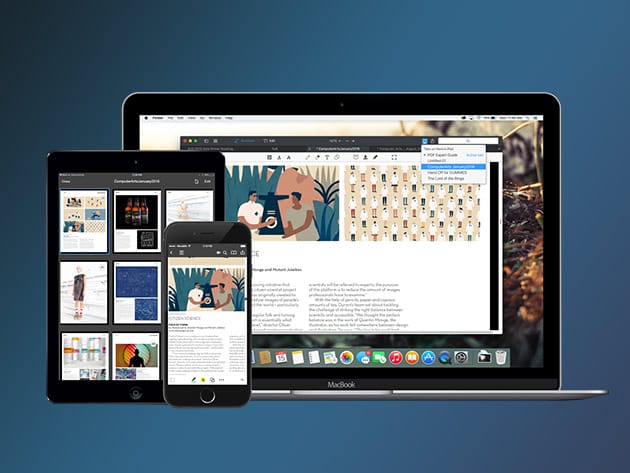
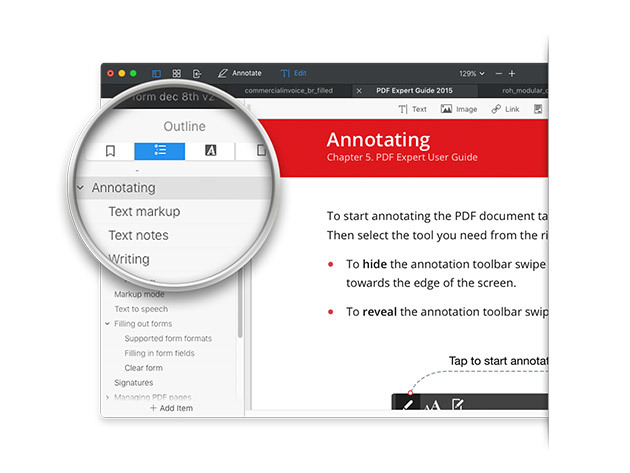
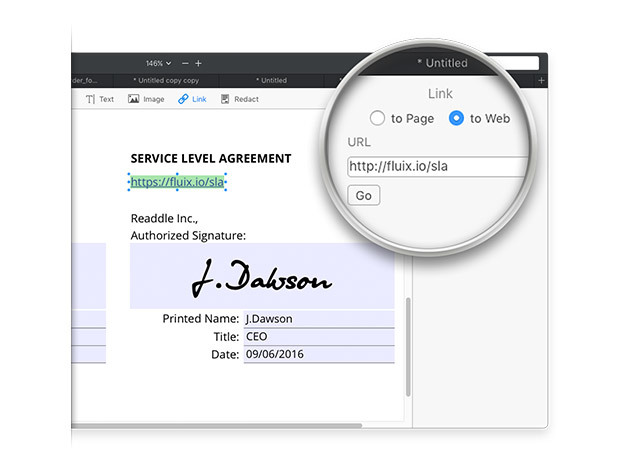
PDFs remain the best way to transmit documents, but editing them isn’t possible with standard Mac software. PDF Expert changes that, allowing you to edit PDF text, images, links, and outlines quickly and easily. Typo in a contract? Easy fix. Need to rework a complete section of a document? No problem. PDF Expert provides a series of essential functions that will transform the way you work with documents on your Mac.
Apple Editors’ Choice
2015 App of the Year Runner Up in Mac App Store
Top Paid App in Mac App Store
“PDF Expert is the lightweight, powerful viewer your Mac needs,” Cult of Mac
- Edit text, images, links & outlines in PDFs
- Read huge PDF files smoothly & fast
- Annotate PDFs extensively w/ numerous tools
- Merge PDFs & sign documents seamlessly
- Fill out PDF forms like taxes, applications, orders, & more
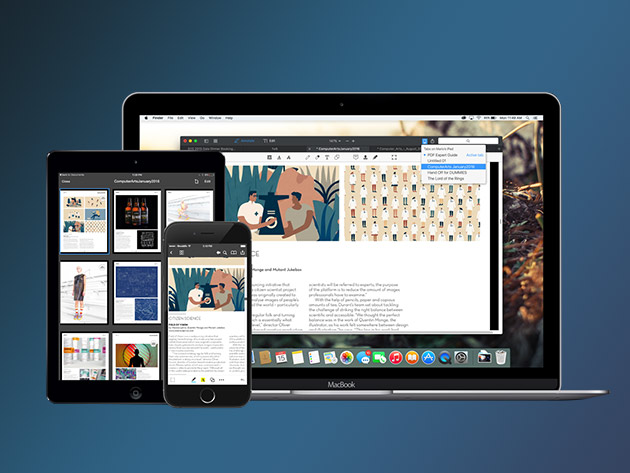
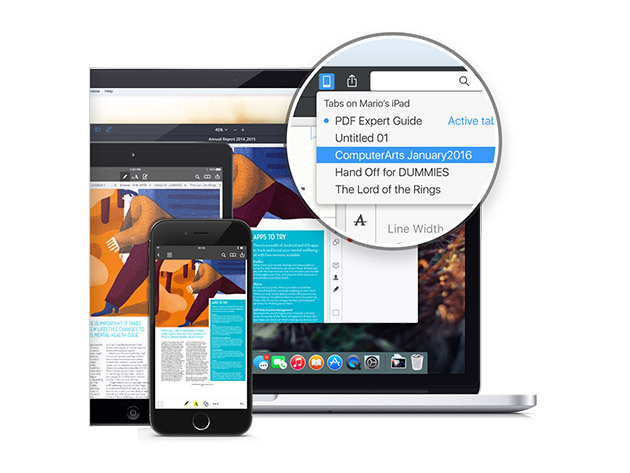
- Share your PDFs across iPhone, iPad, & Mac, or w/ clients, coworkers, or anyone else remotely
- Password protect sensitive documents
PRODUCT SPECS
Details & Requirements
- Version 2.2
- Updates included
- Languages: English, Portuguese, Italian, Chinese, Japanese, Ukrainian, German, Spanish, French, and Russian
Compatibility
- Mac OS X 10.10 or later
SOFTWARE LICENSE DETAILS
- Redemption deadline: Must be redeemed within 30 days
A Convenient PDF Creator for Win & Mac
BUY NOW MORE INFO Create a perfect PDF in a snap. PDFs are particularly useful for many companies in the business world. Like paper, PDF combines characteristics that encompass any document, in any setting. And that’s what today’s deal gets you – Coolmuster PDF creator for Win & Mac. With PDF creator, you can: Create […]
read morePDFpen 8: All-Purpose PDF Editor for Mac for $37


KEY FEATURES
Take your PDFpen to the next level with the function-packed PDFpenPro. Enjoy advanced features like interactive forms, table of content creation, powerful exporting capabilities, and more.
“PDFpenPro is the crème de la crème of PDF editing and annotating applications,” Macworld
Pro-Only Features
- Convert websites to multi-page PDFs, complete with hyperlinks
- Create & edit cross-platform fillable PDF forms
- Create & edit table of contents
- Create form fields automatically in a non-interactive form
- Export in Excel, PowerPoint & PDF Archive formats
- Edit document permissions to restrict saving, printing, copying, etc.
- Plus all PDFpen features!
PRODUCT SPECS
Details & Requirements
- Version 8
- Updates included
- Available in English, Spanish, Japanese, German, Italian & French
Compatibility
- macOS X 10.10 or later
SOFTWARE LICENSE DETAILS
- Length of access: lifetime
PDF Expert 2.0 for Mac for $29


KEY FEATURES
PDFs remain the best way to transmit documents, but editing them isn’t possible with standard Mac software. PDF Expert changes that, allowing you to edit PDF text, images, links, and outlines quickly and easily. Typo in a contract? Easy fix. Need to rework a complete section of a document? No problem. PDF Expert provides a series of essential functions that will transform the way you work with documents on your Mac.
Apple Editors’ Choice
2015 App of the Year Runner Up in Mac App Store
Top Paid App in Mac App Store
“PDF Expert is the lightweight, powerful viewer your Mac needs.” Cult of Mac
- Edit text, images, links & outlines in PDFs
- Read huge PDF files smoothly & fast
- Annotate PDFs extensively w/ numerous tools
- Merge PDFs & sign documents seamlessly
- Fill out PDF forms like taxes, applications, orders, & more
- Share your PDFs across iPhone, iPad, & Mac, or w/ clients, coworkers, or anyone else remotely
- Password protect sensitive documents
PRODUCT SPECS
Details & Requirements
- Version 2.0
- Updates included
- Languages: English, Portuguese, Italian, Chinese, Japanese, Ukrainian, German, Spanish, French, and Russian
Compatibility
- Mac OS X 10.10 or later
PDFpenPro 8: All-Purpose PDF Editor for Mac 2 for $62


KEY FEATURES
Take your PDFpen to the next level with the function-packed PDFpenPro. Enjoy advanced features like interactive forms, table of content creation, powerful exporting capabilities, and more.
“PDFpenPro is the crème de la crème of PDF editing and annotating applications,” Macworld
Pro-Only Features
- Convert websites to multi-page PDFs, complete with hyperlinks
- Create & edit cross-platform fillable PDF forms
- Create & edit table of contents
- Create form fields automatically in a non-interactive form
- Export in Excel, PowerPoint & PDF Archive formats
- Edit document permissions to restrict saving, printing, copying, etc.
- Plus all PDFpen features!
PRODUCT SPECS
Details & Requirements
- Version 8
- Available in English, Spanish, Japanese, German, Italian & French
Compatibility
- Mac OS X 10.10 or later
SOFTWARE LICENSE DETAILS
- Updates included for version 8
- Length of access: lifetime
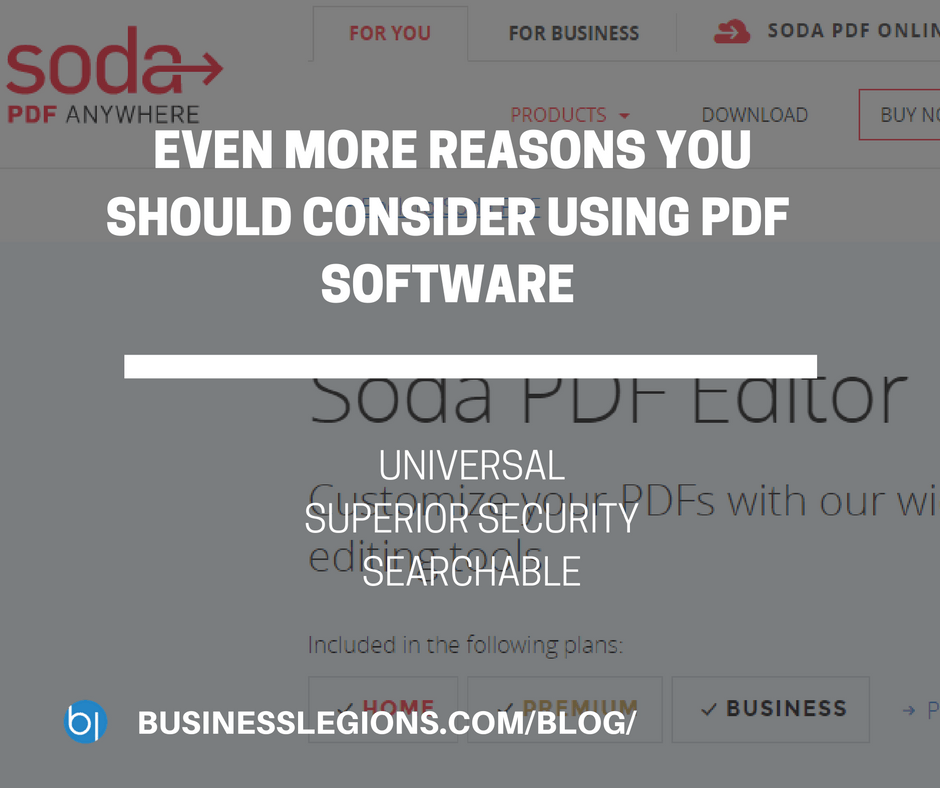
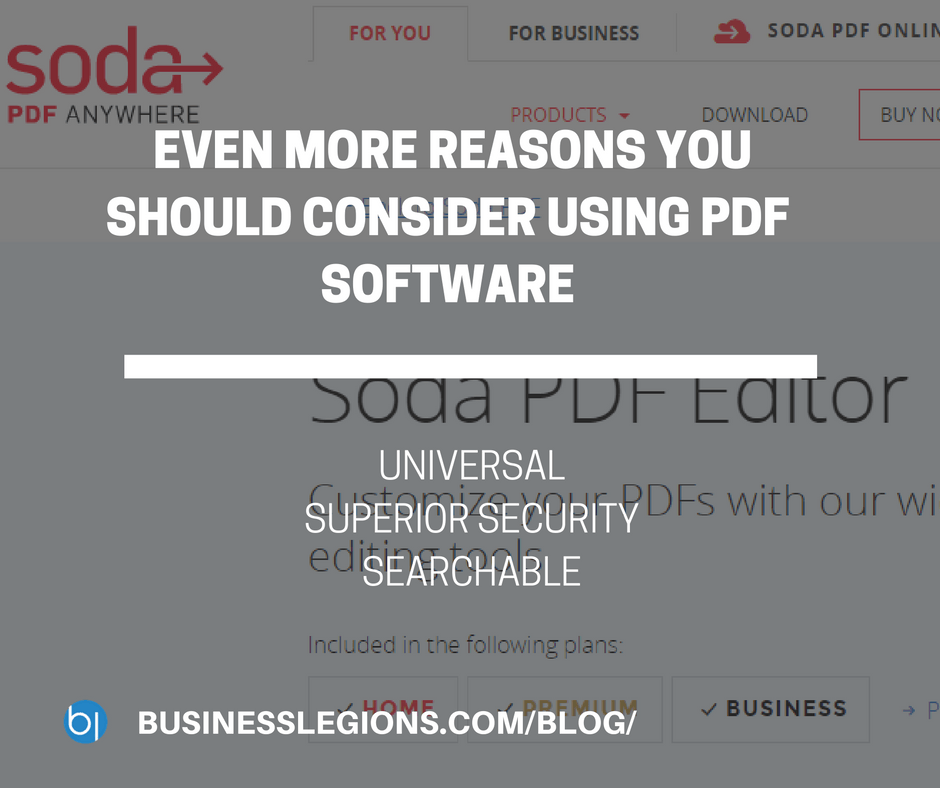
EVEN MORE REASONS YOU SHOULD CONSIDER USING PDF SOFTWARE
If you ever share files with other people, and need to keep your content secure, then you should consider using PDF software, such as soda pdf editor. If you have yet to invest in this type of technology, there are a number of reasons you should consider doing so right now. It is Universal When […]
read moreEmail to Fax and Fax to Email Service
One of my friends recently asked me for some advice on what brand and model of a fax machine he should get for work. He discovered his work fax machine died because of the constant use. When he asked me what type of fax machine we use for our own business I told him that […]
read moreJune 3, 2011 / by Marco / click, download, job, link, open source, PDF, PDFCreator, print, printer, source pdf, tool, use
PDFCreator – the free and open source PDF writer
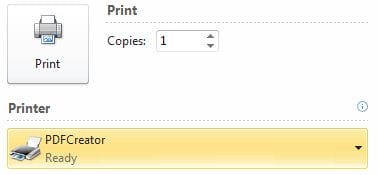
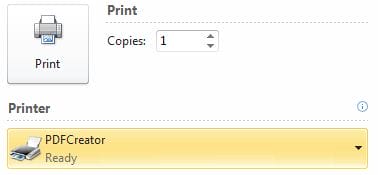
If you need to use an open source PDF creator then use PDFCreator. Simple hey! I’ve used this tool for several years and it does the job. Once you install it all you have to do is select the PDFCreator printer and click print. You’ll then be asked where you want to save the file […]
read more- 1
- 2