
How do you Enable Member Registration on the BuddyPress Website
June 9, 2012 / by Marco / Categories : Technology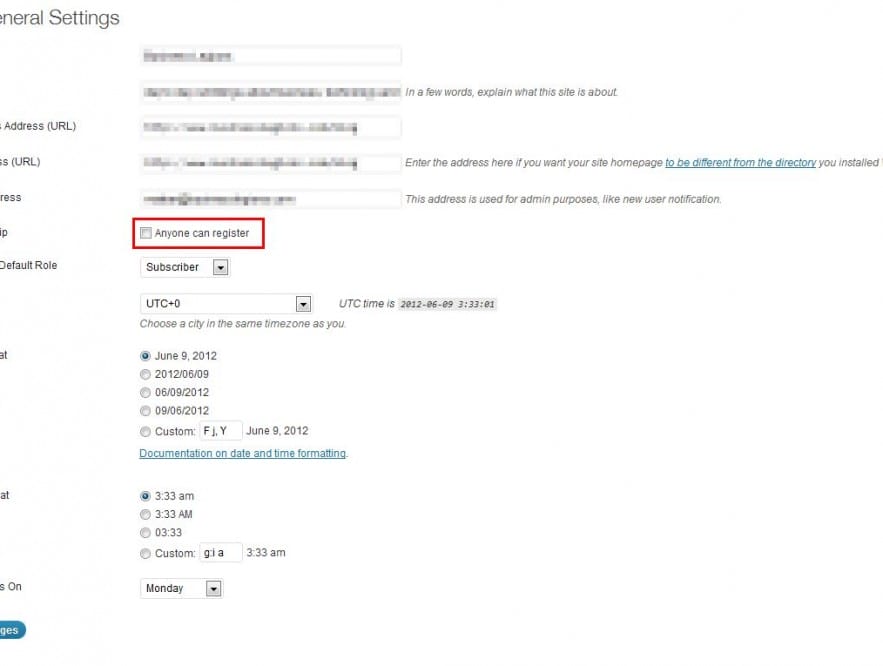
It took me a while to figure this out but it appears that the BuddyPress registration is actually managed by the WordPress member registration. All you have to do is follow these steps:
- Login to your WordPress administrator account
- Along left navigation, Click on ‘Settings’
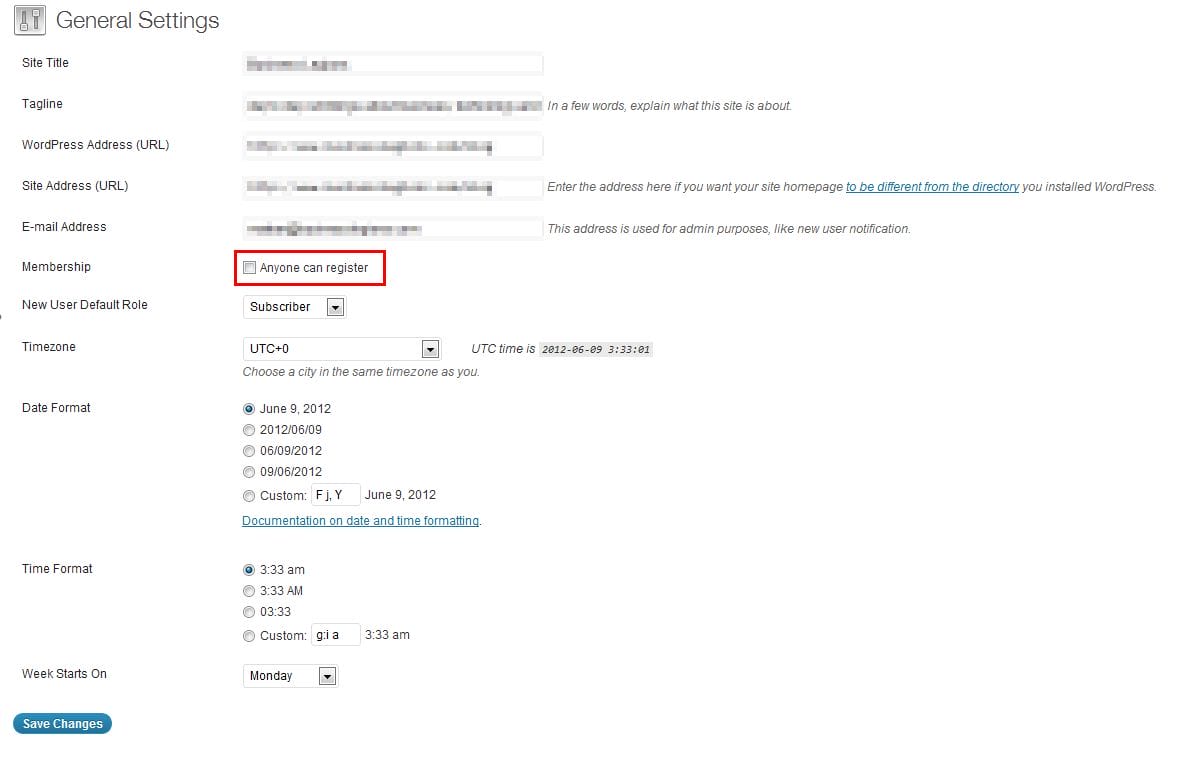
- Under ‘General Settings’, set the following value:
- Membership = check this box to ‘Anyone can register’
- Click on ‘Save Changes’
- Refresh your BuddyPress website and you should see a ‘Signup’ button now available.

Marco / admin / 30 Nov
Writing day to day ramblings about making money, business, technology, sharing awesome deals and everything else that I know I'll forget. Follow my personal blog https://marcotran.com.au
I've recently also turned Vegan and started this website Veggie Meals - check it out
"When technology speaks for itself, that is art" - MT
Affiliate Compensated: there are some articles with links to products or services that I may receive a commission.
OTHER ARTICLES YOU MAY LIKE

WHEN TO HIRE YOUR FIRST EMPLOYEE (AND WHEN NOT TO)
For many entrepreneurs, hiring the first employee is a major milestone. It represents growth, momentum, and the possibility that your business is evolving from a solo operation into something larger. At the same time, it can feel intimidating. Bringing someone onto your team introduces new responsibilities, financial commitments, and operational challenges. The decision to hire […]
read more
USE THESE TOOLS TO BUILD YOUR BUSINESS
Building a business has never been short on ambition, but it has often been short on time, budget, and operational headroom. Founders are expected to market like a media team, sell like a seasoned closer, support customers around the clock, manage projects with precision, and still find space to think strategically. That is exactly why […]
read more

