
Unlock Telstra Elite MF60 for Aldi and Kogan SIM
June 4, 2013 / by Marco / Categories : Free, Technology
UPDATE: Here’s instruction on how to unlock the Telstra Elite MF60 for free. https://www.businesslegions.com/blog/2013/10/21/how-to-unlock-telstra-elite-mf60-for-free/
I recently purchased two Telstra Elite MF60 modems… yes two because they were on sale! Half price $39.50 when the normal price is $79.00. My logic was that because the cost of recharging was more expensive than buying a new unit (which comes with 5 G of data) it was cheaper to just buy another unit since it was on sale. So the plan was to buy this modem and then either purchase a Kogan or Aldi SIM card and use those plans since they were also cheaper than Telstra.
So I decided to figure out how to unlock the Telstra MF60. There was one particular website that allows you to unlock the modem so you can use it with any carrier. So whilst going through the process of figuring out how to unlock it by connecting a USB cable to the computer, I realised there was one thing that I completely missed.
That was, both Aldi and Kogan used the Telstra network so I didn’t need to unlock the modem! So if you’re planning to use the Aldi and Kogan SIMs on the Telstra Elite MF60 all you have to do is swap the SIM. Nothing else!
If you are looking to unlock the modem so it can be used with other carriers or if you want to use it in a different country then you do have to unlock it.
I have managed to get the modem to connect to the computer using the USB cable and changed the firmware to the default… but I will provide further instructions on how to do this in a separate post so watch this space. Make sure you subscribe or write a comment so that when I can notify you when the post is ready.
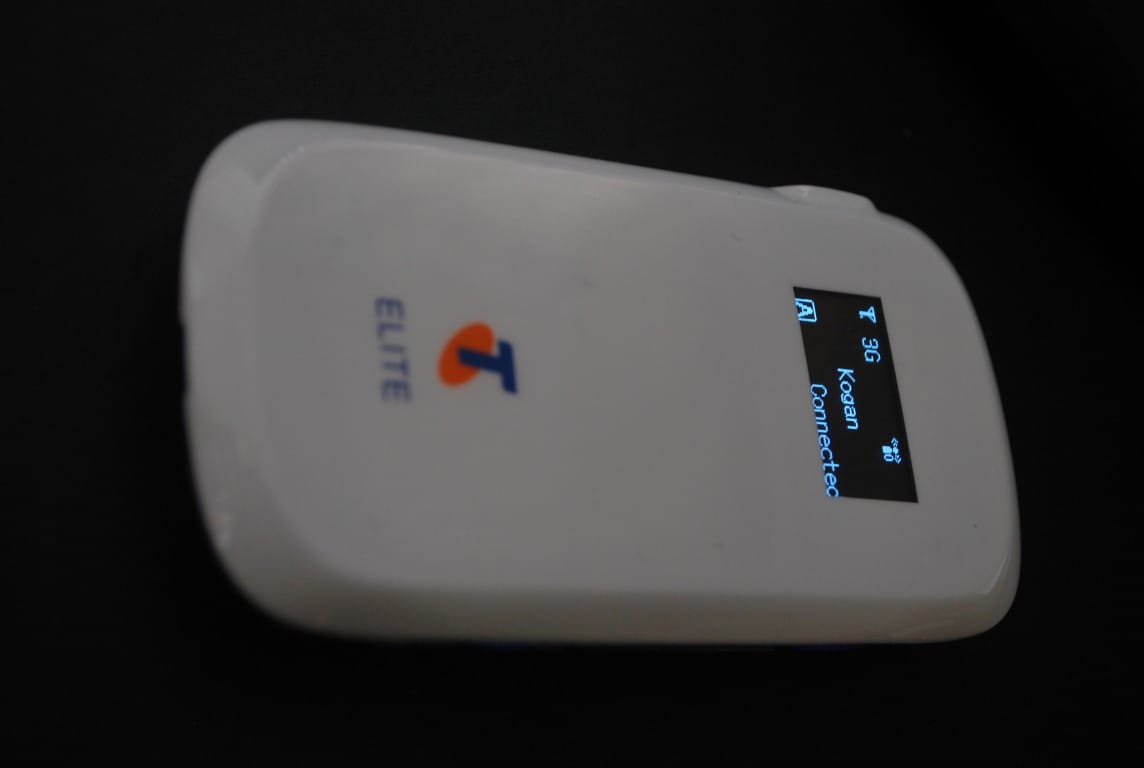
Here’s the picture of the Telstra MF60 using the Kogan SIM:
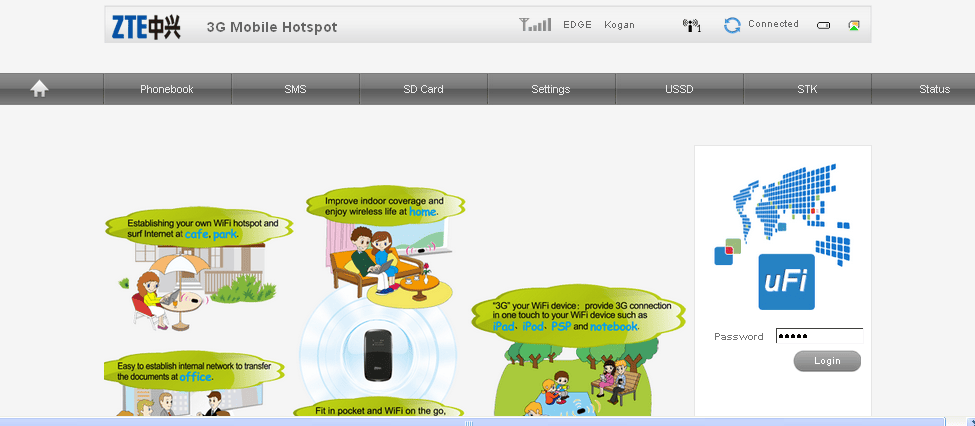
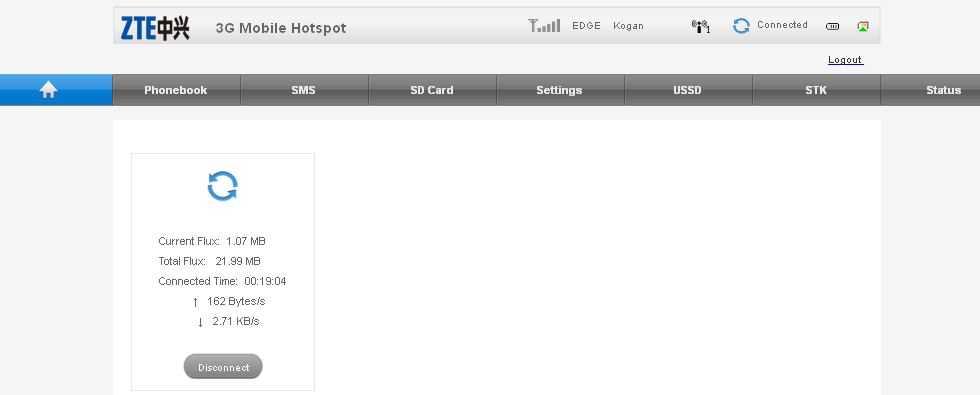
Here’s screenshot of the Telstra Elite MF60 modem using the default firmware (it appears Telstra removed quite a lot of the features and trimmed it down) and remember that once your change the firmware its no longer under warranty so it’s up to you whether you want to take the risk.

Marco / admin / 30 Nov
Writing day to day ramblings about making money, business, technology, sharing awesome deals and everything else that I know I'll forget. Follow my personal blog https://marcotran.com.au
I've recently also turned Vegan and started this website Veggie Meals - check it out
"When technology speaks for itself, that is art" - MT
Affiliate Compensated: there are some articles with links to products or services that I may receive a commission.
OTHER ARTICLES YOU MAY LIKE

REVIEWING AND UNBOXING THE TOOCKI USB-C RIGHT ANGLE 1.2M CABLE
USB C cables are among the most ordinary accessories we own, yet they can make a surprisingly noticeable difference to how comfortable our devices are to use while charging. The Toocki USB C right angle cable is a good example of a simple accessory that tries to solve a very common irritation, because instead of […]
read more
SUPABASE BACKUP TUTORIAL: USE DBEAVER TO EXPORT YOUR DATABASE SAFELY
If you are building anything serious on Supabase, whether that is a client portal, a SaaS app, an internal dashboard, or even a small side project that is starting to get traction, having a reliable database backup process is one of those tasks that quickly moves from optional to essential. Supabase makes a lot of […]
read more

