
How to stop Auto-Play Videos in Facebook
April 5, 2014 / by Marco / Categories : Technology, Websites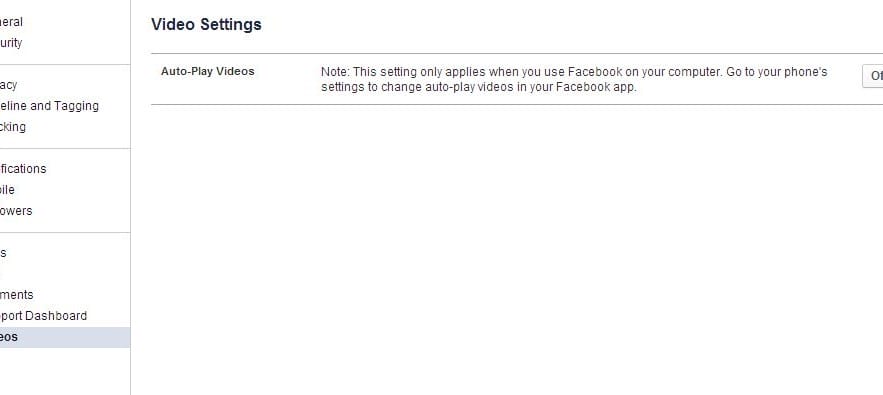
I noticed Facebook introduced the Video auto-play feature – it suddenly came on a few days ago. Basically when the feature is ON (by default) and you scroll down your news feed it will automatically play videos. I found this very annoying because all of a sudden the audio comes on. Facebook developers and UX designers – if I wanted to play the video I would have clicked on it!
Anyways, the way to turn this off on you Desktop browser is very easy. All you have to do is go to settings by clicking on the down arrow at the top right hand corner.
Then at the bottom on the left hand side you will see Videos. Click on that. Then in the Video settings click on drop down and select Off.
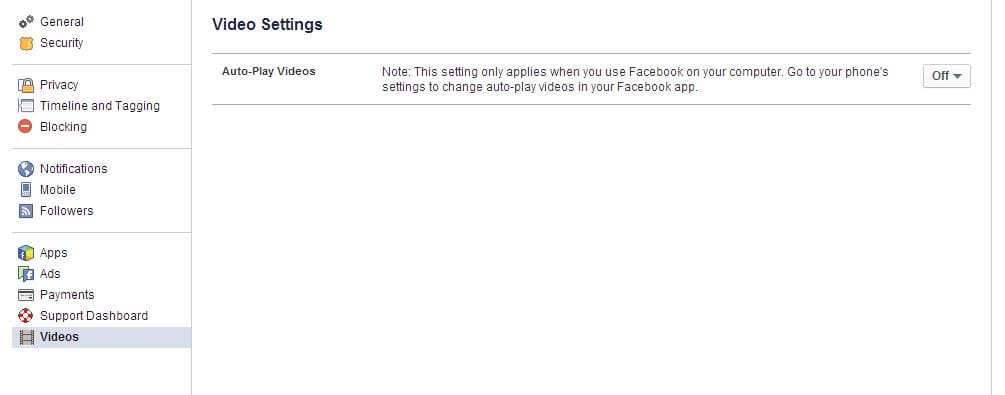
Turn off auto-play videos in facebook
Done. Goodbye video autoplay.
If you need to turn this off on your iPhone and Android then just go to Settings > Facebook > Settings and turn it off there.
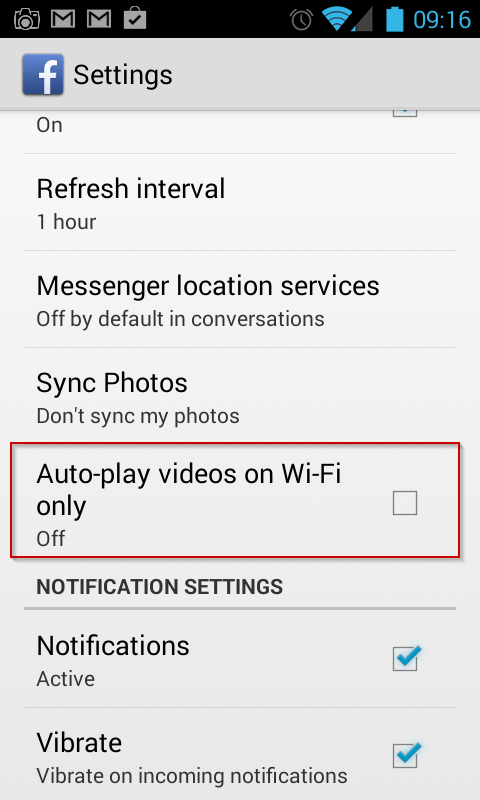
smartphone settings auto-play video facebook
Our Sponsors
- Advertise Me Pty Ltd

Digital Signage Solutions


Marco / admin / 30 Nov
Writing day to day ramblings about making money, business, technology, sharing awesome deals and everything else that I know I'll forget. Follow my personal blog https://marcotran.com.au
I've recently also turned Vegan and started this website Veggie Meals - check it out
"When technology speaks for itself, that is art" - MT
Affiliate Compensated: there are some articles with links to products or services that I may receive a commission.
OTHER ARTICLES YOU MAY LIKE

USE FUSEBASE TO AUTOMATE TEAMWORK AND COLLABORATION
If your business is growing, your team is juggling too many moving parts, and your client communication is spread across email threads, chat apps, documents, task boards, and endless follow ups, there is a good chance the real problem is not effort but fragmentation. Most businesses do not lose time because people are lazy. They […]
read more
USING REAP FOR VIDEO CLIPS
Short form video is now one of the most effective ways to reach new audiences, grow brand awareness, and turn long form content into a steady stream of social media assets. For creators, marketers, consultants, educators, and business owners, the challenge is rarely a lack of content. The real problem is time. Editing long videos […]
read more

