
Vivid Soft Material UI Kit with 500 Elements, 170+ Components, 6 Categories – only $14!
April 16, 2016 / by Marco / Categories : Business, deals, design, entrepreneur, website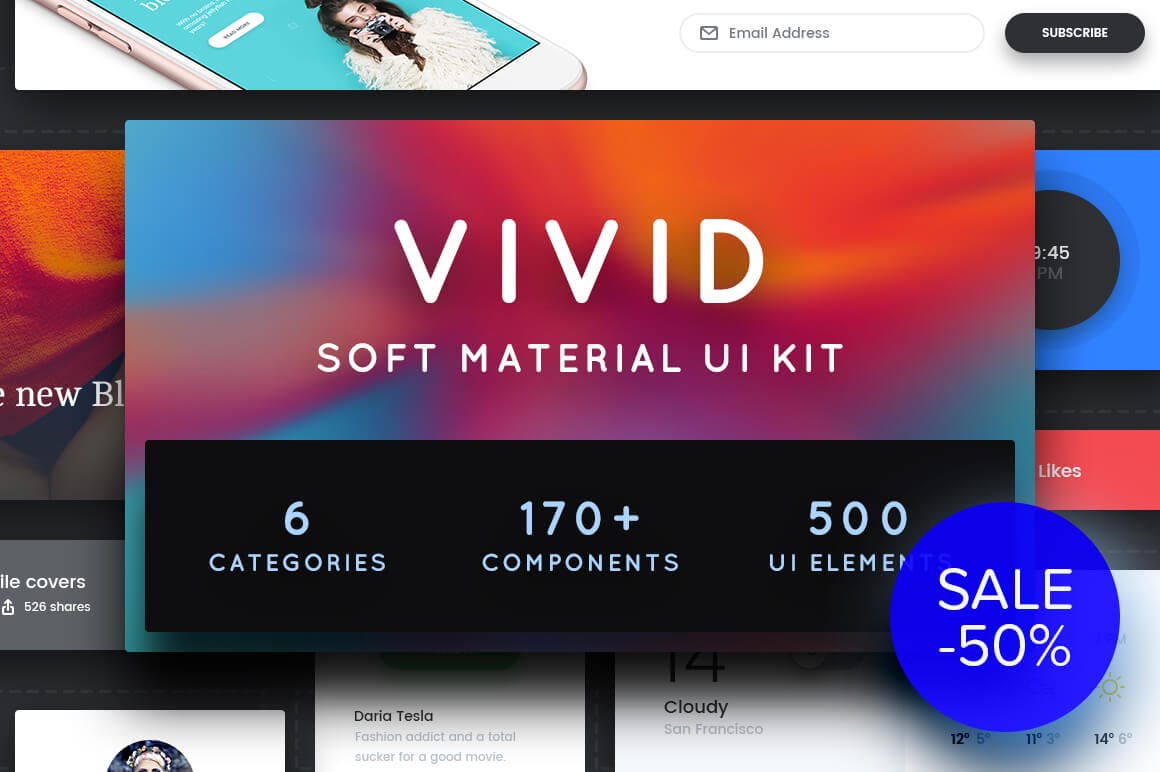

NOW ON: Vivid Soft Material UI Kit with 500 Elements, 170+ Components, 6 Categories – only $14!
Expires: April 22, 2016, 11:59 pm EST

Get a real jump on building your website or application with this amazing Soft Material UI Kit. Vivid features 500 UI Elements, 170+ Components across 6 categories from Navigation to Forms. Thanks to properly named and grouped sections, this kit makes designing super simple. Toss in a robust Style Guide and a trio of fabulous fonts, and your website practically builds itself!
Highlights:
- Build the perfect website or application with this soft material UI Kit full of 500 unique UI Elements.
- Easily edit any piece you’d like, as everything in this kit is well named and organized to quickly find your way through it all.
- Find the exact piece you’re looking for with the 170+ components compiled from 6 unique categories: Navigation, Headers & Sliders, Widgets, Forms, Shopping, and Blogging.
- All pieces in this kit are vector based, so they offer full retina support.
- Put together a user-friendly experience with a wide variety of components including: navigation bars, lists, flags, profiles, alerts, pagination menus, footers, search forms and more.
- Built on a Bootstrap grid of 12 columns, everything fits seamlessly together.
- Includes a robust Style Guide with color palette, typography guidelines, icons and UI elements.
- This deal also includes 3 fabulous fonts: Poppins, Cambo and Konig Typeface!
Previews:


Pricing:
Normally, this Soft Material UI Kit sells for $29, but for a limited time only, you can get Vivid for just $14! That’s a 50% savings off the regular price.
Click the BUY NOW button to build your user interface today!
Deal terms:
- Delivered as an instant download, after completing your purchase.
- The files are delivered as layered Photoshop PSD.
- An editing application, such as Adobe Photoshop is required in order to edit the files.
- Reselling or redistribution or giving away of this product is prohibited.

Marco / admin / 30 Nov
Writing day to day ramblings about making money, business, technology, sharing awesome deals and everything else that I know I'll forget. Follow my personal blog https://marcotran.com.au
I've recently also turned Vegan and started this website Veggie Meals - check it out
"When technology speaks for itself, that is art" - MT
Affiliate Compensated: there are some articles with links to products or services that I may receive a commission.
OTHER ARTICLES YOU MAY LIKE

REVIEWING AND UNBOXING THE TOOCKI USB-C RIGHT ANGLE 1.2M CABLE
USB C cables are among the most ordinary accessories we own, yet they can make a surprisingly noticeable difference to how comfortable our devices are to use while charging. The Toocki USB C right angle cable is a good example of a simple accessory that tries to solve a very common irritation, because instead of […]
read more
QUICK FIX TO CHANGE THE MAX SELL POWER TO LESS THAN 500W ON THE DEYE INVERTER
There are many reasons a home owner or installer might want to place a tight cap on how much solar power is exported to the public grid. Some households live under a strict export cap imposed by their local distribution network operator, others want to reduce export to focus on self consumption and battery charging, […]
read more


