DISPLAYING HTTP CONTENT IN HTTPS PAGES
May 10, 2016 / by Marco / Categories : Technology, website, Websites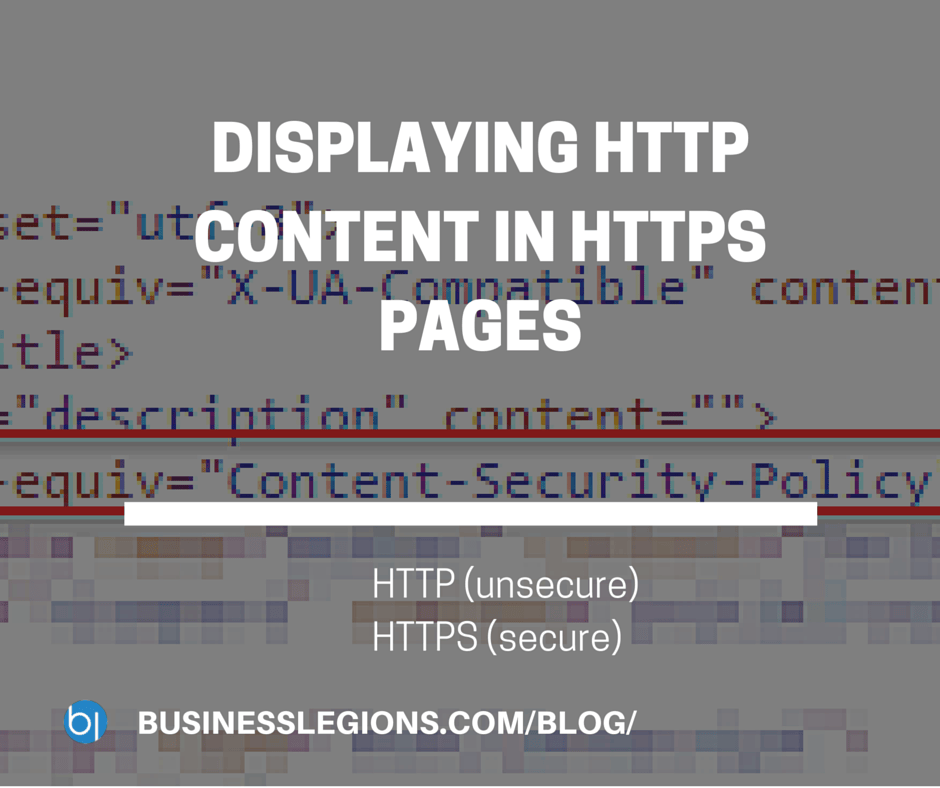
This week we had to look at an issue with displaying HTTP (insecure) content in a HTTPS (secure) page. According to a number of sites, different browsers by default don’t allow this as the HTTPS page is secure and displaying non-secure content is a no-no. This is called displaying MIXED CONTENT.
The error message you would see in the browsers developer console would be something like:
Mixed Content The page at https://website was loaded over HTTPS but requested an image http://website/image.gif This content should also be served over HTTPS.
The recommended solution is to make sure that all the HTTP content is changed to HTTPS so that everything on the HTTPS page is encrypted. This is a very tedious task. The way I solved this issue was to include a special meta tag at the header of the page to upgrade all HTTP links to HTTPS automatically.
The one I used was:


<meta http-equiv="Content-Security-Policy" content="upgrade-insecure-requests">
DISPLAYING HTTP CONTENT IN HTTPS PAGES

Marco / admin / 30 Nov
Writing day to day ramblings about making money, business, technology, sharing awesome deals and everything else that I know I'll forget. Follow my personal blog https://marcotran.com.au
I've recently also turned Vegan and started this website Veggie Meals - check it out
"When technology speaks for itself, that is art" - MT
Affiliate Compensated: there are some articles with links to products or services that I may receive a commission.
OTHER ARTICLES YOU MAY LIKE

REVIEWING AND UNBOXING THE TOOCKI USB-C RIGHT ANGLE 1.2M CABLE
USB C cables are among the most ordinary accessories we own, yet they can make a surprisingly noticeable difference to how comfortable our devices are to use while charging. The Toocki USB C right angle cable is a good example of a simple accessory that tries to solve a very common irritation, because instead of […]
read more
SUPABASE BACKUP TUTORIAL: USE DBEAVER TO EXPORT YOUR DATABASE SAFELY
If you are building anything serious on Supabase, whether that is a client portal, a SaaS app, an internal dashboard, or even a small side project that is starting to get traction, having a reliable database backup process is one of those tasks that quickly moves from optional to essential. Supabase makes a lot of […]
read more