
Microsoft Surface Pro 4 Intel Core M Bundle for $999
March 3, 2017 / by Marco / Categories : Business, deals, design, entrepreneur, website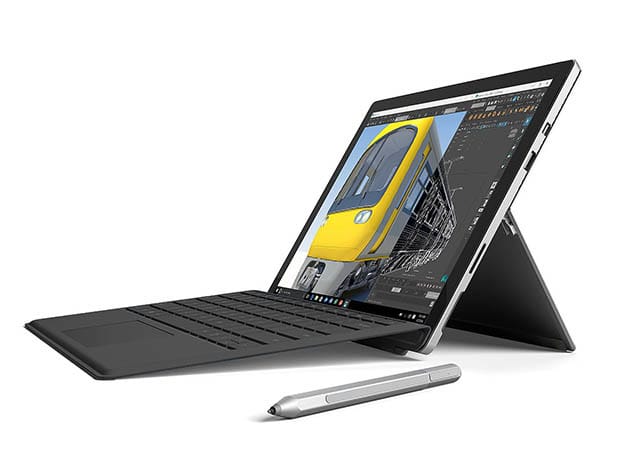

KEY FEATURES
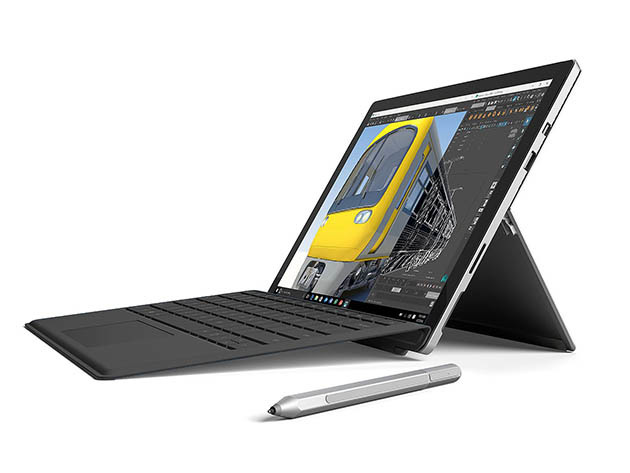
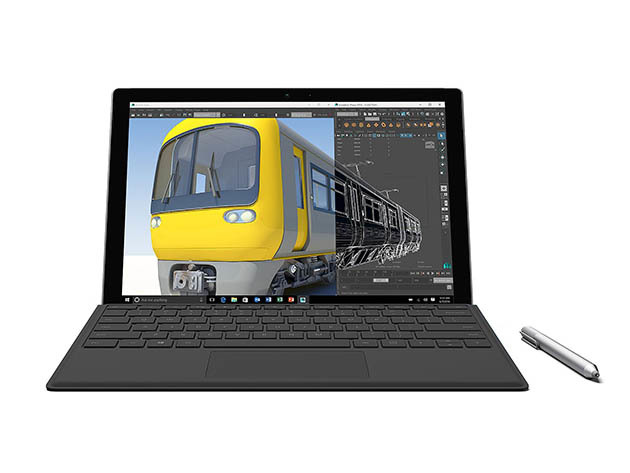
Lighter than a laptop, more powerful than a tablet, the Surface Pro 4 runs quieter, cooler, and works more efficiently than that tablet you’ve been using to scramble to finish presentations on the bus. Packing a 6th Gen Intel Core m3 processor, 128GB of hard disk space, and 4GB of RAM, this mini computer will make getting work done on the move a breeze. What’s more, this bundle includes a Surface Pen to work more intricately with the touchscreen, and a Surface Pro 4 Type Cover with a keyboard, so you won’t have to buy any more accessories.
- Work faster & more efficiently w/ foldable design, elite processor, & 4GB of RAM
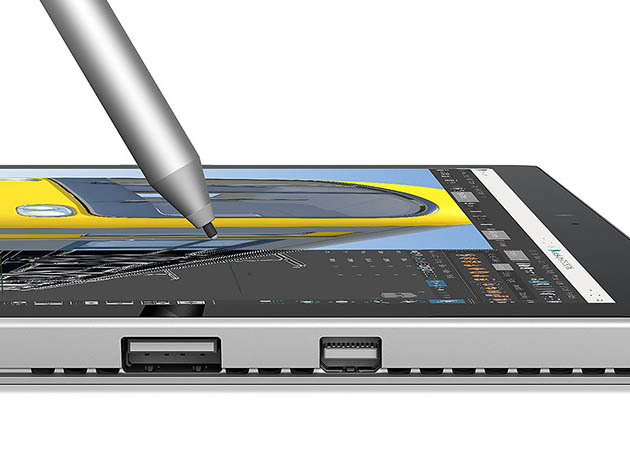
- Make design work or writing things down a breeze w/ the Surface Pen
- Protect your investment & type quicker w/ the included Surface Pro 4 Type Cover
PRODUCT SPECS
Details & Requirements
- Hard disk: 128GB
- 4GB RAM
- OS: Windows 10 Pro
- Processor: 6th Gen Intel Core m3
- Graphics: m3 Intel HD graphics
- Display size: 12.3″ PixelSense display
- Resolution: 2736 x 1824 (267 PPI)
- Webcam: 8MP rear-facing, 5MP front-facing
- Wi-Fi: 802.11ac/802.11 a/b/g/n
- Bluetooth 4.0
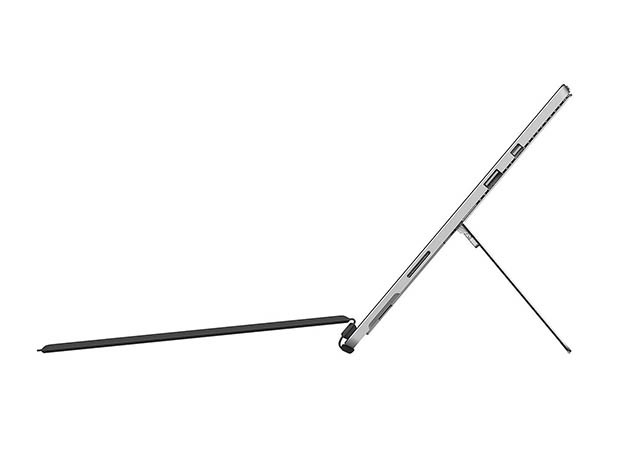
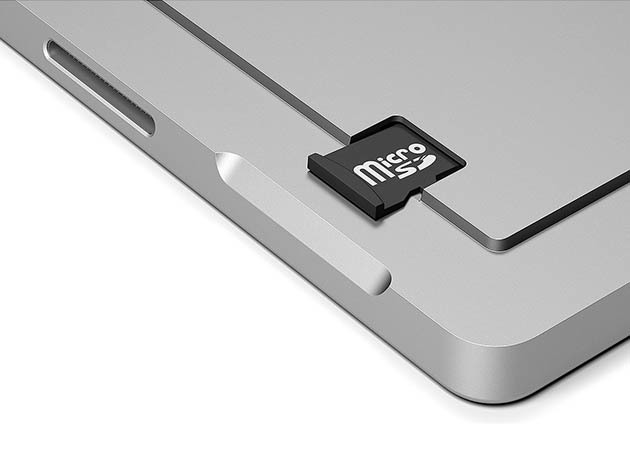
- Ports: USB 3.0, microSD card reader, headset jack, Mini DisplayPort, Cover Port, Surface connect
- Battery: lithium ion polymer battery
- Battery life: Up to 9 hours of video playback
Includes
- Microsoft Surface Pro 4 Intel Core M
- Surface Pen
- Surface Pro Type Cover (black)
- 65W power supply
- Quick start guide
- Safety and warranty documents

Marco / admin / 30 Nov
Writing day to day ramblings about making money, business, technology, sharing awesome deals and everything else that I know I'll forget. Follow my personal blog https://marcotran.com.au
I've recently also turned Vegan and started this website Veggie Meals - check it out
"When technology speaks for itself, that is art" - MT
Affiliate Compensated: there are some articles with links to products or services that I may receive a commission.
OTHER ARTICLES YOU MAY LIKE

REVIEWING AND UNBOXING THE TOOCKI USB-C RIGHT ANGLE 1.2M CABLE
USB C cables are among the most ordinary accessories we own, yet they can make a surprisingly noticeable difference to how comfortable our devices are to use while charging. The Toocki USB C right angle cable is a good example of a simple accessory that tries to solve a very common irritation, because instead of […]
read more
QUICK FIX TO CHANGE THE MAX SELL POWER TO LESS THAN 500W ON THE DEYE INVERTER
There are many reasons a home owner or installer might want to place a tight cap on how much solar power is exported to the public grid. Some households live under a strict export cap imposed by their local distribution network operator, others want to reduce export to focus on self consumption and battery charging, […]
read more

