
Easily Create Interactive HTML5 Animations with Tumult Hype for Mac – only $24!
April 17, 2017 / by Marco / Categories : Business, deals, design, entrepreneur, website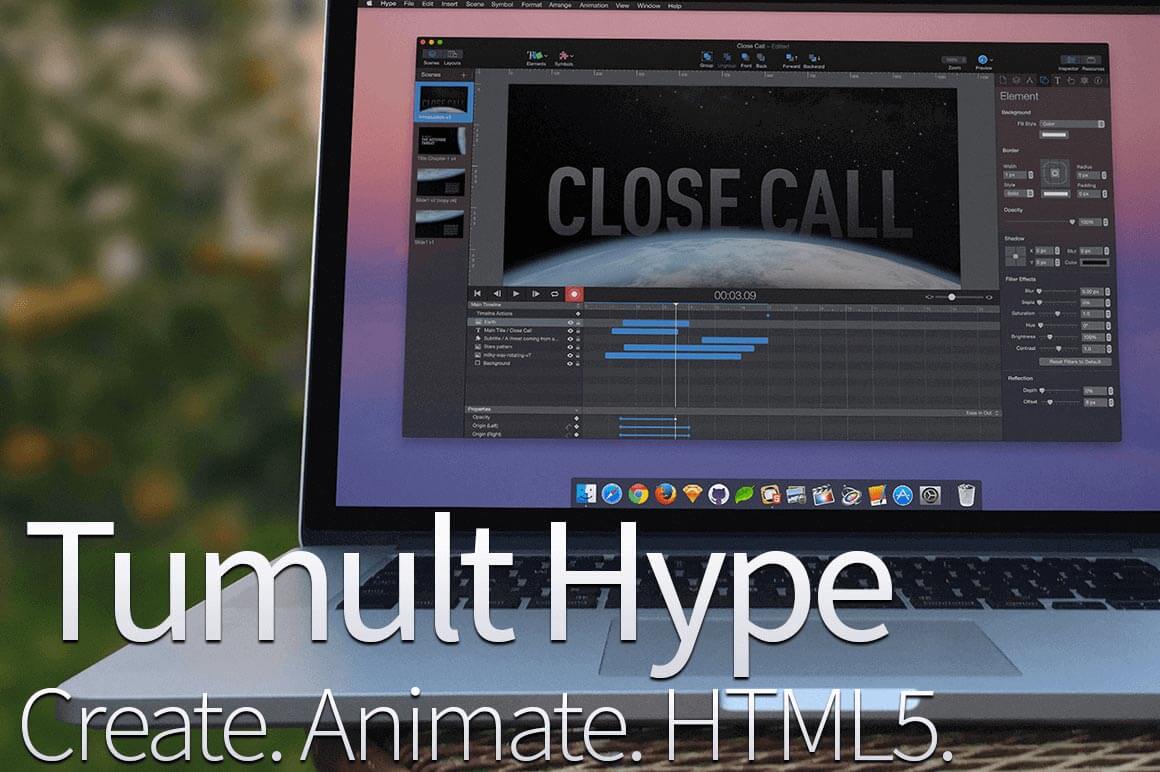

NOW ON: Easily Create Interactive HTML5 Animations with Tumult Hype for Mac – only $24!
Expires: April 24, 2017, 11:59 pm EST

Animations can turn the ordinary into the extraordinary! With Tumult Hype 3.6, even the extraordinary levels up! This amazing Mac app lets you easily and quickly whip up beautiful HTML5 animations that work on timelines or based on user interactions. These animations can be built with keyframes and will display across all of today’s modern screen sizes. And if you act now, you can get Tumult Hype today for less than half price!
Highlights:
- Easily create beautiful HTML5 animation in no time flat.
- Activate animations based on trigger input or timelines.
- Variety of uses for your animation – eCards, Infographics, Web pages, presentations. See the gallery of what others have made with Hype.
- Complete screen versatility – animates on desktop, laptop, tablets, iPhones, iPads.
- Keyframe-based animation system records your every move.
- Hype Pro extends the standard version with powerful features allowing for more advanced compositions. View the comparison page for all the details.


Hype Professional Edition
Getting Started using Hype
Pricing:
Normally, the Standard version of this robust tool sells for $49, but for a limited time only, you can get the Tumult Hype 3.6 Standard for just $24! OR pay just $47 to get your hands on the Professional version (normally $99).
Click the BUY NOW button to choose your preferred version and get animated today!
Deal terms:
- You will receive your serial key instantly after completing your purchase.
- Requires Mac OS X 10.8 (Mountain Lion) or later.
- Your name and email address will be sent to the vendor, for the purpose of generating and registering your serial key.
- Licensed on a per user basis.

Marco / admin / 30 Nov
Writing day to day ramblings about making money, business, technology, sharing awesome deals and everything else that I know I'll forget. Follow my personal blog https://marcotran.com.au
I've recently also turned Vegan and started this website Veggie Meals - check it out
"When technology speaks for itself, that is art" - MT
Affiliate Compensated: there are some articles with links to products or services that I may receive a commission.
OTHER ARTICLES YOU MAY LIKE

USE THESE TOOLS TO BUILD YOUR BUSINESS
Building a business has never been short on ambition, but it has often been short on time, budget, and operational headroom. Founders are expected to market like a media team, sell like a seasoned closer, support customers around the clock, manage projects with precision, and still find space to think strategically. That is exactly why […]
read more
HOW TO USE SPLIT VIEW IN GOOGLE CHROME
Google Chrome is full of useful features that many people never notice until they appear by accident during everyday browsing. One of those quietly helpful tools is Split View, a feature that makes it much easier to work with two tabs side by side in the same browser window. If you regularly compare documents, read […]
read more

