
HOW TO CHANGE HOLDEN ASTRA SEDAN 2000 TAIL LIGHT
April 22, 2017 / by Marco / Categories : Business
I don’t hate you…. whoever hit my car. It’s a bit an inconvenience and I guess doing a hit and run is not the nicest thing to do to a stranger but life just goes on. It did almost come to a halt (driving wise) when the mechanic said I needed to replace the tail light otherwise it will not pass the pink slip. Apparently, it’s not legal to drive around the car with a broken tail light, in particular, if you can see the white part of the tail light (the reflection). I ended up finding a second-hand pair for only $50 and thought it was a bargain until I realised it was the wrong size when I tried installing it.
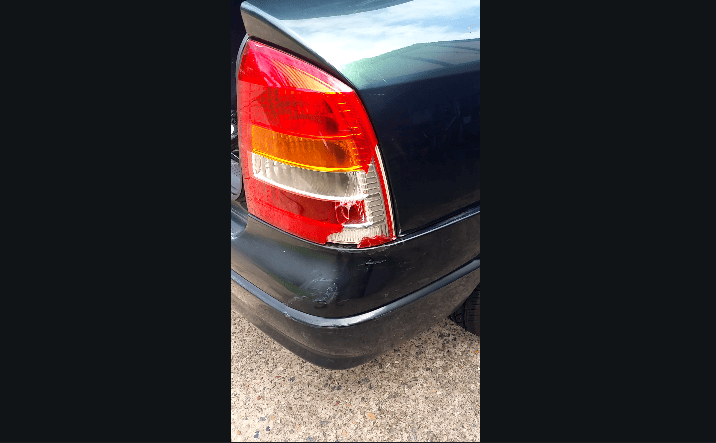
Apparently, the sedan and hatchback are two different sizes (the hatchback is wider than the sedan) so if you’re looking at replacing it make sure it’s the correct size. I decided to create a short video on how to change the Holden Astra Sedan Model 2000 tail light. It’s very easy to do and here’s the video.
The steps are as follows:
1. Remove plastic cover
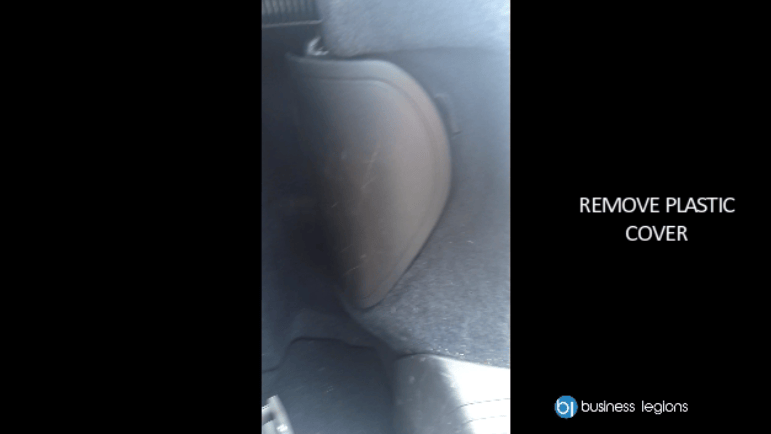
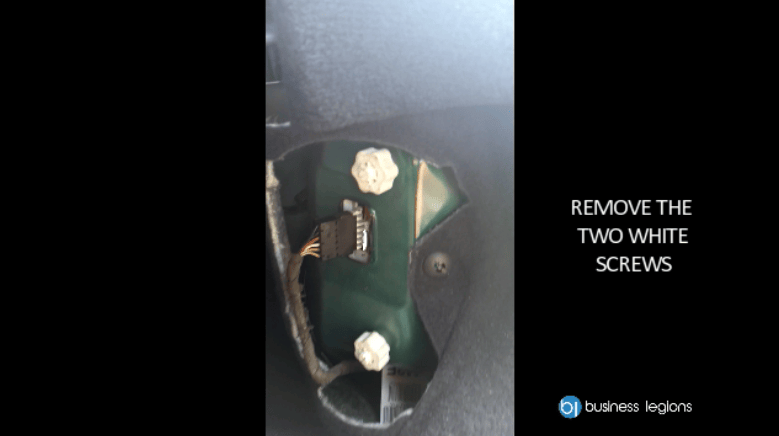
2. Remove the two white screws
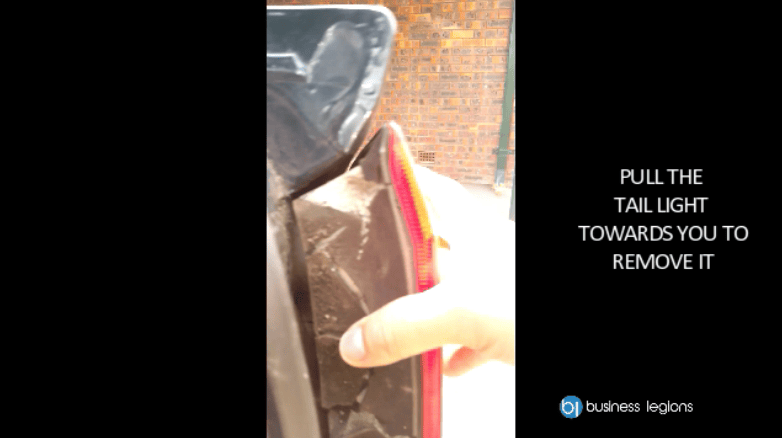
3. Pull the tail light towards you to remove it
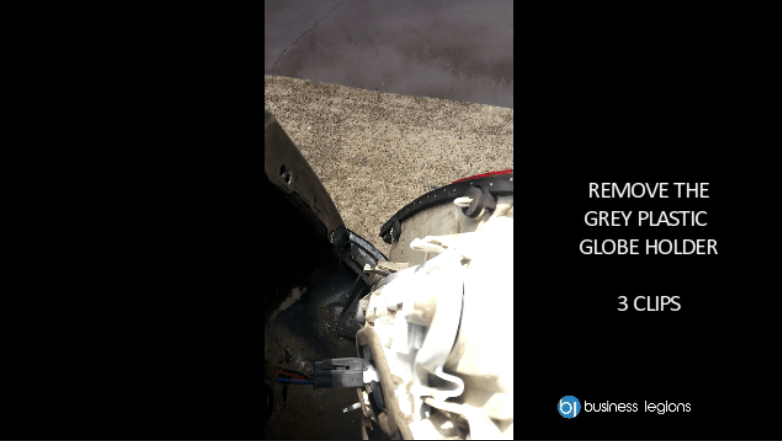
4. Remove the grey plastic globe holder – 3 clips in total
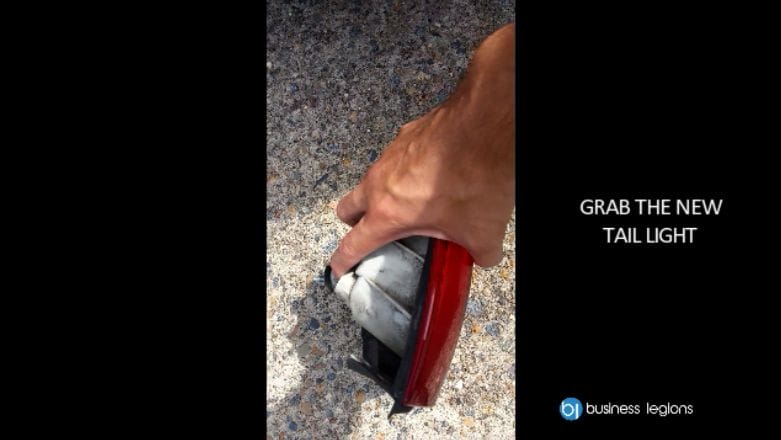
5. Grab the new tail light
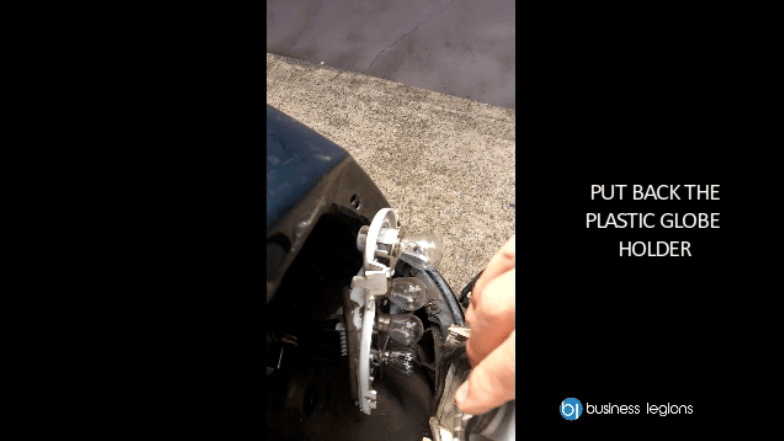
6. Put back the plastic globe holder and make sure it’s clipped
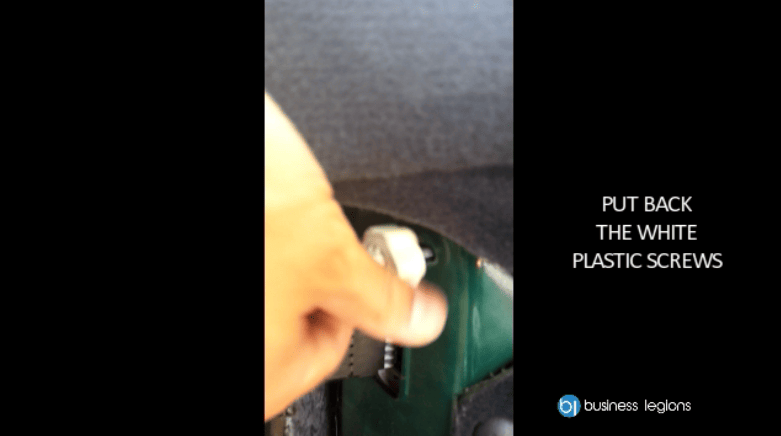
7. Put back the white plastic screws
8. Put back the back plastic cover
9. Test to make sure the indicator lights work
If you’re wondering what software tool I’m using to create this video it’s called Filmora for Windows or Filmora for Mac. It’s an easy to use and powerful video editor which I think you would love. If you use the coupon code BSA-R9AY-YBUK you’ll also get 30% off which is a bargain or just click on this link to automatically receive the discount Filmora for Windows or Filmora for Mac
Our Sponsors
- Fitness Mania

Everything to do with fitness products ranging from gym equipment, fitness clothing, protein powder and lots more.
- My Healthy App
My Healthy App curates all the best and latest mobile health apps.



Marco / admin / 30 Nov
Writing day to day ramblings about making money, business, technology, sharing awesome deals and everything else that I know I'll forget. Follow my personal blog https://marcotran.com.au
I've recently also turned Vegan and started this website Veggie Meals - check it out
"When technology speaks for itself, that is art" - MT
Affiliate Compensated: there are some articles with links to products or services that I may receive a commission.
OTHER ARTICLES YOU MAY LIKE
HOW TO USE GOOGLE WORKSPACE STUDIO FLOW IN GMAIL FOR SMART EMAIL AUTOMATION
Google keeps slipping new productivity features into Workspace, and sometimes the most useful ones are the tools you almost discover by accident while checking email. That is exactly the case with Studio Flow, a feature that has started appearing inside Gmail and wider Google Workspace environments, and it looks like Google is pushing further into […]
read more
USE FUSEBASE TO AUTOMATE TEAMWORK AND COLLABORATION
If your business is growing, your team is juggling too many moving parts, and your client communication is spread across email threads, chat apps, documents, task boards, and endless follow ups, there is a good chance the real problem is not effort but fragmentation. Most businesses do not lose time because people are lazy. They […]
read more

