
Pagico 8.7 for $19
June 1, 2017 / by Marco / Categories : Business, deals, design, entrepreneur, website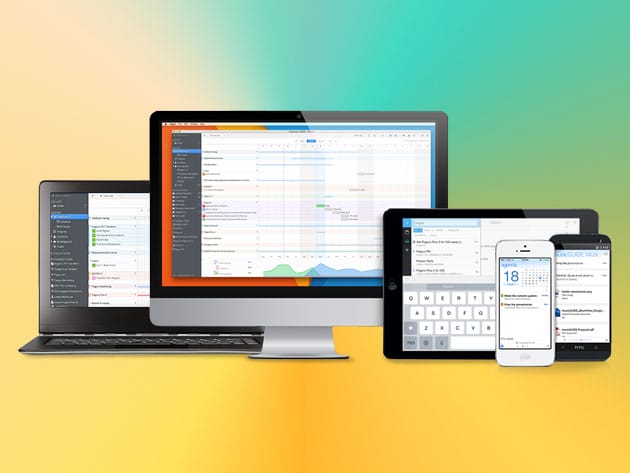

KEY FEATURES
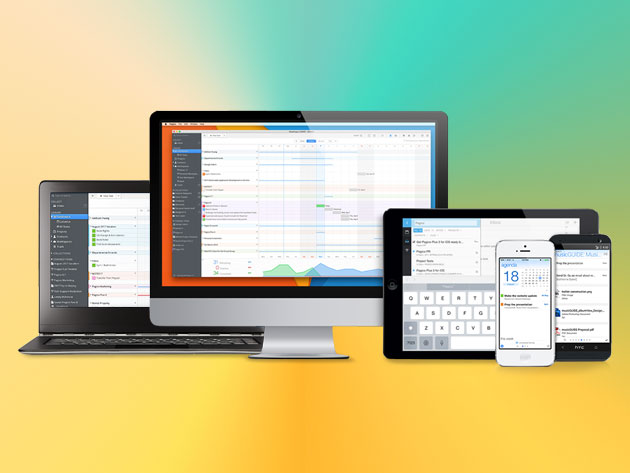
In today’s digital world, there’s simply too much out there trying to distract you from what’s important—until now. Pagico is a one-stop app that helps turn all of your tasks, notes, and projects into beautiful interactive flowcharts. They’ll keep you in check so you can get things done in a much more effective manner. With the newest 8.7 release, you get 14 new features and over 50 improvements to make this already awesome task manager even more flexible, powerful, and user-friendly.
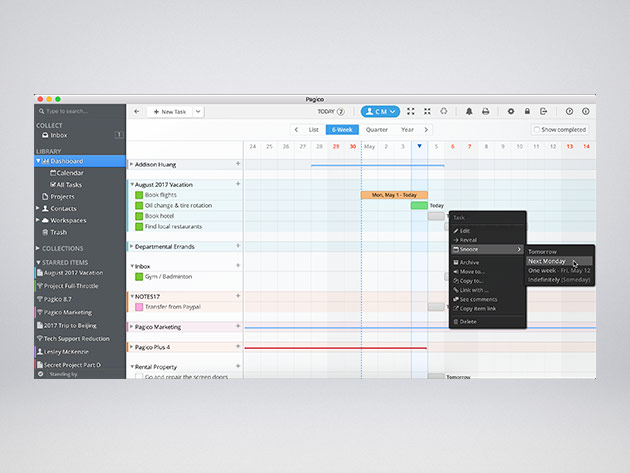
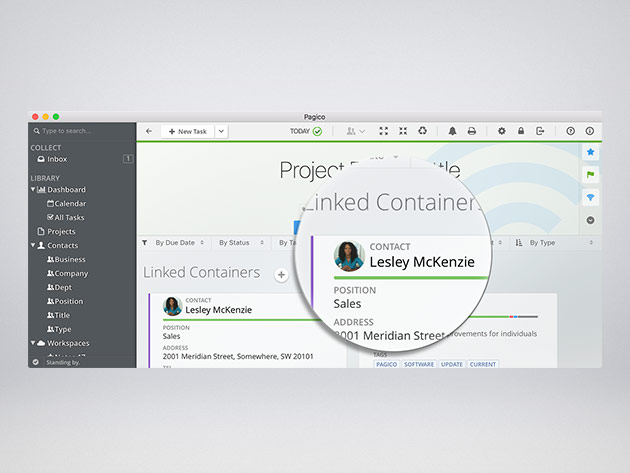
- Easily manage all your projects and contacts and stay on track with the interactive flowchart
- Use sub-projects & sub-containers to get details about targets without actually opening them
- Manage and browse hundreds of projects with ease using the powerful tag browser
- View an integrated timeline of a container that includes content from sub-containers so you can see all the nitty-gritty details
- Clone sub-containers & customize data adjustments to make project templating easier
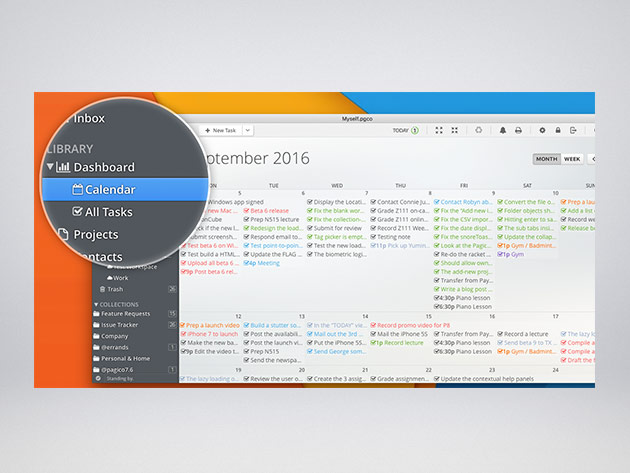
- Schedule and reschedule easily through the brand-new calendar view and powerful context menu commands
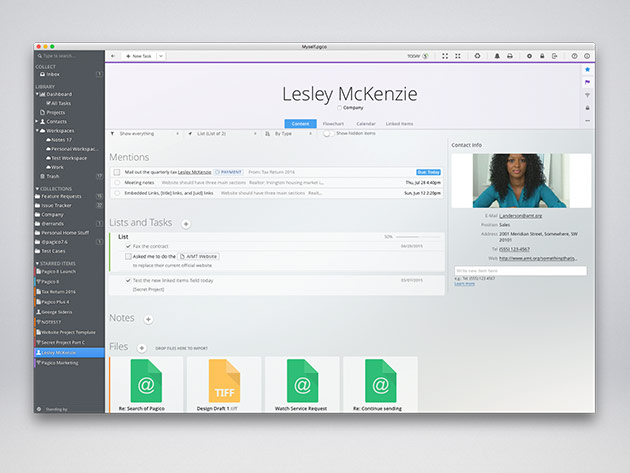
- Manage tasks, notes and files all together and cross link everything with ease
- Sync data with your mobile devices (or other computers) for free for 6 months
- Generate local Pagico links to any object in your database w/ cross-application item links
- Automatically identify all of your teammates & filter Dashboard & several other views by individual teammate
PRODUCT SPECS
Details & Requirements
- Version 8.7
- Updates included
Compatibility
- Mac OS X 10.7 or later
- Windows 7 or later
- Ubuntu 14.04 or later, 64-bit only
- iOS and Android
SOFTWARE LICENSE DETAILS
- License redemption deadline: redeem within 30 days of purchase
- Restrictions: for use on 1 computer

Marco / admin / 30 Nov
Writing day to day ramblings about making money, business, technology, sharing awesome deals and everything else that I know I'll forget. Follow my personal blog https://marcotran.com.au
I've recently also turned Vegan and started this website Veggie Meals - check it out
"When technology speaks for itself, that is art" - MT
Affiliate Compensated: there are some articles with links to products or services that I may receive a commission.
OTHER ARTICLES YOU MAY LIKE

EASY TYRE PRESSURE SENSOR RESET TUTORIAL | RENAULT KOLEOS & SIMILAR CARS
If you have recently adjusted your tyres, topped up the air pressure, or seen a warning appear on your dashboard, knowing how to reset the tyre pressure monitoring system on a Renault Koleos can save you time and unnecessary worry. The process is quite straightforward once you know where to look in the vehicle menu, […]
read moreHOW TO USE GOOGLE WORKSPACE STUDIO FLOW IN GMAIL FOR SMART EMAIL AUTOMATION
Google keeps slipping new productivity features into Workspace, and sometimes the most useful ones are the tools you almost discover by accident while checking email. That is exactly the case with Studio Flow, a feature that has started appearing inside Gmail and wider Google Workspace environments, and it looks like Google is pushing further into […]
read more


