
HOW TO FIX ISSUE WORDPRESS PLUGIN BANNER ADS ROTATOR NOT DISPLAYING AD BANNERS PAGE
June 20, 2017 / by Marco / Categories : Business, TIP AND TRICKS, wordpress, Wordpress
I’ve been using the Banner Ads Rotator plugin on several of my WordPress sites to display different types of banners on the sites. I recently stumbled on an issue whereby when I tried clicking on Ads Banner, it would go to a default error page.
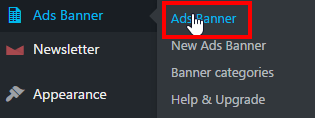
I just needed to go in there and delete some banners but couldn’t do this and was very frustrated. It would go to this URL: http://www.businesslegions.com/wp-admin/edit.php?post_type=ads_banner

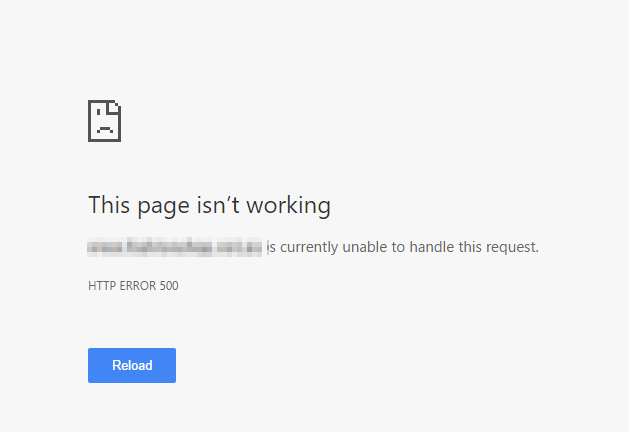
This would be the error message:
This page isn’t working
www.businesslegions.com/blog/ is currently unable to handle this request.
HTTP ERROR 500
The fix was quite simple and I think it is related to the accumulation of stats gathered for each banner. The simple way I got around it was to login to the database and empty the stats table. To do this follow these step by step instructions:
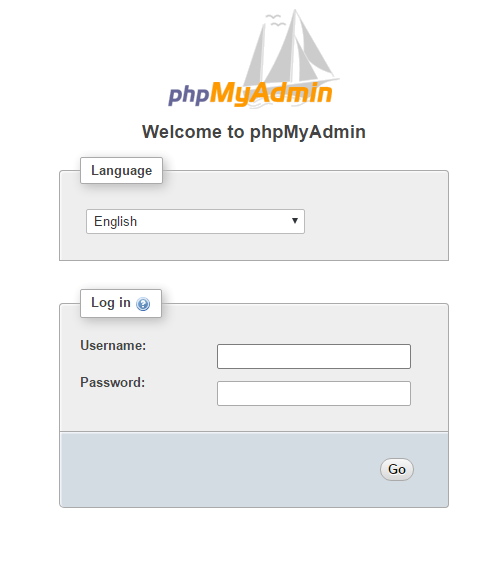
Login to your phpmyadmin page
Let’s check to make sure it’s the correct table, by selecting your database and clicking on the table called wp_bar_info
You will notice that it will have a lot of entries, and it will have a column called bannerid. That’s the correct table (if you are unsure, then I recommend you backup the database before making any changes to it)
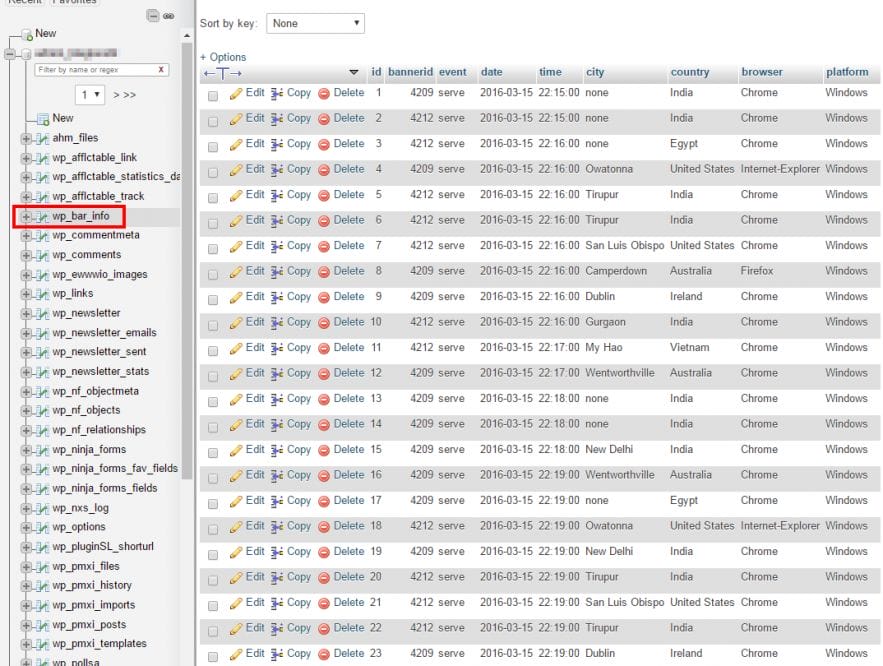
Now click on the database name
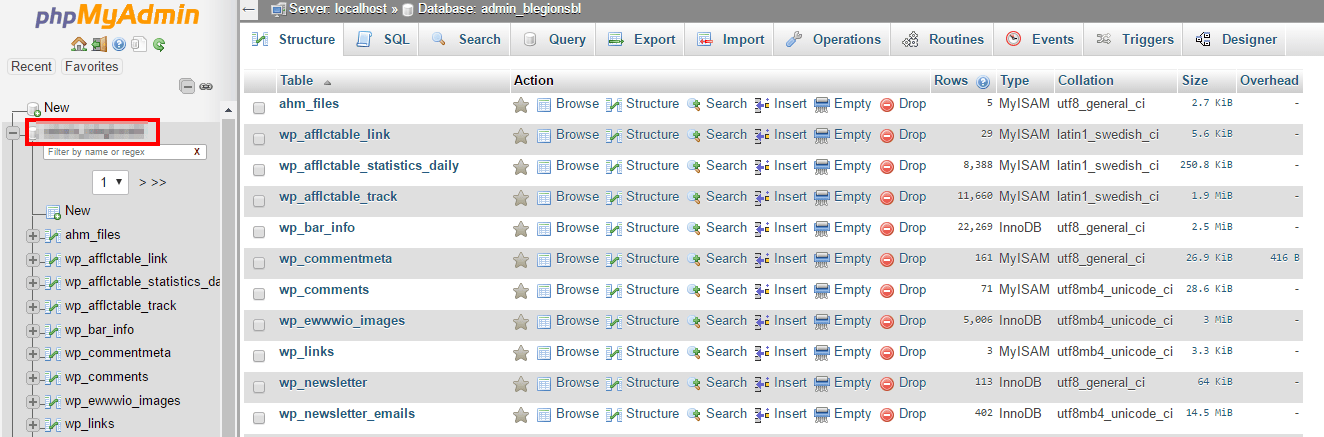
Then on the right hand side you will see all the tables. Click on the Empty button for the wp_bar_info table. If you look at the below screenshot you will notice this table was 105.6MiB which was quite large.

You will receive the following message when the table is emptied. You will also notice the table is now 0 
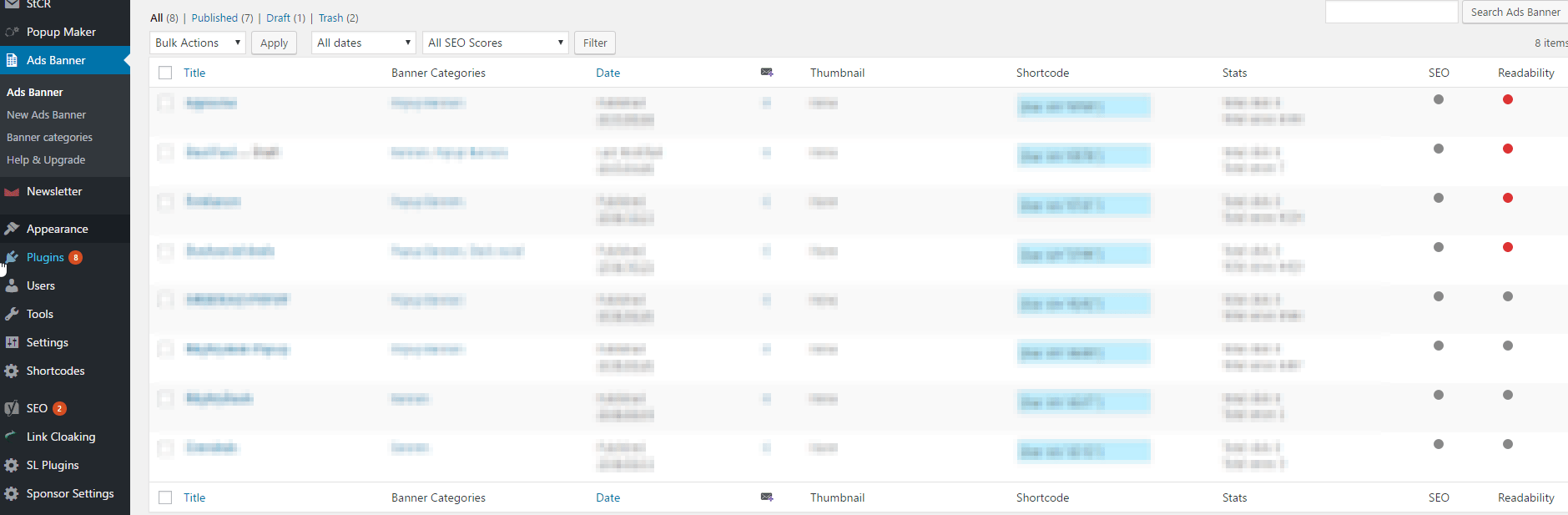
Now go back to the Ad Banner and it should now work.
Hopefully, this has helped someone out there using this plugin and WordPress. If you still need any help, leave me a comment and I’ll try my best to help.
Our Sponsors
- Advertise Me Pty Ltd

Digital Signage Solutions


Marco / admin / 30 Nov
Writing day to day ramblings about making money, business, technology, sharing awesome deals and everything else that I know I'll forget. Follow my personal blog https://marcotran.com.au
I've recently also turned Vegan and started this website Veggie Meals - check it out
"When technology speaks for itself, that is art" - MT
Affiliate Compensated: there are some articles with links to products or services that I may receive a commission.
OTHER ARTICLES YOU MAY LIKE

EASY TYRE PRESSURE SENSOR RESET TUTORIAL | RENAULT KOLEOS & SIMILAR CARS
If you have recently adjusted your tyres, topped up the air pressure, or seen a warning appear on your dashboard, knowing how to reset the tyre pressure monitoring system on a Renault Koleos can save you time and unnecessary worry. The process is quite straightforward once you know where to look in the vehicle menu, […]
read moreHOW TO USE GOOGLE WORKSPACE STUDIO FLOW IN GMAIL FOR SMART EMAIL AUTOMATION
Google keeps slipping new productivity features into Workspace, and sometimes the most useful ones are the tools you almost discover by accident while checking email. That is exactly the case with Studio Flow, a feature that has started appearing inside Gmail and wider Google Workspace environments, and it looks like Google is pushing further into […]
read more

