
Google Sheets Mastery Course for $10
June 23, 2017 / by Marco / Categories : Business, deals, design, entrepreneur, website

KEY FEATURES
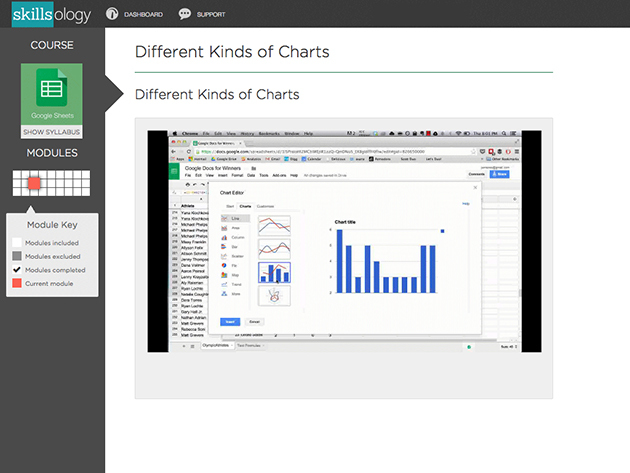
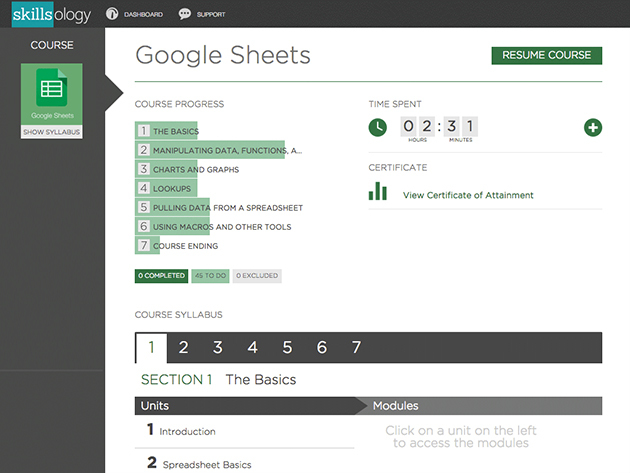
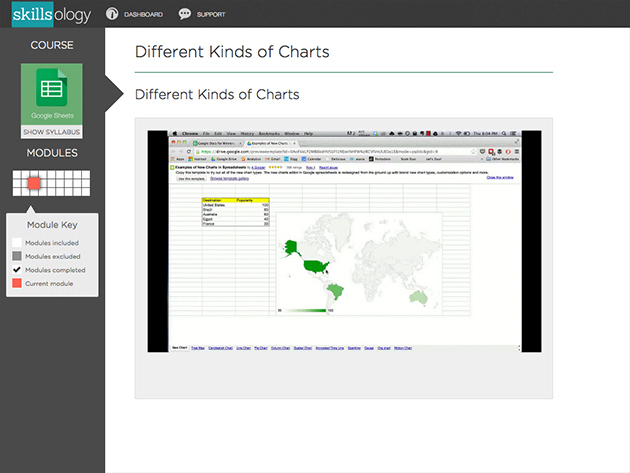
Sometimes the best tools in business are free, and Google Sheets is a shining example. This course offers a step-by-step approach to mastering Google Sheets so that you can easily adjust the way data is displayed and write formulas in no time at all. Craft professional-looking graphs and increase your productive so to quickly improve your job prospects and potential salary increases.
- Master Google Sheets in as little as 6 hours
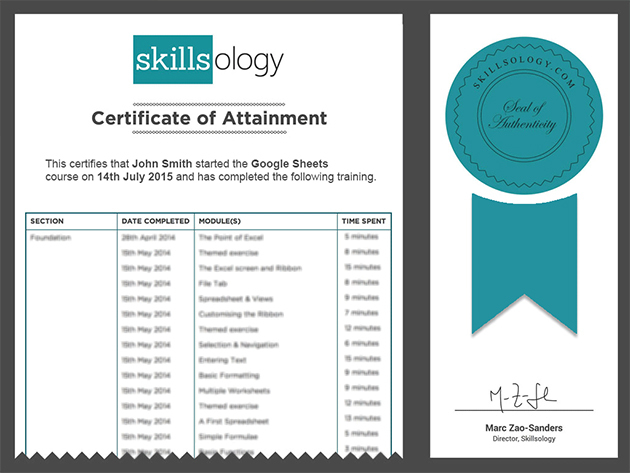
- Earn a course certificate when you’re done
- Take courses at your own pace
- Learn how to use advanced tools such as Macros, ImportHTML & Scripts
- Write formulas quickly w/ the point & click method
- Understand how to automate tasks to save time
- Learn shortcuts so you can be super productive
PRODUCT SPECS
Details & Requirements
- Length of time users can access this course: 12 months
- Access options: web streaming
- Certification of completion included
- Redemption deadline: redeem your code within 30 days of purchase
- Experience level required: all levels
Compatibility
- Internet required
- Google account
THE EXPERT
Justin Mares formerly ran growth at developer-tools company Exceptional (acquired by Rackspace in March of 2013). At Exceptional, he was responsible for growth and revenue across three separate developer tool products. While there, he built and managed an inside sales team, cut churn by more than 60%, tripled organic traffic, improved conversion rates through a series of A/B tests, and doubled average revenue per customer. In this role selling to developers, he also taught himself how to program (poorly), use tools like SQL and R, and familiarized himself with the entire stack of web technologies. Justin is also the co-author of “Traction Book,” a book about how startups can get traction.
For more details on this course and instructor, click here.

Marco / admin / 30 Nov
Writing day to day ramblings about making money, business, technology, sharing awesome deals and everything else that I know I'll forget. Follow my personal blog https://marcotran.com.au
I've recently also turned Vegan and started this website Veggie Meals - check it out
"When technology speaks for itself, that is art" - MT
Affiliate Compensated: there are some articles with links to products or services that I may receive a commission.
OTHER ARTICLES YOU MAY LIKE
HOW TO USE GOOGLE WORKSPACE STUDIO FLOW IN GMAIL FOR SMART EMAIL AUTOMATION
Google keeps slipping new productivity features into Workspace, and sometimes the most useful ones are the tools you almost discover by accident while checking email. That is exactly the case with Studio Flow, a feature that has started appearing inside Gmail and wider Google Workspace environments, and it looks like Google is pushing further into […]
read more
USE FUSEBASE TO AUTOMATE TEAMWORK AND COLLABORATION
If your business is growing, your team is juggling too many moving parts, and your client communication is spread across email threads, chat apps, documents, task boards, and endless follow ups, there is a good chance the real problem is not effort but fragmentation. Most businesses do not lose time because people are lazy. They […]
read more


