
Preview and Export Markdown Files with Marked 2 for Mac – only $8.99!
July 19, 2017 / by Marco / Categories : Business, deals, design, entrepreneur, website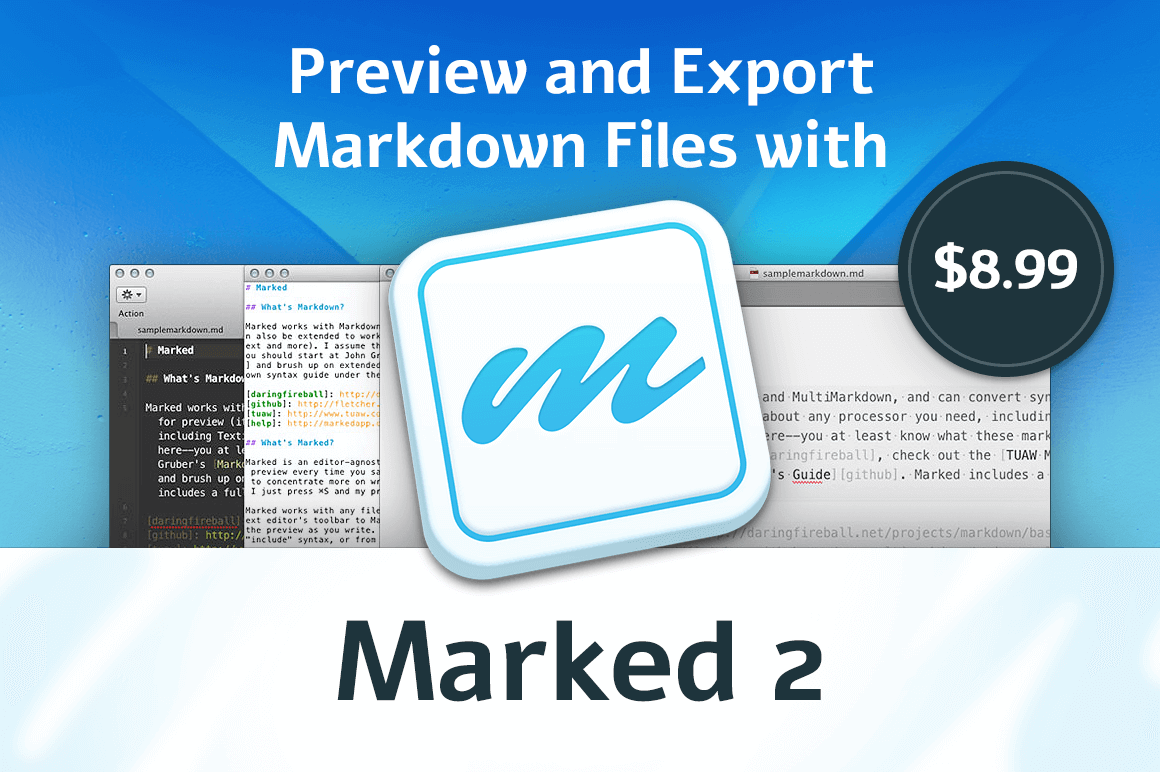

NOW ON: Preview and Export Markdown Files with Marked 2 for Mac – only $8.99!
Expires: July 25, 2017, 11:59 pm EST

If you’re a user of Markdown files then you owe it to yourself to grab this Mighty Deal today! Marked 2 is a powerful Mac app that easily lets you preview and export your Markdown files. With loads of document stats, export options and preview styles, you can focus in on the actual content and let the formatting and syntax sort itself out.
Highlights:
- Focus on actual content, not syntax or formatting.
- Easily preview and export documents from Markdown files.
- 9 professional preview styles – you can even add your own CSS.
- Advanced document stats – word count, character count, readability scores, reading time.
- Multiple file export options – HTML with optional embedded images, paginated PDF with headers and footers, Rich Text and more.


Mark 2 Link Tools
Mark 2 Document Navigation
Pricing:
Normally this powerful writer’s tool sells for $13.99, but for a limited time only, you can get Marked 2 for only $8.99! That’s a savings of 36% off the regular price.
Click the BUY NOW button to mark this deal down today!
Deal terms:
- You will receive a coupon code to redeem on the vendors website, to register and obtain your serial key instantly, after completing your purchase.
- Marked 2 is for Mac only and is compatible with Mac OS X 10.9.5 or later, including macOS Sierra.
- Licensed on a per user basis.

Marco / admin / 30 Nov
Writing day to day ramblings about making money, business, technology, sharing awesome deals and everything else that I know I'll forget. Follow my personal blog https://marcotran.com.au
I've recently also turned Vegan and started this website Veggie Meals - check it out
"When technology speaks for itself, that is art" - MT
Affiliate Compensated: there are some articles with links to products or services that I may receive a commission.
OTHER ARTICLES YOU MAY LIKE

EASY TYRE PRESSURE SENSOR RESET TUTORIAL | RENAULT KOLEOS & SIMILAR CARS
If you have recently adjusted your tyres, topped up the air pressure, or seen a warning appear on your dashboard, knowing how to reset the tyre pressure monitoring system on a Renault Koleos can save you time and unnecessary worry. The process is quite straightforward once you know where to look in the vehicle menu, […]
read moreHOW TO USE GOOGLE WORKSPACE STUDIO FLOW IN GMAIL FOR SMART EMAIL AUTOMATION
Google keeps slipping new productivity features into Workspace, and sometimes the most useful ones are the tools you almost discover by accident while checking email. That is exactly the case with Studio Flow, a feature that has started appearing inside Gmail and wider Google Workspace environments, and it looks like Google is pushing further into […]
read more

