
Data Rescue 4 for $49
August 16, 2017 / by Marco / Categories : Business, deals, design, entrepreneur, website


KEY FEATURES
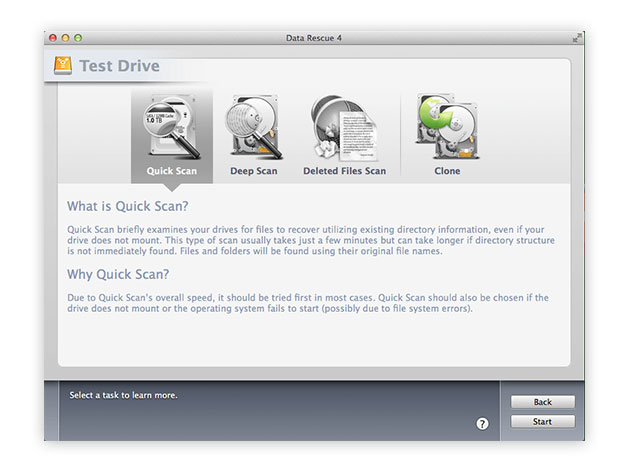
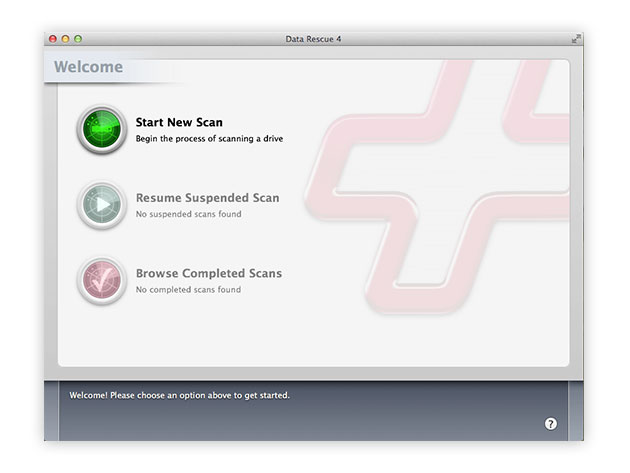
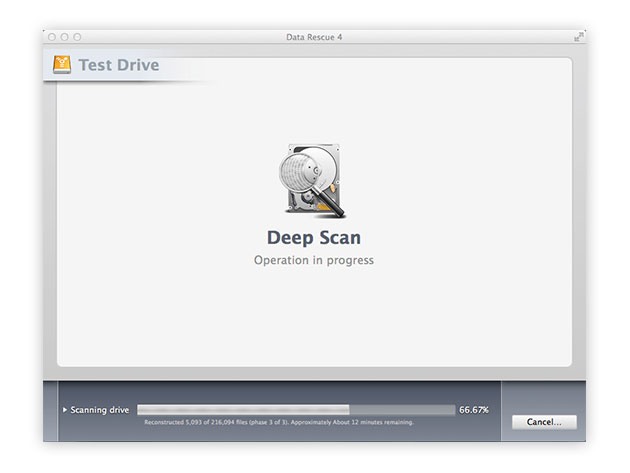
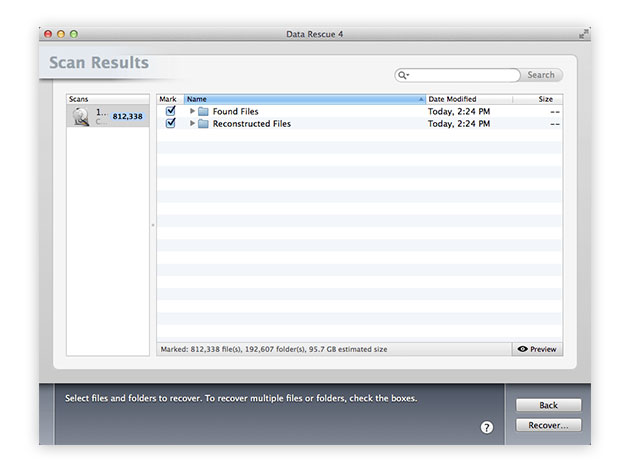
Data Rescue 4 is the gold-standard when it comes to data recovery for your Mac. With Data Rescue 4 for Mac, you’ll be able to recover your photos, videos and documents after a hard drive crash or a reinstallation of your OS. You can even recover files after you mistakenly delete them.
TopTenReviews Gold Award Winner for Mac Data Recovery Software
‘Data Rescue 4 remains your best hope for recovering data from a physically functional drive without having to send it to a dedicated outfit where technicians in clean rooms will replace drive components in clean rooms for hundreds or thousands of dollars,’ 4/5 Stars, Macworld
- Works on all Mac hard drives even if they fail to or only partially mount
- Recovers data from up to 5 drives
- Recovers crashed, corrupted & non-mounting hard drives
- Simplifies data recovery after a crash w/ Bootwell
- Recovers damaged & missing files
- Clones an exact copy of your hard drive for quicker recovery
- Recovers digital pictures from your camera even after it’s been erased or reformatted
- Supports data recovery from NTFS-based Boot Camp Partitions
PRODUCT SPECS
Details & Requirements
- Version 4
- Recovers data from up to 5 drives, unlimited in size
- Online and phone (US) support available
- To prevent your files from being overwritten, Data Rescue requires you to have a second hard drive to recover to
- Dara Rescue cannot recover an ethernet or WiFi connected hard drive
Compatibility
- Mac OS X 10.8 or later
- Languages: English
- Note: recovering files from your Mac’s startup disk requires you to boot from ProSoft’s BootWell USB flash drive ($15), or you can provide your own 16GB USB flash drive and use Data Rescue to create a BootWell volume with it
SOFTWARE LICENSE DETAILS
- Redemption: must redeem within 30 days of purchase
- Restrictions: for use on 1 computer

Marco / admin / 30 Nov
Writing day to day ramblings about making money, business, technology, sharing awesome deals and everything else that I know I'll forget. Follow my personal blog https://marcotran.com.au
I've recently also turned Vegan and started this website Veggie Meals - check it out
"When technology speaks for itself, that is art" - MT
Affiliate Compensated: there are some articles with links to products or services that I may receive a commission.
OTHER ARTICLES YOU MAY LIKE
USE THESE TOOLS TO BUILD YOUR BUSINESS
Building a business has never been short on ambition, but it has often been short on time, budget, and operational headroom. Founders are expected to market like a media team, sell like a seasoned closer, support customers around the clock, manage projects with precision, and still find space to think strategically. That is exactly why […]
read more
HOW TO USE SPLIT VIEW IN GOOGLE CHROME
Google Chrome is full of useful features that many people never notice until they appear by accident during everyday browsing. One of those quietly helpful tools is Split View, a feature that makes it much easier to work with two tabs side by side in the same browser window. If you regularly compare documents, read […]
read more

