
CameraBag Cinema for Mac for $24
September 6, 2017 / by Marco / Categories : Business, deals, design, entrepreneur, website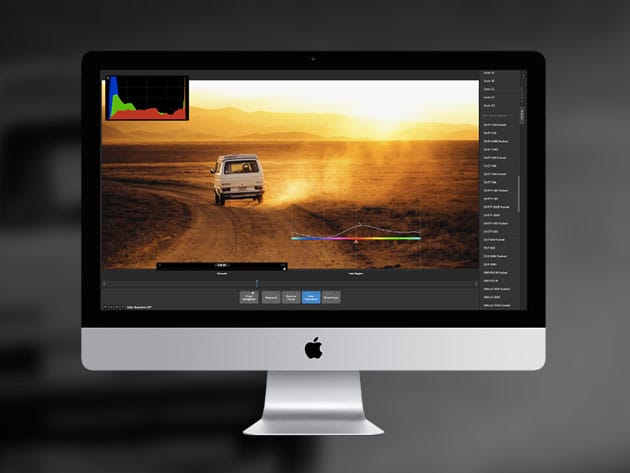

KEY FEATURES
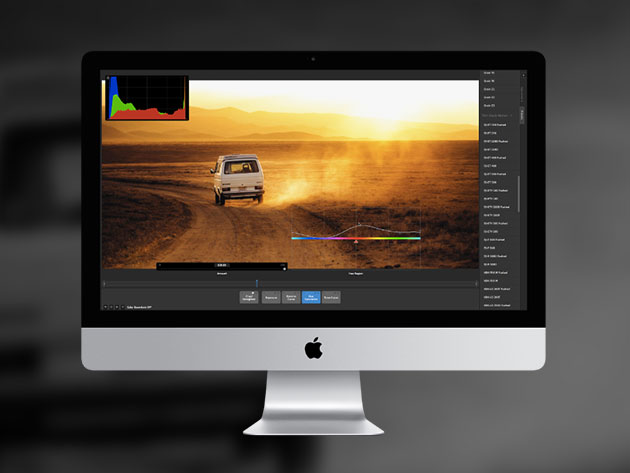
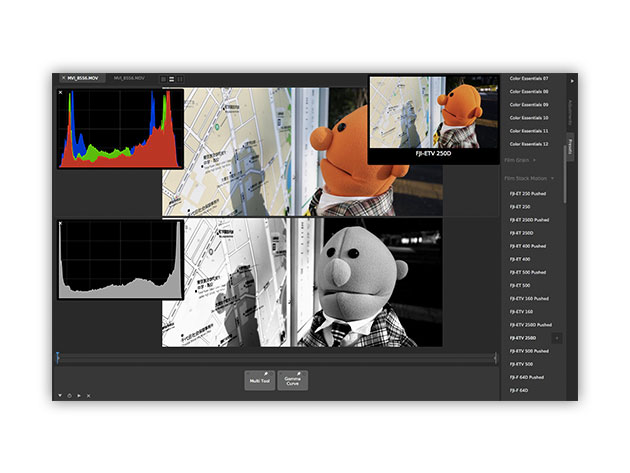
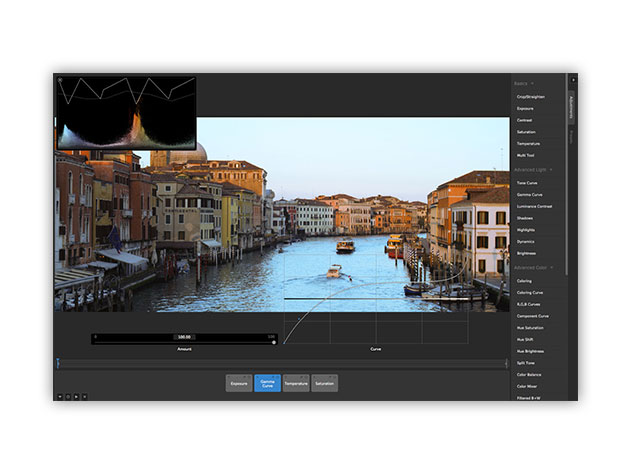
What would it be like to shoot a Star Wars movie on a Mac? Well, you’ll never know, but you’ll get a pretty dang good emulation with the stand-alone 4K+ video filtering, color grading, and film emulation of CameraBag Cinema. Packed with elite tools, this software will revolutionize the way you think about amateur videography, and might just turn a hobby into a career.
4.5/5 Stars, Mac App Store
4/5/5 Stars, Softpedia
- 96-bit Analog Engine ensures your shots retain smooth color gradations even w/ many adjustments
- Easy native editing of ultra-high-resolution R3D files are extra conducive to users w/ RED cameras
- LUT support allows you to export filters you design in the software to external software or camera monitors
- Batch processing handles many adjustments, pre-made filters, resizing, & more w/ ease
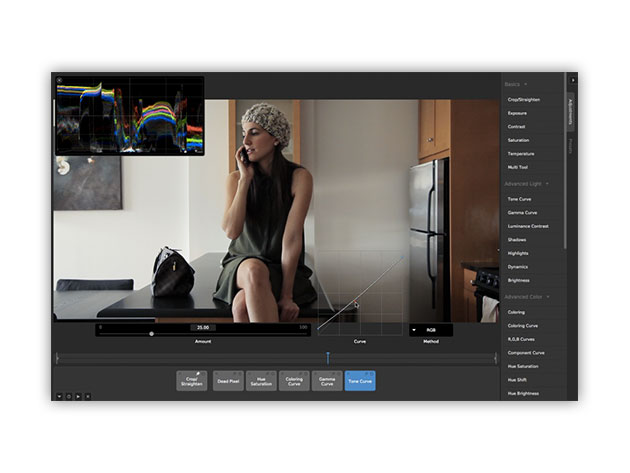
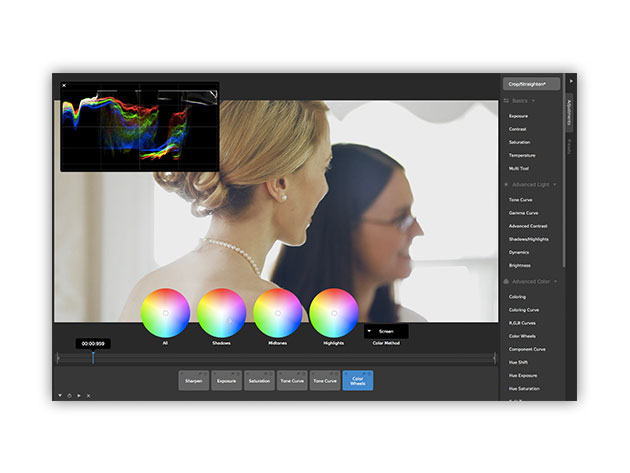
- Curve-based color grading gives you the ultimate control of color
- Stand-alone editing allows you to use CameraBag Cinema alongside any editing software you like
- Modeled film grain is modeled to create truly lifelike film grain
- Works just as well on photos as it does on videos
PRODUCT SPECS
Details & Requirements
- Version 3.0.1
- Minor updates included
Compatibility
- Mac OS X 10.9 or later
- Intel CPU (Core 2 Duo or better)
SOFTWARE LICENSE DETAILS
- Redemption: must redeem within 30 days of purchase
- Length of access: lifetime access to minor updates
- Restrictions: for use on 1 computer
- Note: you may only upgrade on the original computer you redeemed the software on. You may email support@nevercenter.com for questions regarding upgrades.

Marco / admin / 30 Nov
Writing day to day ramblings about making money, business, technology, sharing awesome deals and everything else that I know I'll forget. Follow my personal blog https://marcotran.com.au
I've recently also turned Vegan and started this website Veggie Meals - check it out
"When technology speaks for itself, that is art" - MT
Affiliate Compensated: there are some articles with links to products or services that I may receive a commission.
OTHER ARTICLES YOU MAY LIKE
HOW TO USE GOOGLE WORKSPACE STUDIO FLOW IN GMAIL FOR SMART EMAIL AUTOMATION
Google keeps slipping new productivity features into Workspace, and sometimes the most useful ones are the tools you almost discover by accident while checking email. That is exactly the case with Studio Flow, a feature that has started appearing inside Gmail and wider Google Workspace environments, and it looks like Google is pushing further into […]
read more
USE FUSEBASE TO AUTOMATE TEAMWORK AND COLLABORATION
If your business is growing, your team is juggling too many moving parts, and your client communication is spread across email threads, chat apps, documents, task boards, and endless follow ups, there is a good chance the real problem is not effort but fragmentation. Most businesses do not lose time because people are lazy. They […]
read more

