
Roxio Toast 16 Titanium for $49
December 22, 2017 / by Marco / Categories : Business, deals, design, entrepreneur, website

KEY FEATURES
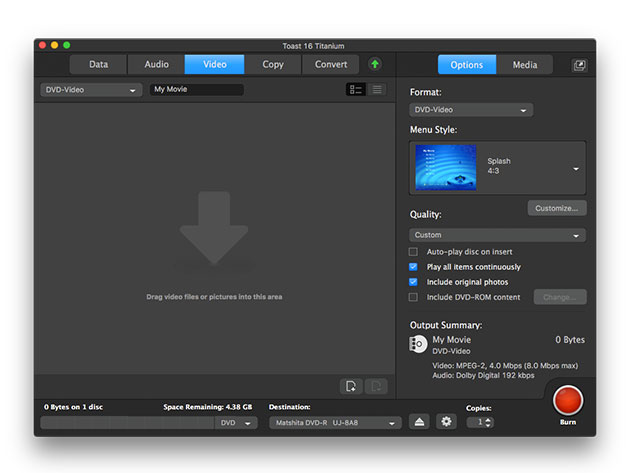
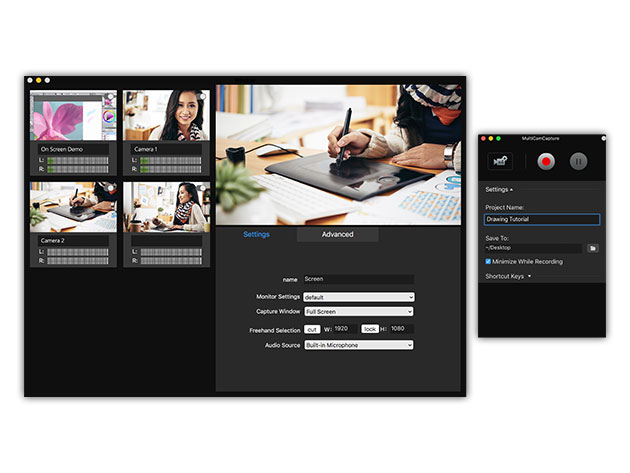
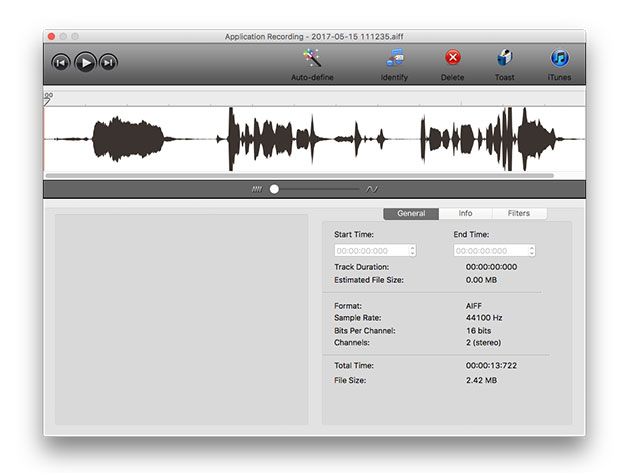
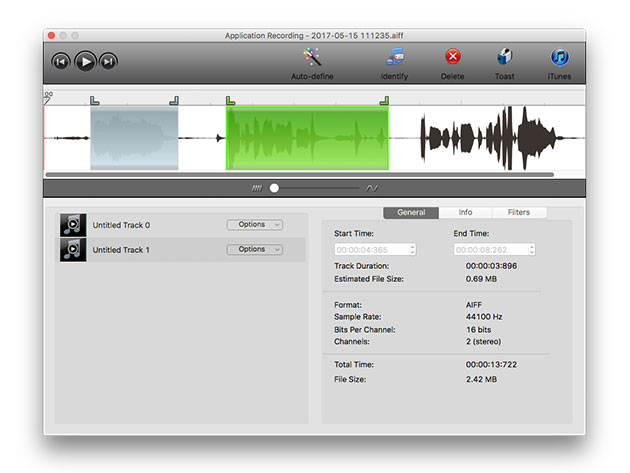
The number one digital media suite and DVD burner for Mac is back and better than ever! Roxio Toast 16 Titanium takes all of the power of the popular DVD burning software Toast Titanium, and pumps it full of exclusive extras. The enhanced, more secure DVD authoring and screen capturing, and flexibility of Toast Slice is all here, plus new capabilities to burn Blu-rays and far greater ability to integrate with other software. Add in a fresh new interface and the brand new MultiCam Capture feature and you’ve never seen a media converter quite like this one.
- Capture video directly from your screen, portable devices, or the Web
- Connect & record multiple devices to capture synced video, audio, & your computer screen w/ a single click
- Access all the tools you need in one place
- Create movies w/ menus, chapters, & titles using 20+ templates
- Encrypt & password-protect discs & USBs
- Copy & convert your files & media to view on popular devices
- Integrate w/ Corel Painter Essentials, AfterShot, or FotoMagico to greatly enhance photo management & editing
- Use HDR Express 3 to perform high dynamic range photo editing
PRODUCT SPECS
Details & Requirements
- Version 16
- Minor updates included
- Languages: English, French, German, Italian, Spanish, Brazilian Portuguese, Japanese
- Supported Input Formats:
- Audio: AAC, AIFF, MP3, WAV, M4A, OGG, FLAC and Dolby® Digital AC-3
- Video: AVCHD, AVCHD Lite, AVI, DivX Plus HD, DV, FLV and F4V for Adobe® Flash®, MJPEG, MOV, MKV, MPEG-1/2/4, VOB, VIDEO_TS folder, shared iMovie® projects, and EyeTV recordings
- Photo: BMP, GIF. JPG, PDF, PSD, PNG, TIFF
- Disc Images: ISO, BIN/CUE, IMG, DMG, CDR, NRG
- Mac OS X 10.7 or later. Partial functionality on Mac OS X 10.8
- Intel processor
- 1 GB RAM
- Approximately 1 GB of free space to install all components
- VideoBoost requires a compatible NVIDIA® card and 4 GB of RAM for optimal performance
- Internet connection required for video tutorials, OS compatibility and other product updates or functionalities
- Redemption: must redeem within 30 days of purchase
- Length of access: lifetime
- Restrictions: for use on 1 computer
Compatibility
SOFTWARE LICENSE DETAILS

Marco / admin / 30 Nov
Writing day to day ramblings about making money, business, technology, sharing awesome deals and everything else that I know I'll forget. Follow my personal blog https://marcotran.com.au
I've recently also turned Vegan and started this website Veggie Meals - check it out
"When technology speaks for itself, that is art" - MT
Affiliate Compensated: there are some articles with links to products or services that I may receive a commission.
OTHER ARTICLES YOU MAY LIKE

USING THE LATEST CLAUDE MODEL TO BUILD GREAT TOOLS
If you have ever had an idea for a small tool but stopped because coding felt too hard, the latest Claude model makes that gap much smaller. You can now describe what you want in plain English, ask Claude to plan it, build the first version, improve the design, write the logic, test the workflow, […]
read more
REVIEWING AND UNBOXING THE TOOCKI USB-C RIGHT ANGLE 1.2M CABLE
USB C cables are among the most ordinary accessories we own, yet they can make a surprisingly noticeable difference to how comfortable our devices are to use while charging. The Toocki USB C right angle cable is a good example of a simple accessory that tries to solve a very common irritation, because instead of […]
read more


