
Bulk Update Your Posts, Pages and Products with Just a Spreadsheet – only $9!
December 23, 2017 / by Marco / Categories : Business, deals, design, entrepreneur, website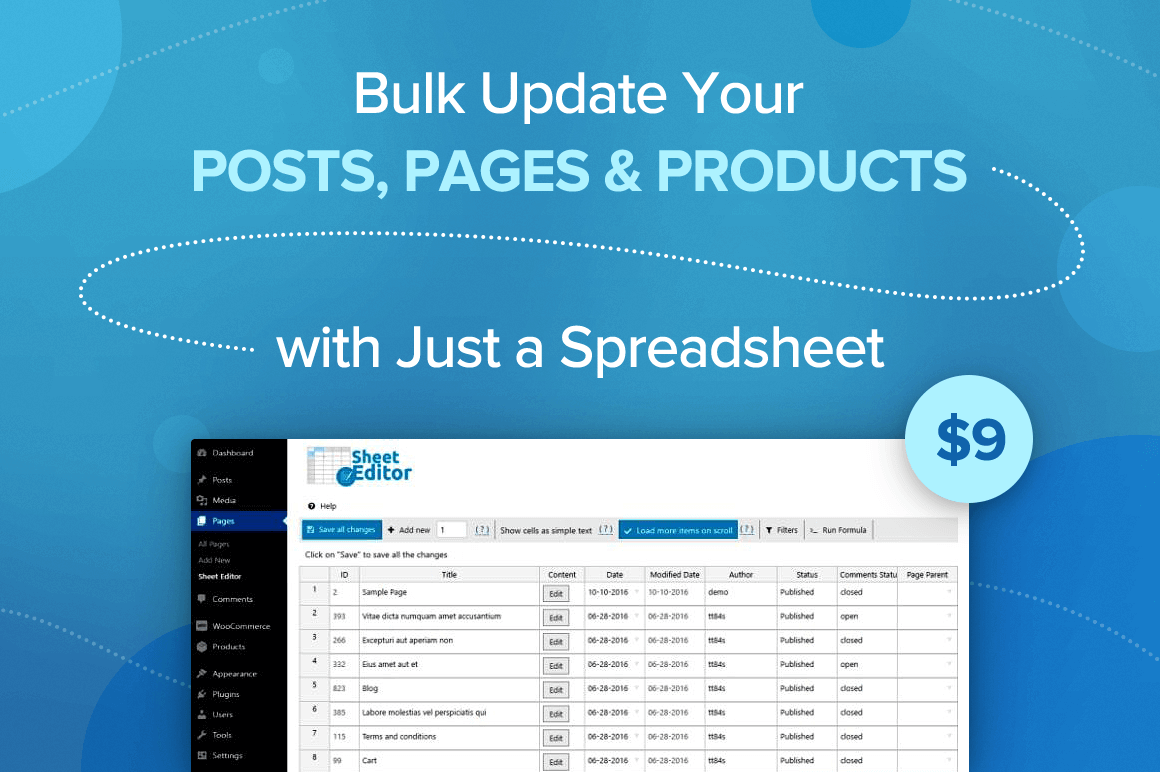

NOW ON: Bulk Update Your Posts, Pages and Products with Just a Spreadsheet – only $9!
Expires: December 30, 2017, 11:59 pm EST

Whether you run a WooCommerce website or have tons of posts on a WordPress platform, you know how frustratingly slow it can be to update information. What if prices change by 10%? What if you want to add the same text or photo to every single post? Well now you can do it all in a snap thanks to Sheet Editor! Easily create, customize and edit your posts, pages and product in bulk all through a simple spreadsheet.
Highlights:
- Easily edit your WordPress posts, pages and products in bulk.
- Create and edit pages within a simple spreadsheet.
- Update hundreds of products or posts at once with just a formula: Automate complex updates, for example, copy between fields (i.e. “regular prices” to “sale prices”) , replace URLs in post content using wildcards, increase / decrease numeric fields using advanced math formulas (i.e. increase prices by 10%, increase stock, or set prices to $current_value$ * 2 / 3, etc.) , and anything you can imagine.
- Copy/paste information, merge values, search and replace information, add featured images tons of posts at once, etc.
- Customize the spreadsheet to suit your needs.


Pricing:
Normally, this time-saving tool sells for $19.99 (per year) for one site but for a limited time only, you can get Sheet Editor for only $9! That’s a savings of 55% off the regular price. Also, you can get one year of the the Freelancer Plan (4 sites) for $24 or the Developer Plan (10 sites) for $37!
Click the BUY NOW button to snag this deal today!
Deal terms:
- All licenses are available for one year. You will receive a coupon code, after completing your purchase, to register on the vendor’s website.
- WP Sheet Editor is a WordPress plugin, which requires WordPress: 4.0 or higher and PHP: 5.3 or higher.
- The WooCommerce integration on WP Sheet Editor requires WooCommerce 2.6 or higher.
- Note: WordPress plugins cannot be installed on WordPress.com hosted websites.
- See all the terms and conditions here.

Marco / admin / 30 Nov
Writing day to day ramblings about making money, business, technology, sharing awesome deals and everything else that I know I'll forget. Follow my personal blog https://marcotran.com.au
I've recently also turned Vegan and started this website Veggie Meals - check it out
"When technology speaks for itself, that is art" - MT
Affiliate Compensated: there are some articles with links to products or services that I may receive a commission.
OTHER ARTICLES YOU MAY LIKE

REVIEWING AND UNBOXING THE TOOCKI USB-C RIGHT ANGLE 1.2M CABLE
USB C cables are among the most ordinary accessories we own, yet they can make a surprisingly noticeable difference to how comfortable our devices are to use while charging. The Toocki USB C right angle cable is a good example of a simple accessory that tries to solve a very common irritation, because instead of […]
read more
QUICK FIX TO CHANGE THE MAX SELL POWER TO LESS THAN 500W ON THE DEYE INVERTER
There are many reasons a home owner or installer might want to place a tight cap on how much solar power is exported to the public grid. Some households live under a strict export cap imposed by their local distribution network operator, others want to reduce export to focus on self consumption and battery charging, […]
read more


