
PDF Expert for Mac for $24
June 21, 2018 / by Marco / Categories : Business, deals, design, entrepreneur, website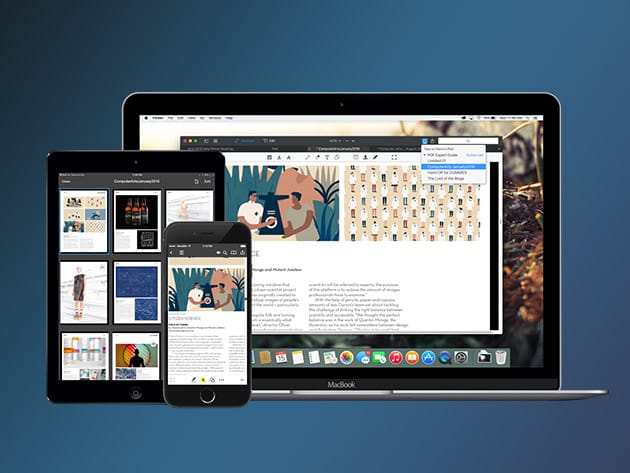



The Pitch
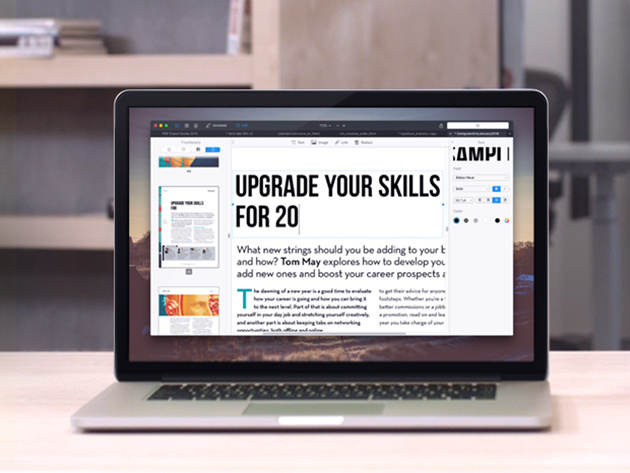
PDFs remain the best way to transmit documents, but editing them isn’t possible with standard Mac software. PDF Expert changes that, allowing you to edit PDF text, images, links, and outlines quickly and easily. Typo in a contract? Easy fix. Need to rework a complete section of a document? No problem. PDF Expert provides a series of essential functions that will transform the way you work with documents on your Mac.
- Edit text, images, links & outlines in PDFs
- Read huge PDF files smoothly & fast
- Annotate PDFs extensively w/ numerous tools
- Merge PDFs & sign documents seamlessly
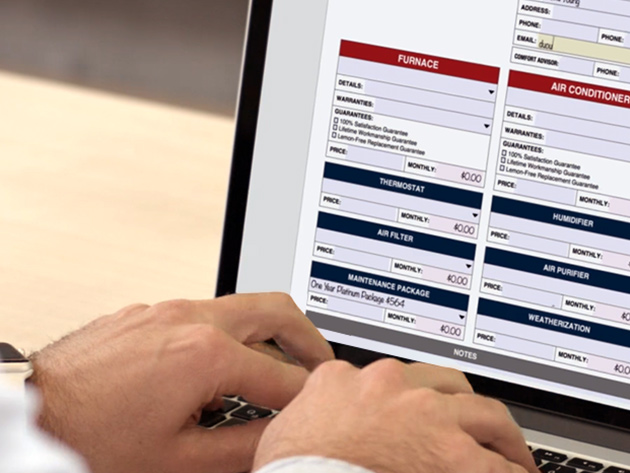
- Fill out PDF forms like taxes, applications, orders, & more
- Share your PDFs across iPhone, iPad, & Mac, or w/ clients, coworkers, or anyone else remotely
- Password protect sensitive documents
Reviews
- Apple Editors’ Choice
- 2015 App of the Year Runner Up in Mac App Store
- Top Paid App in Mac App Store
System Requirements
- Mac OS X 10.11 and later
Important Details
- Redemption: must redeem within 30 days of purchase
- Length of access: lifetime
- Version 2.4.2
- Minor updates included
- Languages: English, Portuguese, Italian, Chinese, Japanese, Ukrainian, German, Spanish, French, and Russian
What’s New in Version 2.4.2
- Stability and performance improvements
About the Developer
Readdle’s mission is to make people more productive by enabling technology to millions. We strive to create the best experiences on mobile and desktop for those who want to be more productive.
Apple has crowned many of our products as Editors’ Choice and Apps of the Year, and we have often hit the Top Charts in dozens of countries.

Marco / admin / 30 Nov
Writing day to day ramblings about making money, business, technology, sharing awesome deals and everything else that I know I'll forget. Follow my personal blog https://marcotran.com.au
I've recently also turned Vegan and started this website Veggie Meals - check it out
"When technology speaks for itself, that is art" - MT
Affiliate Compensated: there are some articles with links to products or services that I may receive a commission.
OTHER ARTICLES YOU MAY LIKE
HOW TO USE GOOGLE WORKSPACE STUDIO FLOW IN GMAIL FOR SMART EMAIL AUTOMATION
Google keeps slipping new productivity features into Workspace, and sometimes the most useful ones are the tools you almost discover by accident while checking email. That is exactly the case with Studio Flow, a feature that has started appearing inside Gmail and wider Google Workspace environments, and it looks like Google is pushing further into […]
read more
USE FUSEBASE TO AUTOMATE TEAMWORK AND COLLABORATION
If your business is growing, your team is juggling too many moving parts, and your client communication is spread across email threads, chat apps, documents, task boards, and endless follow ups, there is a good chance the real problem is not effort but fragmentation. Most businesses do not lose time because people are lazy. They […]
read more

