
Hudly Lite Driving Head-Up Display for $59
July 12, 2018 / by Marco / Categories : Business, deals, design, entrepreneur, website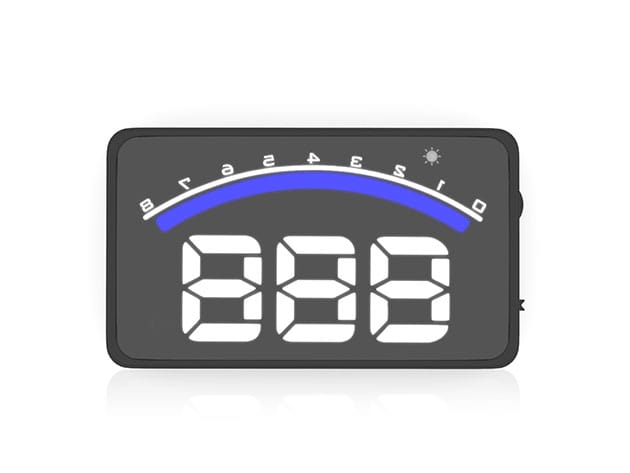

KEY FEATURES
Description
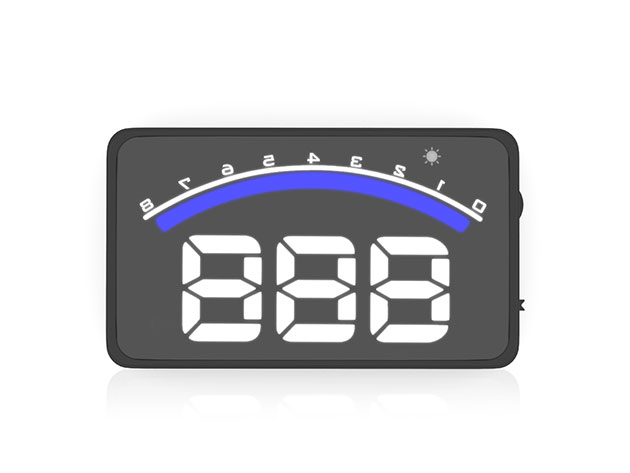
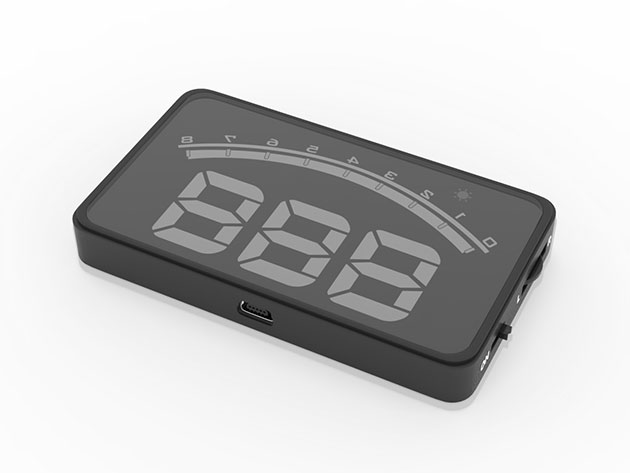
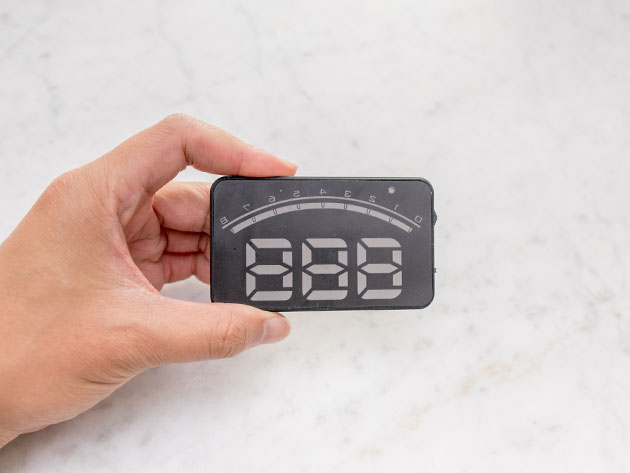
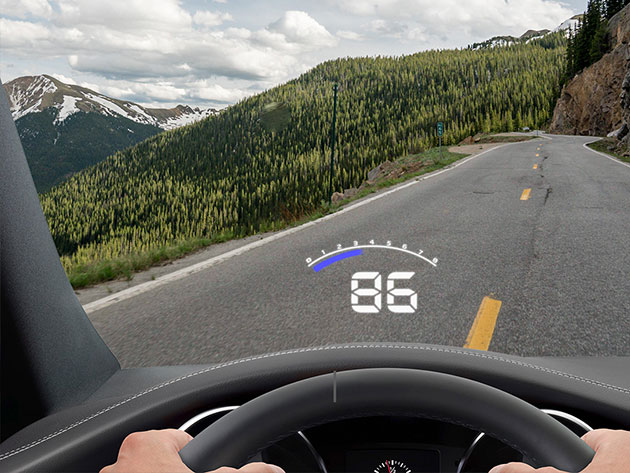
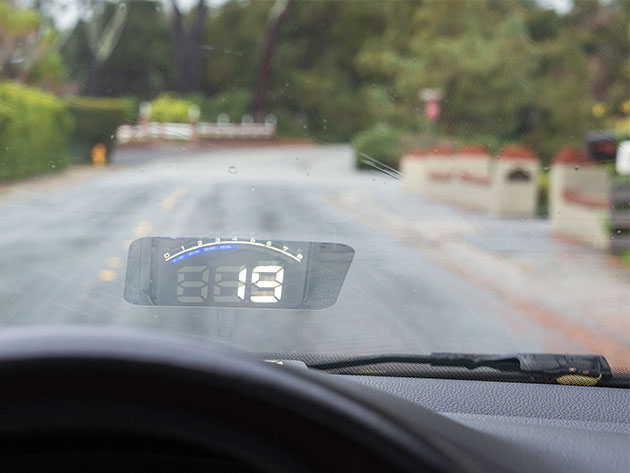
No need to take your eyes off the road when you’re driving with Hudly. This dashboard companion beams your speed and RPMs straight to your windshield, allowing you to keep tabs on your vehicle without glancing down at your gauges. Just plug the device into your car’s OBD2 port, mount it on your dash, and start driving with confidence.
- Easily read your speed and RPM right on your windshield
- Built-in light sensor adjusts brightness for day & night driving
- Instantly read data w/ near-zero latency
- Rubber mount secures Hudly on all roads
- Get notified when you’re speeding w/ automatic chimes
PRODUCT SPECS
Specs
- Dimensions: 0.5″H x 2″L x 3.4″W
- Material: ABS plastic
- Secure mount
- LED display
- Built-in speakers
- Auto-chime notifications
- On/off for speed-only display
- MPH and KMH speed units
- Auto-adjust light sensor
Compatibility
- Connects via the OBD2 port in gas-powered cars built after 1996
Includes
- Hudly Lite Driving Head-Up Display
- Dashboard mount
- OBD2 power cable
- Reflective film
- Manufacturer’s 1-year warranty (in United States only)

Marco / admin / 30 Nov
Writing day to day ramblings about making money, business, technology, sharing awesome deals and everything else that I know I'll forget. Follow my personal blog https://marcotran.com.au
I've recently also turned Vegan and started this website Veggie Meals - check it out
"When technology speaks for itself, that is art" - MT
Affiliate Compensated: there are some articles with links to products or services that I may receive a commission.
OTHER ARTICLES YOU MAY LIKE

EASY TYRE PRESSURE SENSOR RESET TUTORIAL | RENAULT KOLEOS & SIMILAR CARS
If you have recently adjusted your tyres, topped up the air pressure, or seen a warning appear on your dashboard, knowing how to reset the tyre pressure monitoring system on a Renault Koleos can save you time and unnecessary worry. The process is quite straightforward once you know where to look in the vehicle menu, […]
read moreHOW TO USE GOOGLE WORKSPACE STUDIO FLOW IN GMAIL FOR SMART EMAIL AUTOMATION
Google keeps slipping new productivity features into Workspace, and sometimes the most useful ones are the tools you almost discover by accident while checking email. That is exactly the case with Studio Flow, a feature that has started appearing inside Gmail and wider Google Workspace environments, and it looks like Google is pushing further into […]
read more


