
doogiePIM Encrypted Personal Organizer for $19
August 1, 2018 / by Marco / Categories : Business, deals, design, entrepreneur, website

KEY FEATURES
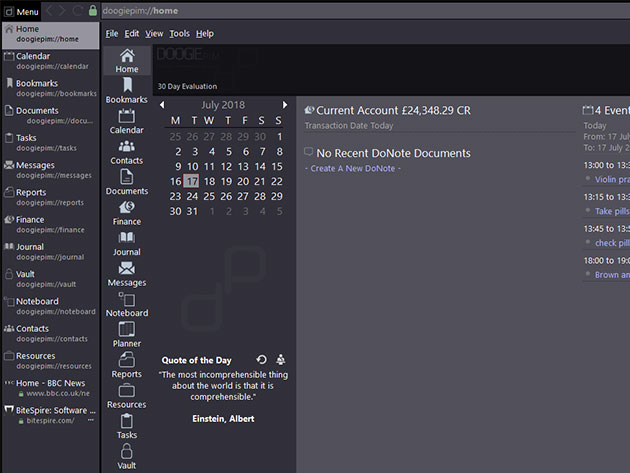
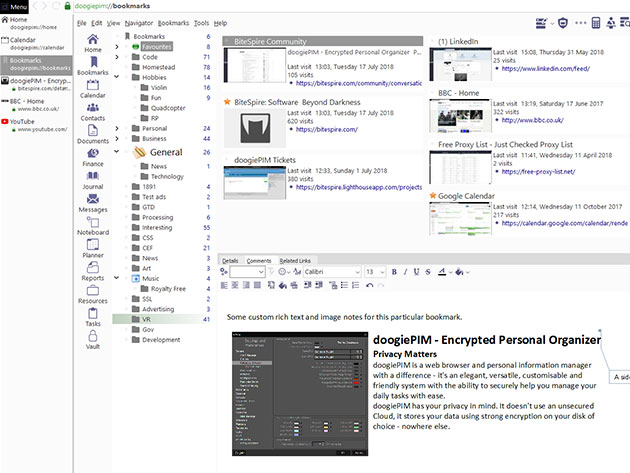
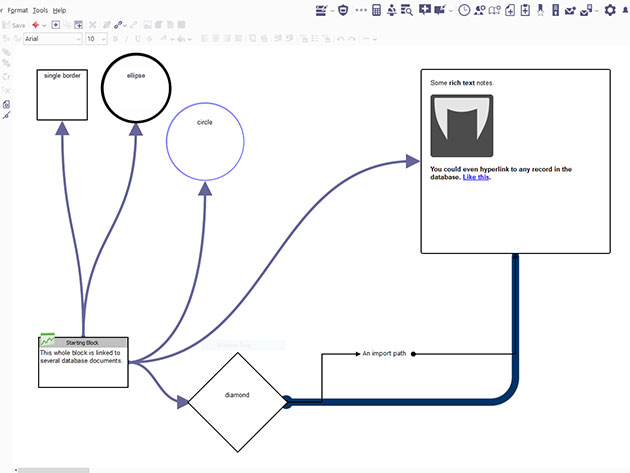
A web browser and personal information manager rolled into one, doogiePIM lets you surf the Web with customizable features that can streamline your daily tasks. This browsing solution boasts an integrated environment for managing and organizing contacts, finances, appointments, tasks, and more while keeping your privacy a top priority. Instead of stowing your data on a vulnerable cloud, doogiePIM secures your information using strong encryption on your disk of choice. Save your browser to a flash drive and surf on any PC with built-in ad-blockers, a password vault, and all of your saved info ready to go.
- Surf w/ built-in power tools, like spellcheck, an expression calculator, ScratchPad & password vault
- Customize your interface w/ layouts for writing, designing, journal keeping & more
- Take your doogiePIM w/ you anywhere by storing it on a flash drive
- Easily organize your records & store them inside a single encrypted portable file
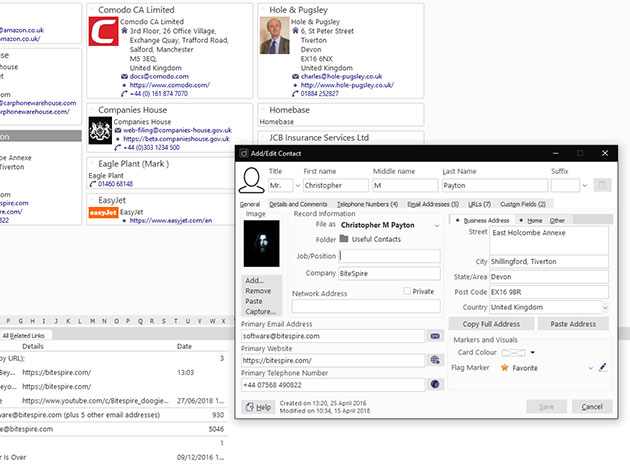
- Seamlessly manage your contacts, finances, appointments, tasks, events & emails
- Enjoy easy one-click backup & high-level encryption
Reviews
- Softpedia:★★★★★
PRODUCT SPECS
System Requirements
- Windows 7, 8, 8.1, and 10
- Minimum Requirements: 1000 x 600 screen size, 512 MB RAM, and 185 MB Disk space
Important Details
- Length of access: lifetime
- Redemption deadline: redeem your code within 30 days of purchase
- Number of devices: 4
- Updates included
- Access option: desktop
- Version: 2.0.1.9
What’s New
General fixes and enhancements made to browser, documents, noteboard, password generator, task, and UI features.

Marco / admin / 30 Nov
Writing day to day ramblings about making money, business, technology, sharing awesome deals and everything else that I know I'll forget. Follow my personal blog https://marcotran.com.au
I've recently also turned Vegan and started this website Veggie Meals - check it out
"When technology speaks for itself, that is art" - MT
Affiliate Compensated: there are some articles with links to products or services that I may receive a commission.
OTHER ARTICLES YOU MAY LIKE

EASY TYRE PRESSURE SENSOR RESET TUTORIAL | RENAULT KOLEOS & SIMILAR CARS
If you have recently adjusted your tyres, topped up the air pressure, or seen a warning appear on your dashboard, knowing how to reset the tyre pressure monitoring system on a Renault Koleos can save you time and unnecessary worry. The process is quite straightforward once you know where to look in the vehicle menu, […]
read moreHOW TO USE GOOGLE WORKSPACE STUDIO FLOW IN GMAIL FOR SMART EMAIL AUTOMATION
Google keeps slipping new productivity features into Workspace, and sometimes the most useful ones are the tools you almost discover by accident while checking email. That is exactly the case with Studio Flow, a feature that has started appearing inside Gmail and wider Google Workspace environments, and it looks like Google is pushing further into […]
read more

