
Transfer Photos, Contacts, Music, Apps & More with iMazing 2 – 50% off!
August 4, 2018 / by Marco / Categories : Business, deals, design, entrepreneur, website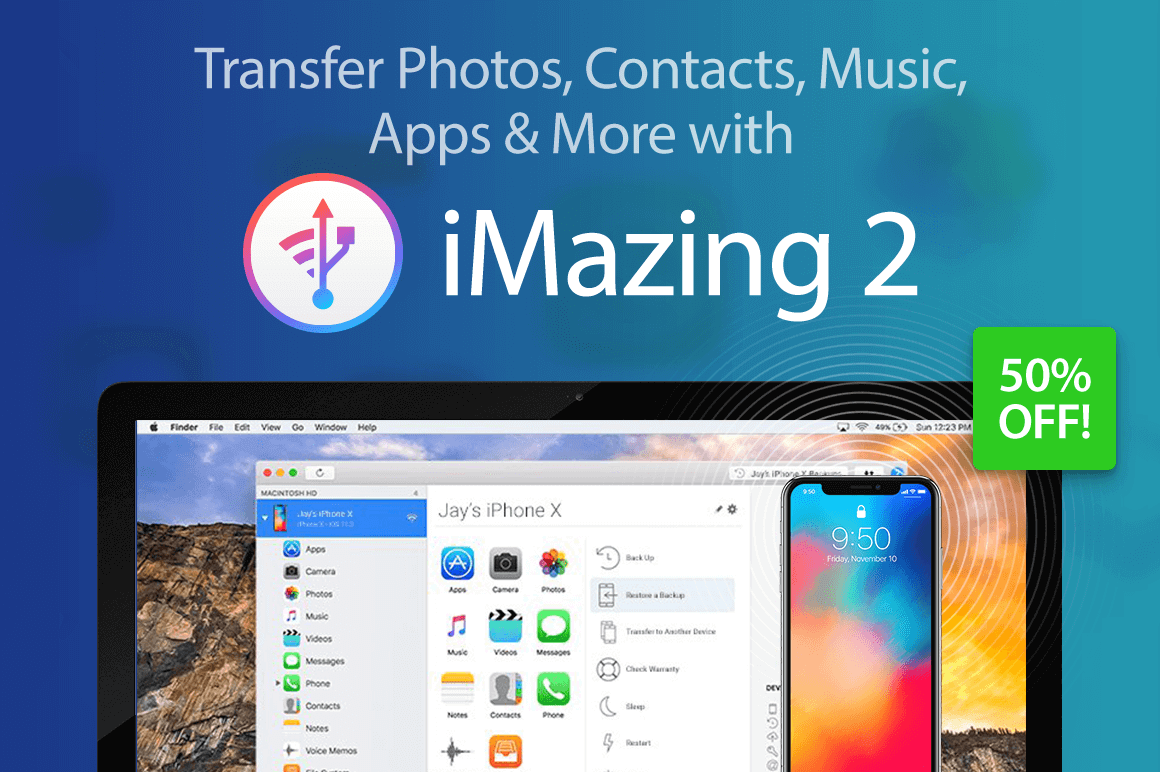

NOW ON: Transfer Photos, Contacts, Music, Apps & More with iMazing 2 – 50% off!
Expires: August 20, 2018, 11:59 pm EST
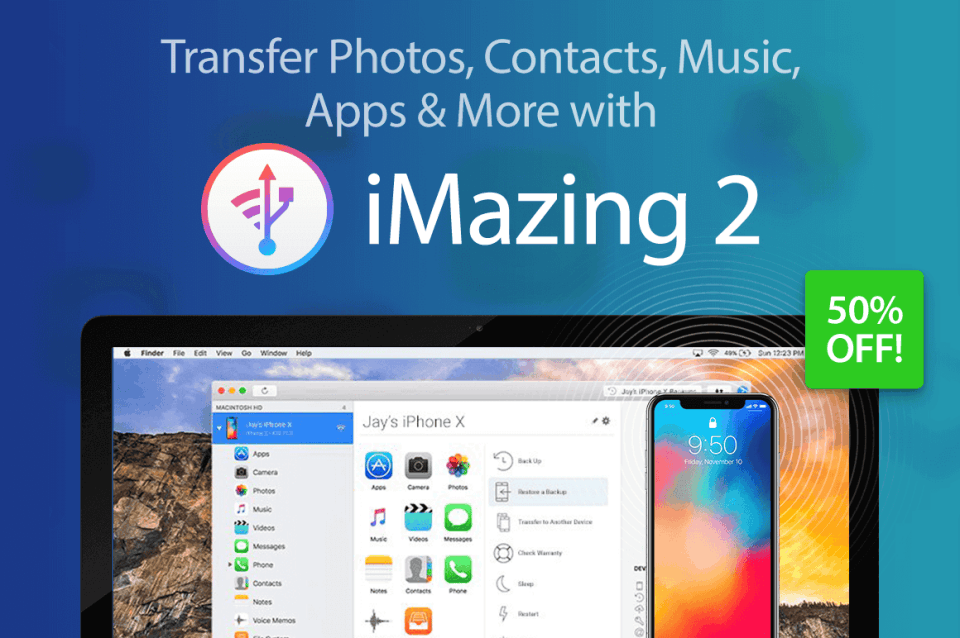
Whether you have a Mac or a PC, you can now easily transfer files to your latest iPhone or iPad. An incredible iOS device manager, iMazing 2 lets you easily transfer music, photos, apps, text messages and more. No more fumbling with iCloud settings. Plus this robust tool even saves a history of your backups so you can easily rollback if needed.
Highlights:
- Robust iOS device manager – music, photos, files, contacts, text messages, data.
- Take full control of your mobile data.
- Easily transfer data to your iPhone X or iPhone 8 – no iCloud necessary.
- Advanced iOS backup tool – saves history of backups for maximum safety.
- Plenty of additional tools – iOS installation tools, editable backups, data export to CSV format, device console, log files access and more.

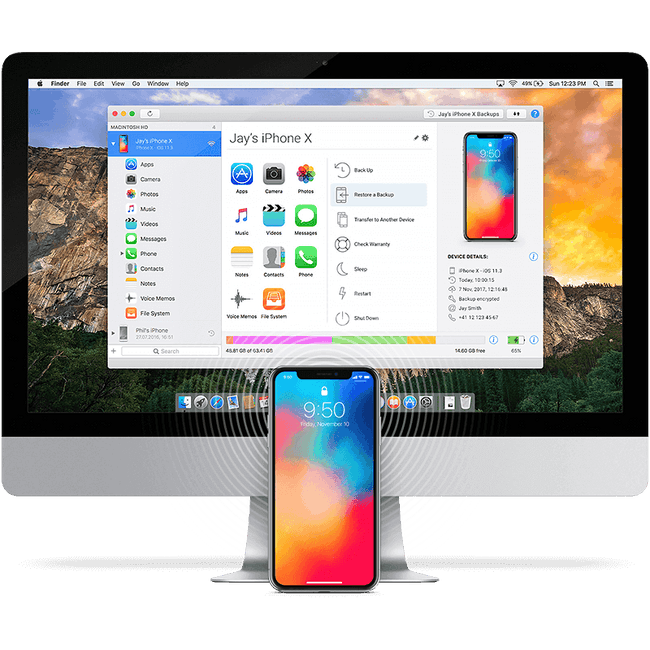 How to Copy Photos from iPhone or iPad to Computer (Mac or PC):
How to Backup your iPhone or iPad to an External Drive or NAS:
Pricing:
Normally, this iOS device managers sells for $39.99 but for a limited time only, you can get iMazing 2 for as little as $19! Multiple licenses available:
Single
- Regularly $39.99; pay just $19!
- License for 1 computer
- Mac or PC
- All iMazing 2.x updates
- 24/7 support
Universal
- Regularly $79.98; pay just $24!
- License for 2 computers
- Mac or PC
- All iMazing 2.x updates
- 24/7 support
Family
- Regularly $199.95; pay just $34!
- License for 5 computers
- Mac or PC
- All iMazing 2.x updates
- 24/7 support
Click the BUY NOW button, choose your license and start transferring today!
Deal terms:
- You will receive the download and license key instantly, after completing your purchase.
- Licensed on a single user basis. Your license works on both Windows and Mac.
- Compatibility: macOS 10.8 or higher. Windows 7 or higher. Supports: iPhone, iPad & iPod
- More info about Tech Specs here.

Marco / admin / 30 Nov
Writing day to day ramblings about making money, business, technology, sharing awesome deals and everything else that I know I'll forget. Follow my personal blog https://marcotran.com.au
I've recently also turned Vegan and started this website Veggie Meals - check it out
"When technology speaks for itself, that is art" - MT
Affiliate Compensated: there are some articles with links to products or services that I may receive a commission.
OTHER ARTICLES YOU MAY LIKE

HOW TO USE SPLIT VIEW IN GOOGLE CHROME
Google Chrome is full of useful features that many people never notice until they appear by accident during everyday browsing. One of those quietly helpful tools is Split View, a feature that makes it much easier to work with two tabs side by side in the same browser window. If you regularly compare documents, read […]
read more
Mootion in 2026: The Essential Tool for Social Media and Presentation Success
Mootion in 2026 revolutionizes social media and presentations with innovative features, enhancing engagement and visual storytelling for impactful communication.
read more


