
Pictar Smartphone Camera Grip for $85
August 20, 2018 / by Marco / Categories : Business, deals, design, entrepreneur, website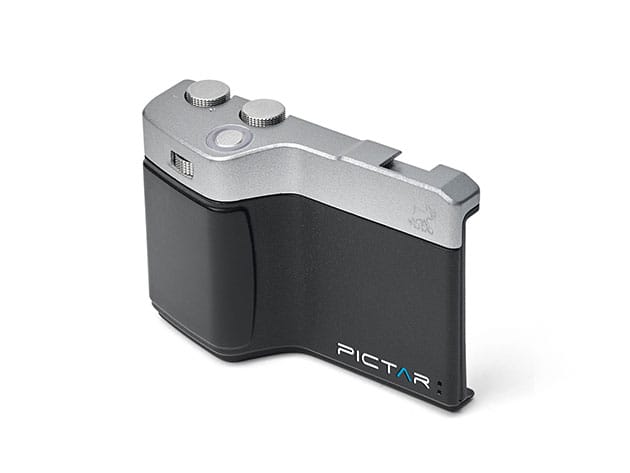

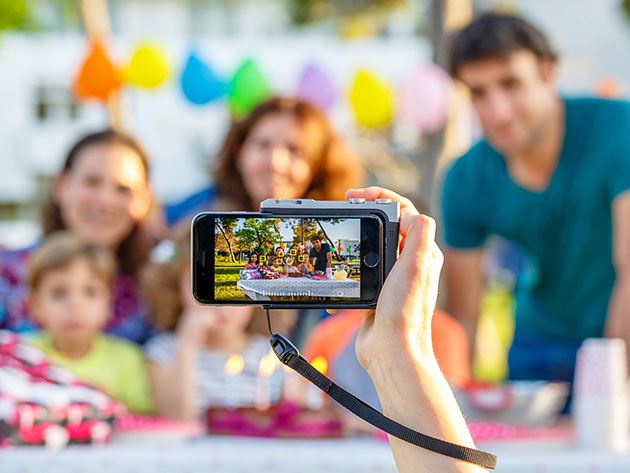

KEY FEATURES
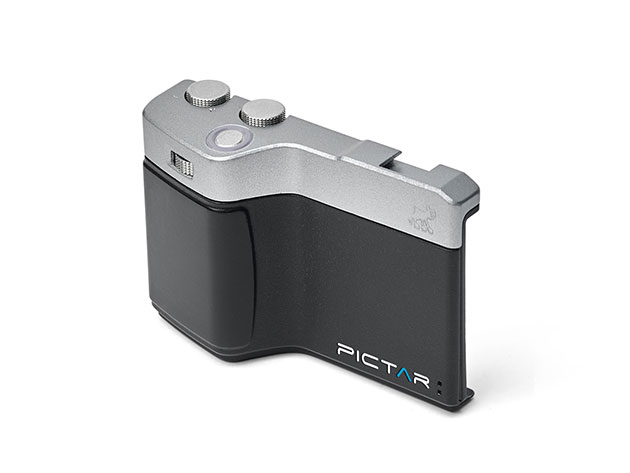
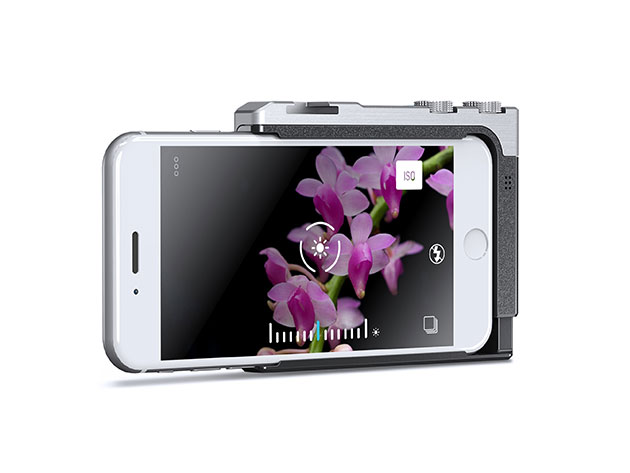
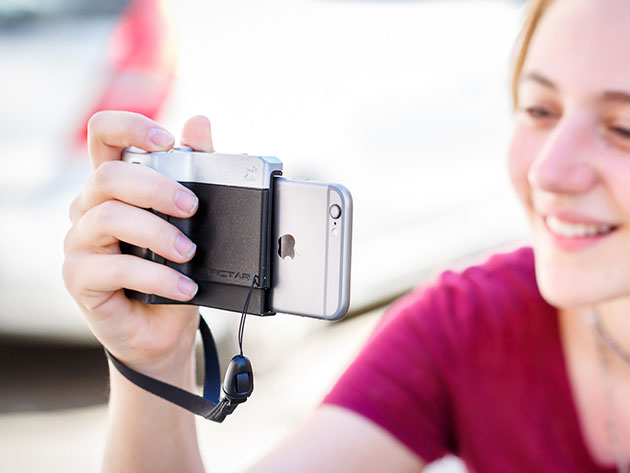
Take unprecedented control over your smartphone’s camera—and naturally, better photos—when you shoot with this innovative grip. Fitting most smartphones, this grip comes packed with buttons and wheels that let you shoot one-handed and with greater control over your camera’s settings, like exposure, zoom, and ISO. Its secret lies with the companion app. The Pictar app picks up high-frequency sounds emitted by the grip when you press its buttons, letting you adjust settings on the fly while using less battery than traditional wireless communication methods.
- Use the shutter to lock focus & exposure while tracking a moving object
- Change exposure in 1/3 aperture steps & ISO via the exposure compensation wheel
- Select between auto, portrait, landscape, sport, snow, selfie & video preset modes
- Use shutter priority, ISO priority & fully manual modes for added customization
- Switch between front & rear cameras w/ the selfie button
- Control flash modes, shutter speed & ISO w/ the virtual wheel
- Attach the grip to standard tripods & monopods
- Attach lighting accessories & microphones using the cold shoe
PRODUCT SPECS
Specs
- Size: standard
- Dimensions: 2.8″H x 3.9″L x 1.3″W
- Shutter
- Rotating zoom ring
- Exposure compensation/ISO wheel
- Smart wheel
- Seven preset modes: auto, portrait, landscape, sport, snow, selfie, and video
- Advanced modes: shutter priority, ISO priority, and fully manual
- Selfie button
- Virtual wheel
- 1/4″-20 threaded tripod mount
- Cold shoe for lighting/microphone attachments
- Cold shoe load capacity: 10.6 oz
- Battery: 1 x 3.6V
- Battery life: 6 to 8 months
- Weight: 2.3 oz
- Anti-slip grip
- Lens-ready design
Compatibility
- iPhone 4, 4s, 5, 5s, 5c, 6, 6s, SE, 7, and 8
- Galaxy S6, S7, and S8
- Huawei P9 and P10
- Select similarly sized devices (please consult with the manufacturer to ensure your device is supported)
- Pictar Android app: Android 5.0 or later
- Pictar iOS app: iOS 8.0 or later
Includes
- Pictar Smartphone Camera Grip
- Wrist strap
- Neck strap
- Padded pouch
- 1/2 AA 3v to 3.6V battery

Marco / admin / 30 Nov
Writing day to day ramblings about making money, business, technology, sharing awesome deals and everything else that I know I'll forget. Follow my personal blog https://marcotran.com.au
I've recently also turned Vegan and started this website Veggie Meals - check it out
"When technology speaks for itself, that is art" - MT
Affiliate Compensated: there are some articles with links to products or services that I may receive a commission.
OTHER ARTICLES YOU MAY LIKE

EASY TYRE PRESSURE SENSOR RESET TUTORIAL | RENAULT KOLEOS & SIMILAR CARS
If you have recently adjusted your tyres, topped up the air pressure, or seen a warning appear on your dashboard, knowing how to reset the tyre pressure monitoring system on a Renault Koleos can save you time and unnecessary worry. The process is quite straightforward once you know where to look in the vehicle menu, […]
read moreHOW TO USE GOOGLE WORKSPACE STUDIO FLOW IN GMAIL FOR SMART EMAIL AUTOMATION
Google keeps slipping new productivity features into Workspace, and sometimes the most useful ones are the tools you almost discover by accident while checking email. That is exactly the case with Studio Flow, a feature that has started appearing inside Gmail and wider Google Workspace environments, and it looks like Google is pushing further into […]
read more

