UV Shield: Portable Smartphone Sanitizer for $49
April 8, 2020 / by Marco / Categories : Business, deals, design, entrepreneur, website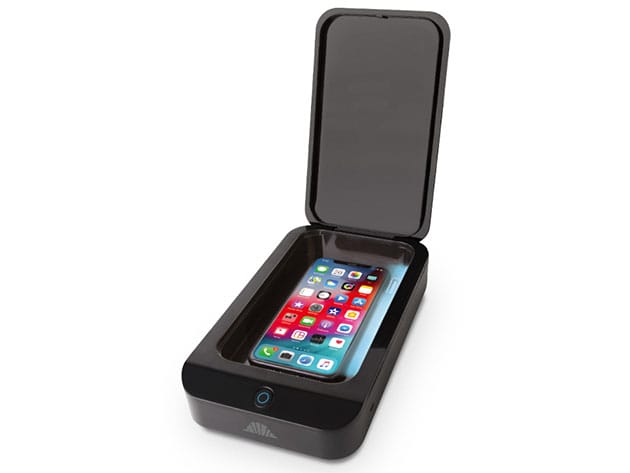

KEY FEATURES
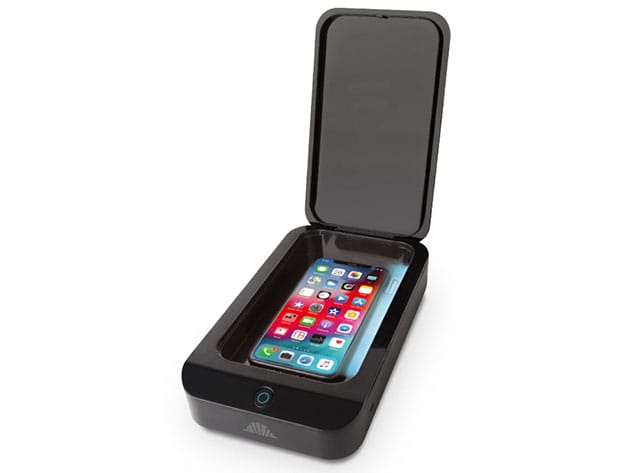
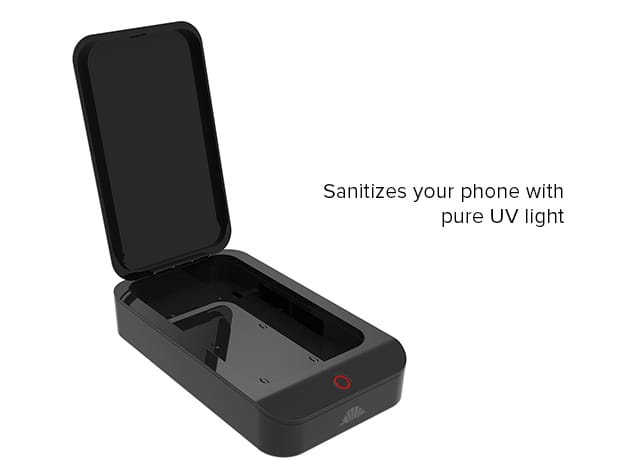
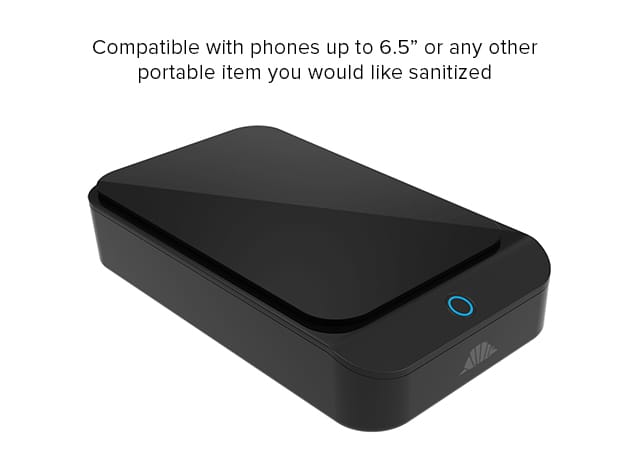
The intelliARMOR UV Shield sanitizes your phone with pure UV light. No need for harsh wipes, chemicals, or excessive heat. Simply place your phone inside your UV Shield and within minutes the UV-C light takes care of all those pesky germs on your phone. Compatible with phones up to 6.5”, the intelliARMOR UV Shield can also sanitize car keys, jewelry, earbuds, watches, pacifiers, or any other portable item you would like sanitized. What’s even better is the UV Shield is USB powered and small enough to take with you on the go. Anywhere you have a USB port, you can have a sterilized phone.
Instructions
- Connect the included USB cable to your UV Shield & a USB charger (charger not included)
- Open the lid of your UV Shield, place your item to be disinfected into the device, and close the lid
- Press the button once to initiate a 5-minute disinfection time, a red light will flash
- Press the button twice to select a 10-minute disinfection time, a green light will flash
- Press the button three times to select a 15-minute disinfection time, a blue light will flash
PRODUCT SPECS
Specs
- Color: black
- Materials: ABS, UV light bulbs
- Product dimensions: 8.66″ x 4.92″ x 1.77″
- Inner size: 7.09″ x 3.86″ x 0.87″
- Weight: 10.58 oz
- Input: DC5V/1 A
- Output: <= 5V/1A
- Power: 1W Max 2W
- UV wave length: 254nm
- Indicator: Red= 5 minutes, Green=10 minutes; Blue=15 minutes
- Working Temperature: -50°-104°
- Manufacturer’s 12-month warranty
Compatibility
- Compatible with phones up to 6.5”
Includes
- UV Shield: Portable Smart Phone Sanitizer
- USB Cable
- Manual

Marco / admin / 30 Nov
Writing day to day ramblings about making money, business, technology, sharing awesome deals and everything else that I know I'll forget. Follow my personal blog https://marcotran.com.au
I've recently also turned Vegan and started this website Veggie Meals - check it out
"When technology speaks for itself, that is art" - MT
Affiliate Compensated: there are some articles with links to products or services that I may receive a commission.
OTHER ARTICLES YOU MAY LIKE
REVIEWING AND UNBOXING THE TOOCKI USB-C RIGHT ANGLE 1.2M CABLE
USB C cables are among the most ordinary accessories we own, yet they can make a surprisingly noticeable difference to how comfortable our devices are to use while charging. The Toocki USB C right angle cable is a good example of a simple accessory that tries to solve a very common irritation, because instead of […]
read more
QUICK FIX TO CHANGE THE MAX SELL POWER TO LESS THAN 500W ON THE DEYE INVERTER
There are many reasons a home owner or installer might want to place a tight cap on how much solar power is exported to the public grid. Some households live under a strict export cap imposed by their local distribution network operator, others want to reduce export to focus on self consumption and battery charging, […]
read more