
Keeper Unlimited Password Manager for $53
April 16, 2020 / by Marco / Categories : Business, deals, design, entrepreneur, website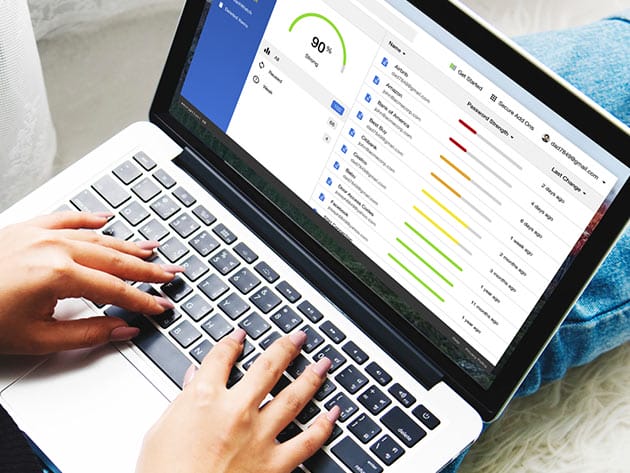

KEY FEATURES
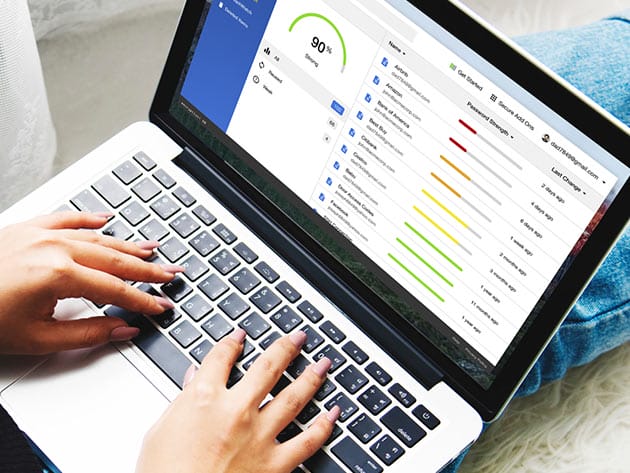
Protect your passwords and personal information with Keeper’s easy to use and hyper-secure password management platform. This top-rated software manages your passwords to prevent data breaches, improve employee productivity, cut helpdesk costs and meet compliance standards. It uses a proprietary zero-knowledge security architecture and is the most audited and certified product on the market. Protecting your data doesn’t have to be complicated. Keeper has an intuitive user interface for computers, smartphones, and tablets that can be deployed rapidly with no upfront equipment or installation costs.
Trusted by millions of people and thousands of businesses
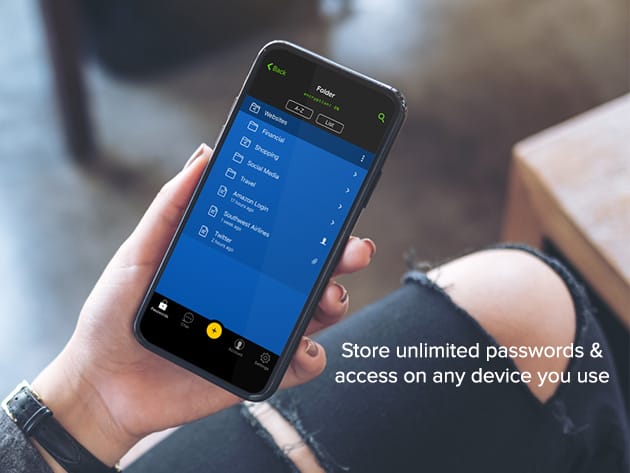
- Store unlimited passwords & access on any device you use
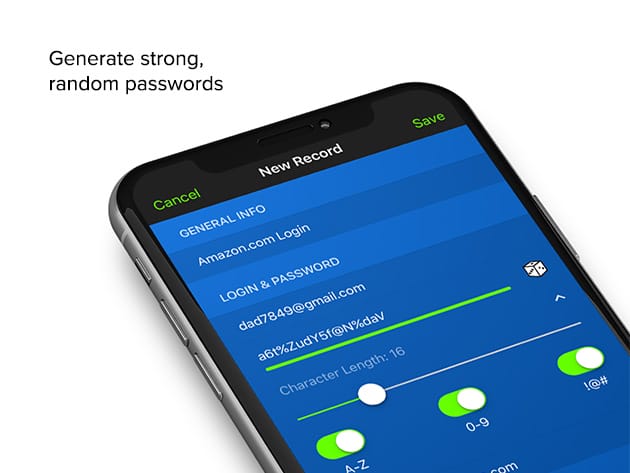
- Generate strong, random passwords
- Autofill your passwords w/ KeeperFill®
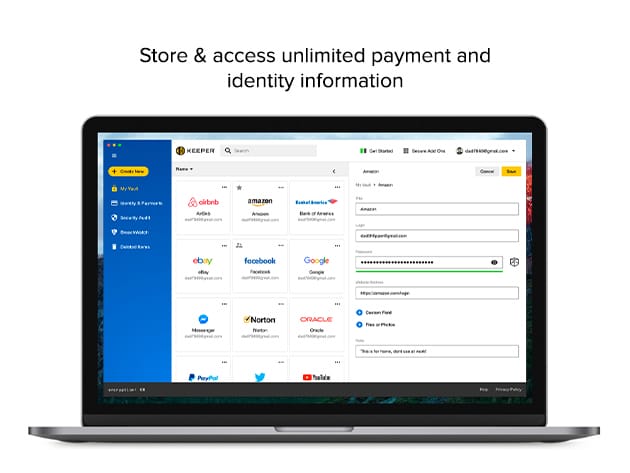
- Store & access unlimited payment and identity information
- Log in w/ Fingerprint & Face ID
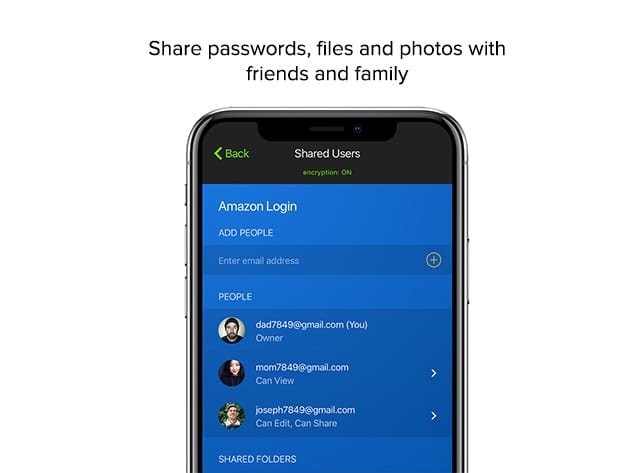
- Share passwords, files & photos w/ friends and family
- Add up to 5 emergency contacts
- Improve security w/ Two-Factor Authentication
- Access 24/7 support
Ratings & Reviews
- PCMag: Editor’s Choice & Best Password Manager of 2019
-
4.9/5 stars based on over 130,000 reviews on App Store:
★ ★ ★ ★
★ - Google Play Store: Over 10 million installs
- Tom’s Guide: Best Security
PRODUCT SPECS
Keeper Unlimited
- Unlimited Password Storage
- Unlimited Identity & Payments
- Fingerprint & Face ID Login
- Unlimited Devices & Sync
- Secure Record Sharing
- Emergency Access
- Web Application
- 24/7 Support
System Requirements
- Desktop: Mac, Windows, or Linux
- Browser: Chrome, Firefox, Safari, IE, Edge, Opera
- iOS 10.0 or later, compatible with iPhone, iPad, and iPod touch
- Android 5.0 or later
Important Details
- Length of access: 3 years
- Redemption deadline: redeem your code within 30 days of purchase
- Max number of devices: unlimited
- Access options: desktop & mobile
- Software version: v14.12.4 (desktop), v14.0.6 (browser), v14.9.1 (iOS), v14.5.31.1 (Android)
- Updates included

Marco / admin / 30 Nov
Writing day to day ramblings about making money, business, technology, sharing awesome deals and everything else that I know I'll forget. Follow my personal blog https://marcotran.com.au
I've recently also turned Vegan and started this website Veggie Meals - check it out
"When technology speaks for itself, that is art" - MT
Affiliate Compensated: there are some articles with links to products or services that I may receive a commission.
OTHER ARTICLES YOU MAY LIKE

USING THE LATEST CLAUDE MODEL TO BUILD GREAT TOOLS
If you have ever had an idea for a small tool but stopped because coding felt too hard, the latest Claude model makes that gap much smaller. You can now describe what you want in plain English, ask Claude to plan it, build the first version, improve the design, write the logic, test the workflow, […]
read more
REVIEWING AND UNBOXING THE TOOCKI USB-C RIGHT ANGLE 1.2M CABLE
USB C cables are among the most ordinary accessories we own, yet they can make a surprisingly noticeable difference to how comfortable our devices are to use while charging. The Toocki USB C right angle cable is a good example of a simple accessory that tries to solve a very common irritation, because instead of […]
read more

