
GOLFBUDDY Aim W10 GPS Golf Watch for $189
April 22, 2020 / by Marco / Categories : Business, deals, design, entrepreneur, website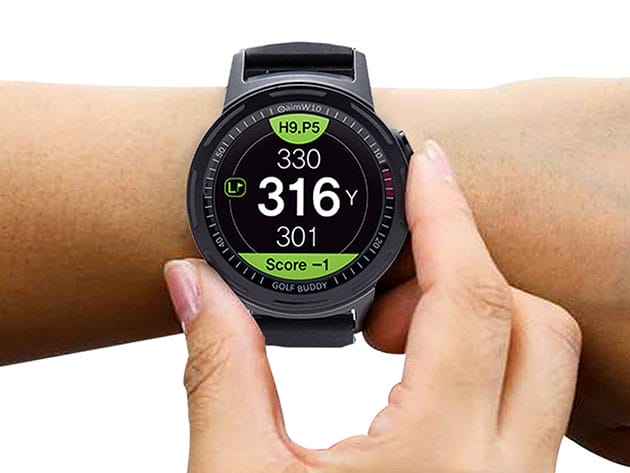

KEY FEATURES
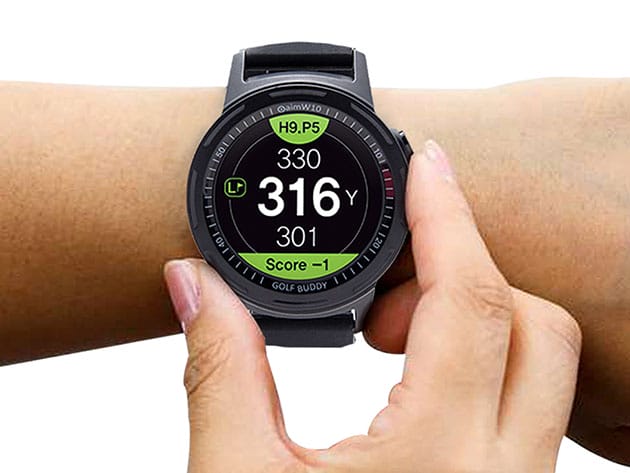
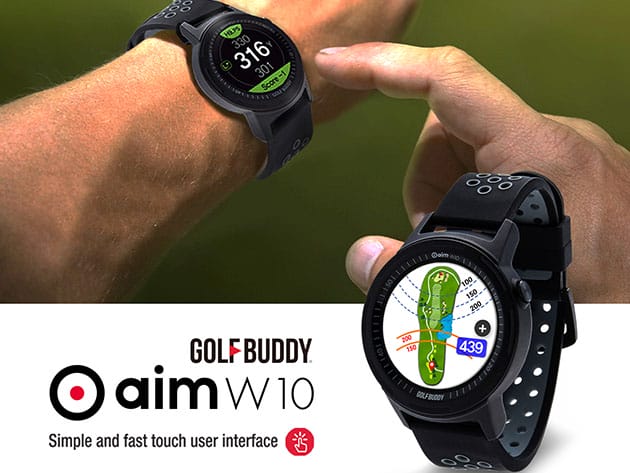
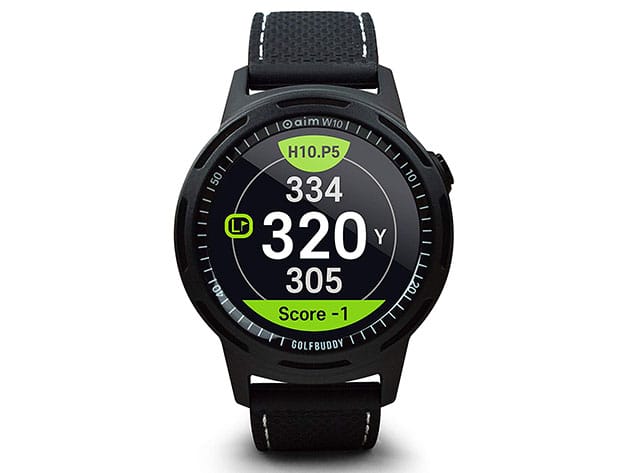
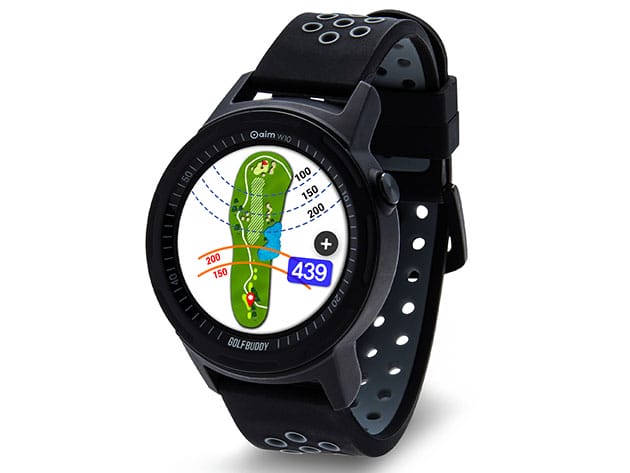
The aim W10 by GOLFBUDDY is a simple and easy-to-use device with genuinely useful features to help any golfer on the course lower their score and win the game. It provides accurate distance measurements, with a 1.3” TFT-LCD color touch screen that provides distance calculations to the front, center, and back of the green, and distances to targets and hazards. The watch automatically recognizes which hole you are playing and has manual pin placement, digital scorecard and a rechargeable lithium-ion battery which lasts up to 13 hours in golf mode. It’s also pre-loaded with 40,000 golf courses across 170 countries so you can go swinging anywhere.
- 1.3” full-color TFT-LCD display shows important course information including distances to the front/center/back green, hazards, pin placement & hole layout
- Zoom in/out function enables you to get a better view around the green
- Pre-loaded w/ 40,000 golf courses across 170 countries & constantly updating via GOLFBUDDY Smart App
- Allows casting yardages & other golf GPS features from your watch to a smart device via Bluetooth
- Green undulation displays the gradation of the slope of the green through different colors
PRODUCT SPECS
Specs
- Color: black
- Materials: plastic, metal
- Product dimensions: 1.81″ x 1.81″ x 0.57″
- Display: full-color 1.3″ TFT-LCD
- Resolution: 240 x 240 px
- Interface: microUSB & Bluetooth
- Battery type: rechargeable lithium polymer
- Battery life: 13-hour (Golf Mode)
- Course capacity: 40,000 courses
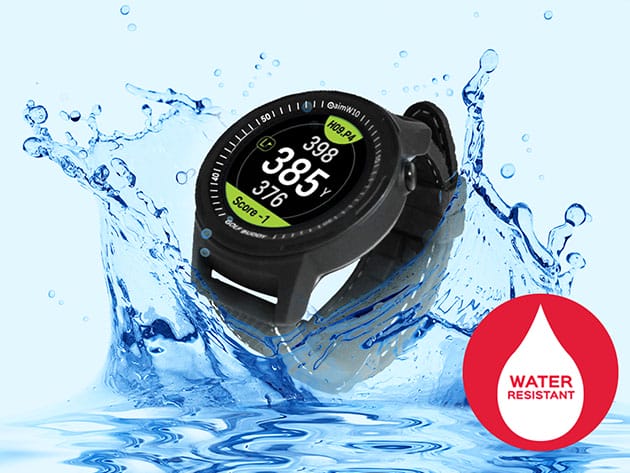
- Water resistance: heavy rain proof
- Languages: multilingual (up to 11 languages)
- Distances to the Front/Center/Back of the Green
- Distances to targets and hazards
- Green undulation
- Bluetooth connectivity
- Zoom in/out Function
- Easy-to-use digital scorecard
- Casting to GOLFBUDDY Smart App via Bluetooth
- Manufacturer’s 2-year warranty
Includes
- GOLFBUDDY Aim W10 GPS Golf Watch
- Universal USB Charging Cable
- Magnetic Charging Cradle
- Product Quick Guide

Marco / admin / 30 Nov
Writing day to day ramblings about making money, business, technology, sharing awesome deals and everything else that I know I'll forget. Follow my personal blog https://marcotran.com.au
I've recently also turned Vegan and started this website Veggie Meals - check it out
"When technology speaks for itself, that is art" - MT
Affiliate Compensated: there are some articles with links to products or services that I may receive a commission.
OTHER ARTICLES YOU MAY LIKE

EASY TYRE PRESSURE SENSOR RESET TUTORIAL | RENAULT KOLEOS & SIMILAR CARS
If you have recently adjusted your tyres, topped up the air pressure, or seen a warning appear on your dashboard, knowing how to reset the tyre pressure monitoring system on a Renault Koleos can save you time and unnecessary worry. The process is quite straightforward once you know where to look in the vehicle menu, […]
read moreHOW TO USE GOOGLE WORKSPACE STUDIO FLOW IN GMAIL FOR SMART EMAIL AUTOMATION
Google keeps slipping new productivity features into Workspace, and sometimes the most useful ones are the tools you almost discover by accident while checking email. That is exactly the case with Studio Flow, a feature that has started appearing inside Gmail and wider Google Workspace environments, and it looks like Google is pushing further into […]
read more

