
YouCam 9 Deluxe for Windows: Lifetime Subscription for $34
May 6, 2020 / by Marco / Categories : Business, deals, design, entrepreneur, website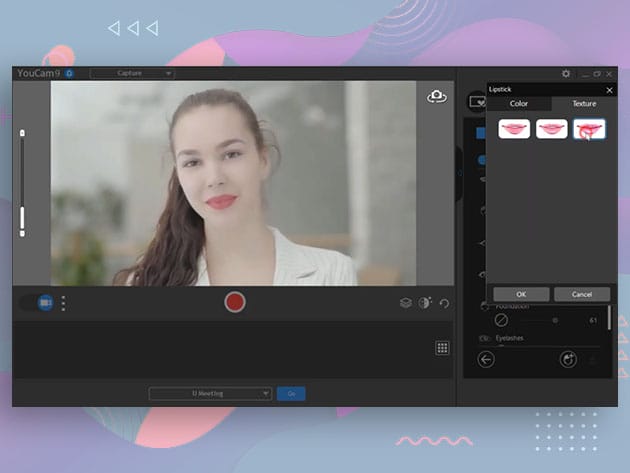


KEY FEATURES
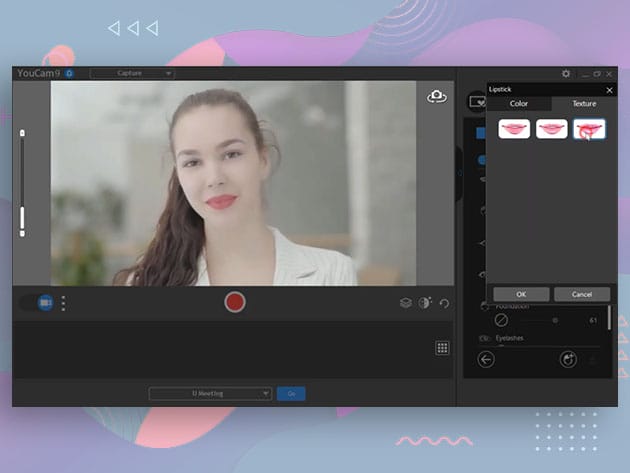
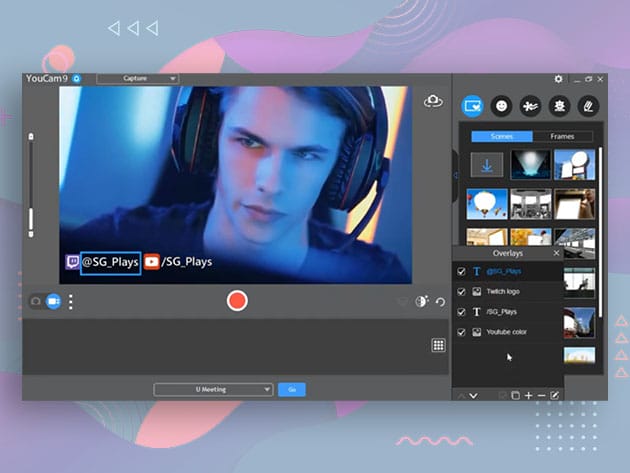
Turn your webcam into a live studio with YouCam. Perfect for streamers, business, and home users, this software is packed with integration, enhancements, and recording features for your camera needs. YouCam works with popular video recording, broadcasting, and live-streaming services such as Twitch, Facebook Live, YouTube Live, OBS Studio, XSplit, and Wirecast. It also works as a plugin for popular video conference services, including Skype, Google Hangouts, and more, as well as for your favorite social media platforms like Facebook, YouTube Live, and Twitch. Whatever purpose you’re using YouCam for, it provides you with a bunch of real-time face enhancements, video effect filters, animated emojis, and more, making you look your best whenever you want to.
Rated as ‘Excellent’ by Softpedia!
- Integrate seamlessly into video call & popular streaming services
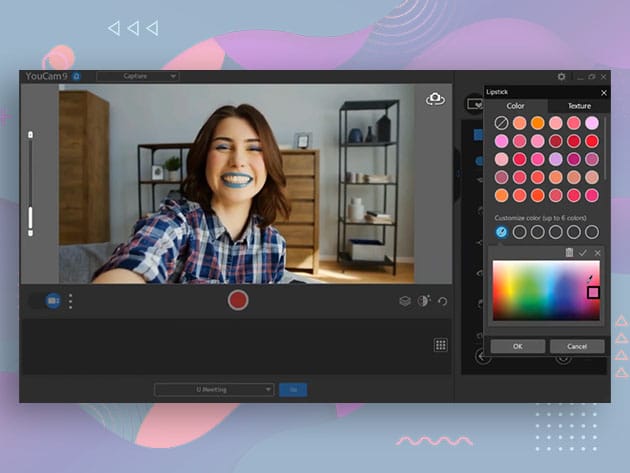
- Apply real-time skin enhancements & makeup to look your best
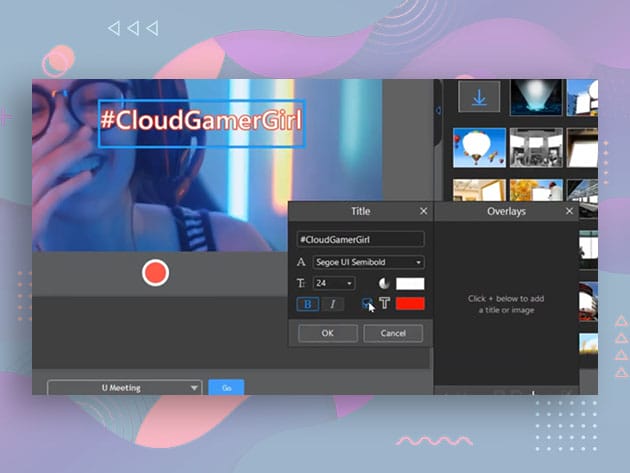
- Add life to your meetings, streams, & broadcasts w/ over 200 augmented reality effects, customized titles, and images
- Turn PowerPoint slides into engaging presentations by choosing from a selection of layouts using PiP video or side-by-side display
- Use your face as password; Face Login for automatic login to Windows & Face-Out to lock your PC
- Enhance webcam photos using a range of brush sizes & colors, or try freestyle drawing using your fingers on a touch-screen
PRODUCT SPECS
Features
- Customizable titles & images for live streaming
- Integration w/ popular streaming services
- Live skin smoothening
- Lighting, sharpness, & denoise adjustments
- Business presentation recording
- Face Login, Face-Out
- 200+ real-time video effects
- Animojis & gadgets
- Particles, filters & distortions
- Frames & scenes
- Photo editing
- Face beautification tools
System Requirements
- Microsoft Windows 10, 8.1/8, 7
- CPU: Intel Core™ i5 or AMD Phenom® II X4 B60
- GPU: Intel® HD Graphics
- Memory: 4GB
Hard disk space: 1GB for product installation - Display device: 1024x768p, 16-bit color
- Web camera (built-in or external USB)
Important Details
- Length of access: lifetime
- Redemption deadline: redeem your code within 30 days of purchase
- Max number of devices: 1
- Access options: desktop
- Software version: 9 Deluxe
- Updates included

Marco / admin / 30 Nov
Writing day to day ramblings about making money, business, technology, sharing awesome deals and everything else that I know I'll forget. Follow my personal blog https://marcotran.com.au
I've recently also turned Vegan and started this website Veggie Meals - check it out
"When technology speaks for itself, that is art" - MT
Affiliate Compensated: there are some articles with links to products or services that I may receive a commission.
OTHER ARTICLES YOU MAY LIKE

USING THE LATEST CLAUDE MODEL TO BUILD GREAT TOOLS
If you have ever had an idea for a small tool but stopped because coding felt too hard, the latest Claude model makes that gap much smaller. You can now describe what you want in plain English, ask Claude to plan it, build the first version, improve the design, write the logic, test the workflow, […]
read more
REVIEWING AND UNBOXING THE TOOCKI USB-C RIGHT ANGLE 1.2M CABLE
USB C cables are among the most ordinary accessories we own, yet they can make a surprisingly noticeable difference to how comfortable our devices are to use while charging. The Toocki USB C right angle cable is a good example of a simple accessory that tries to solve a very common irritation, because instead of […]
read more

