
CyberSaber: Laser Sword with Built-In Sound Activation for $109
May 11, 2020 / by Marco / Categories : Business, deals, design, entrepreneur, website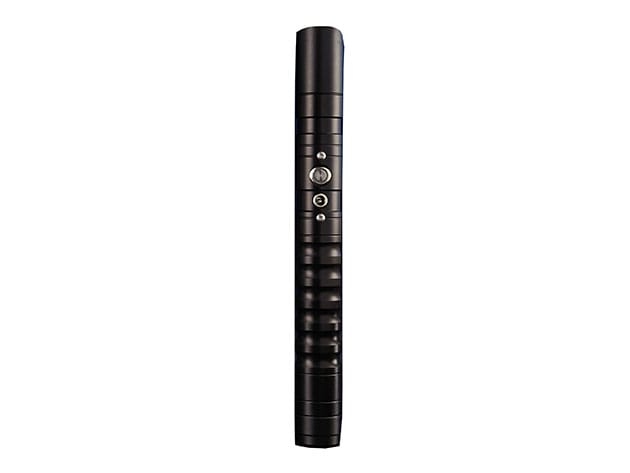

KEY FEATURES
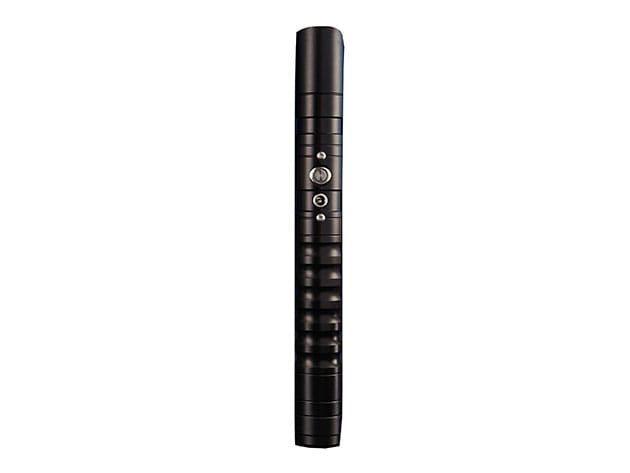
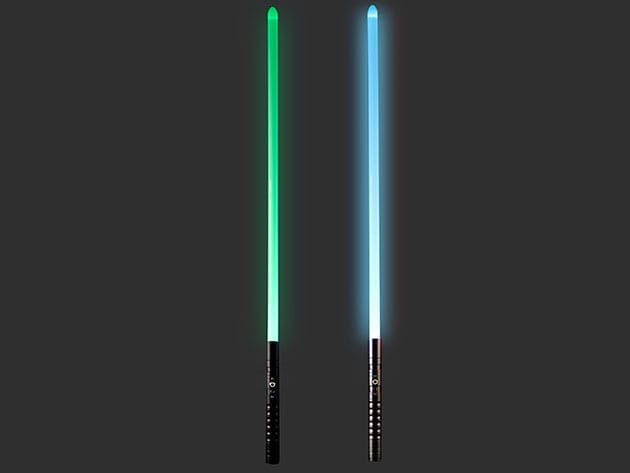
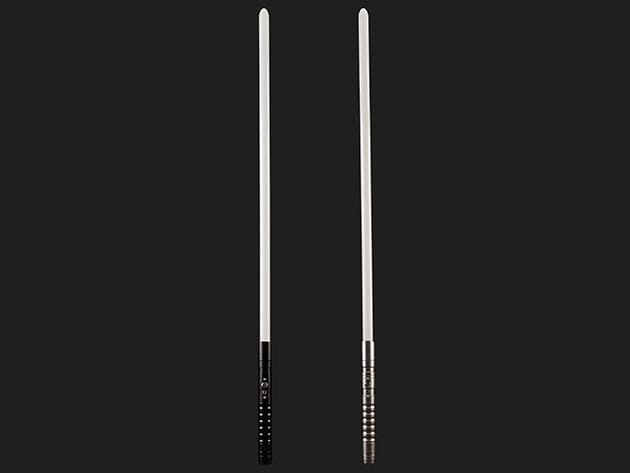
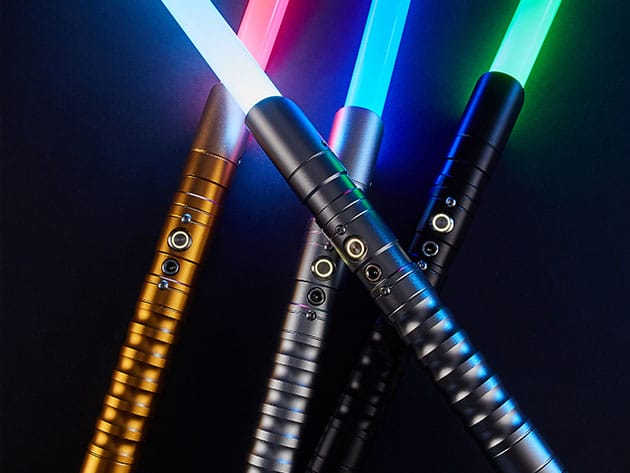
Perfect for battling droids or destroying evil emperors, the Cyber Blade Premier Edition is designed to withstand hits beyond your imagination. Complete with realistic sounds, each handle can project 11 different light colors with the push of a button, and comes accompanied with a detachable, ultra-durable, battle-ready blade. The aerospace-grade aluminum hilt is precision milled using a CNC machine to create an ergonomic grip that feels comfortable to wield. Designed with cyberpunks and Star Wars enthusiasts in mind, now you can show off your laser sword skills at parties, or add it to your trophy collection.
- Projects 11 different light colors w/ the push of a button
- Accompanied w/ a detachable, ultra-durable, battle-ready blade
- Aerospace-grade aluminum hilt has an ergonomic grip that feels comfortable to wield
- Designed for cyberpunk & Star War enthusiasts
PRODUCT SPECS
Specs
- Color: black
- Materials: aluminum, plastic
- Product dimensions: 39″L x 1.2″ Ø
- Weight: 1 lb
- Built-in sound activation
- Simple push button operation
- Ultra durable & detachable battle-ready blade
- Light color options
- White
- Rose
- Pink
- Red
- Orange
- Yellow
- Green
- Cyan
- Blue
- Cold Blue
- Purple
- Precision CNC machines aerospace-grade aluminum hilt
- Ergonomic grip
- Rechargeable lithium-ion battery
- Charged via microUSB cable
- Manufacturer’s 1-year warranty
Includes
- CyberSaber (Black)
- USB cable
- Handle strap
- User manual

Marco / admin / 30 Nov
Writing day to day ramblings about making money, business, technology, sharing awesome deals and everything else that I know I'll forget. Follow my personal blog https://marcotran.com.au
I've recently also turned Vegan and started this website Veggie Meals - check it out
"When technology speaks for itself, that is art" - MT
Affiliate Compensated: there are some articles with links to products or services that I may receive a commission.
OTHER ARTICLES YOU MAY LIKE

REVIEWING AND UNBOXING THE TOOCKI USB-C RIGHT ANGLE 1.2M CABLE
USB C cables are among the most ordinary accessories we own, yet they can make a surprisingly noticeable difference to how comfortable our devices are to use while charging. The Toocki USB C right angle cable is a good example of a simple accessory that tries to solve a very common irritation, because instead of […]
read more
QUICK FIX TO CHANGE THE MAX SELL POWER TO LESS THAN 500W ON THE DEYE INVERTER
There are many reasons a home owner or installer might want to place a tight cap on how much solar power is exported to the public grid. Some households live under a strict export cap imposed by their local distribution network operator, others want to reduce export to focus on self consumption and battery charging, […]
read more

