

It appears some of you may be facing an issue with Facebook displaying an error message This page isn’t working right now www.facebook.com redirected you too many times ERR_TOO_MANY_REDIRECTS after you’ve logged into your Facebook account.
For the latest solutions and options for 2021 read this article: FACEBOOK ACCOUNT UNAVAILABLE
I shared the detailed solution here: HOW TO FIX FACEBOOK TOO MANY REDIRECTS
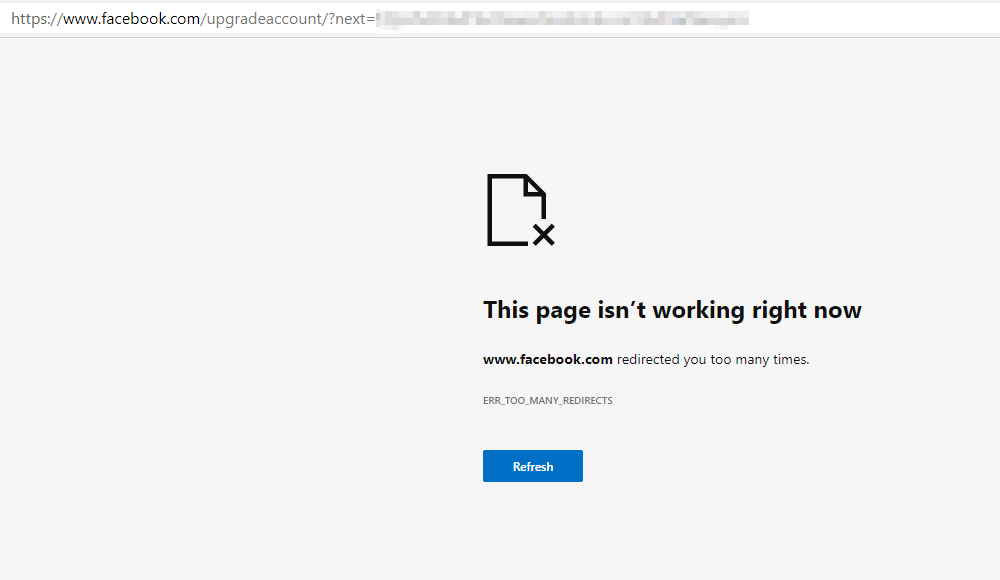
I thought I’d share this here with my Business Legions readers and here’s a video quickly describing the fix.
In summary, you need to do the following:
- After login into Facebook type in the URL https://www.facebook.com/upgradeaccount/redirect/
- Click on News Feed Button
- You will see the drop-down on the top right and click on that
- Select Switch to Classic Facebook
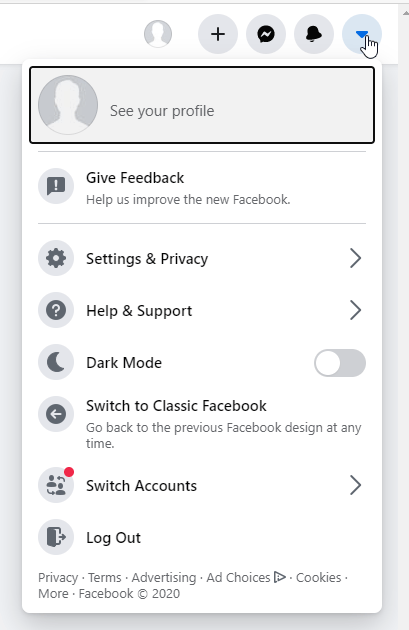
- It appears that the issue is related to Facebook automatically switching accounts to the new design. I hope this helped.
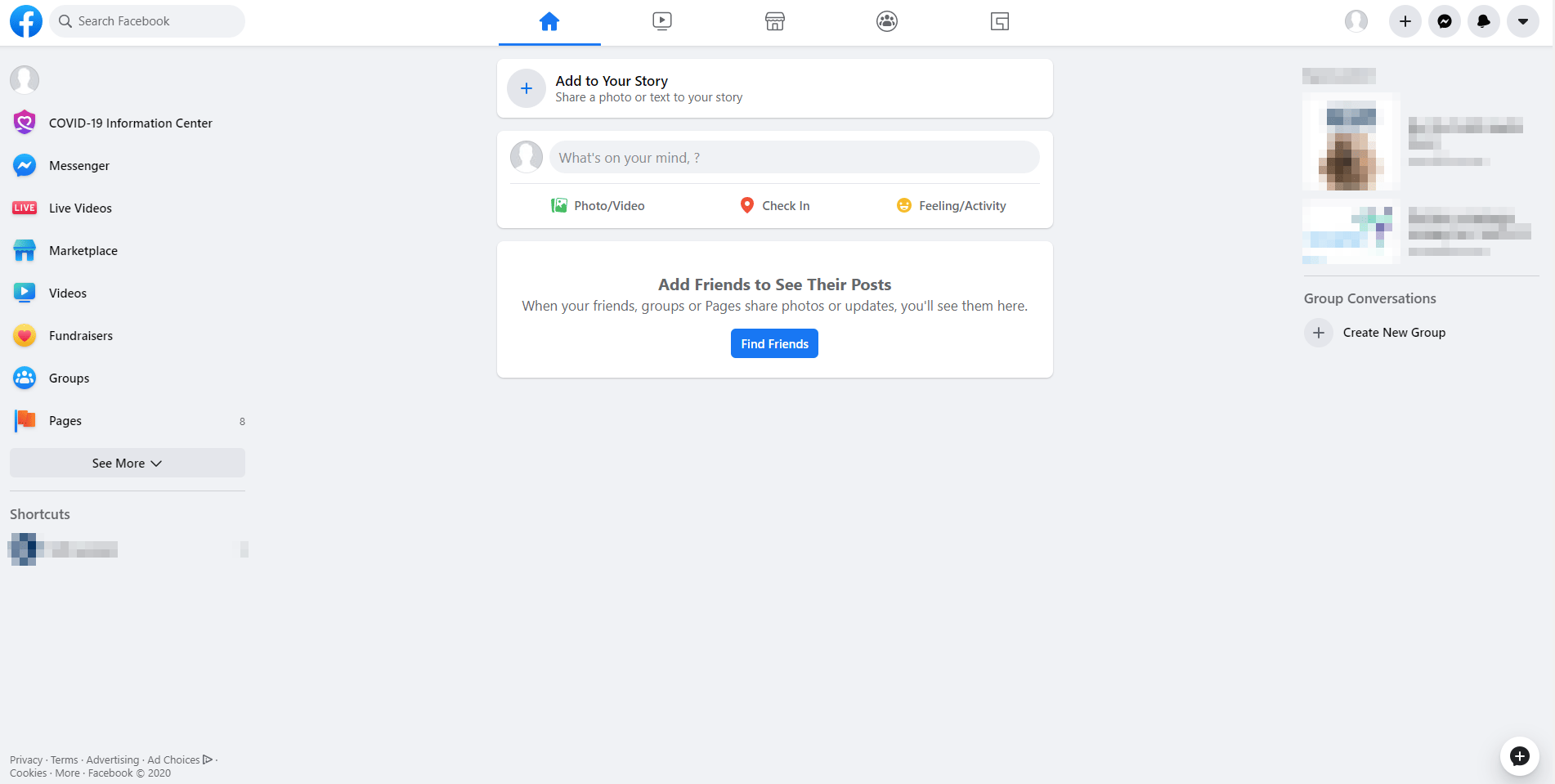
Hope this works for you.
Get Weekly Software Intelligence & Exclusive Deals
Join our private dispatch to receive curated lifetime SaaS discounts, developer automation blueprints, and actionable growth tutorials straight to your inbox.
Our Featured Sponsors & Partners
Discover vetted software platforms, SaaS toolkits, and services supporting the Business Legions community.
