
CREATING VIRTUAL MACHINES
September 30, 2020 / by Marco / Categories : Business
It’s so easy now creating Virtual Machines, in particular, if you are using Windows 10 as your operating system. Virtual machines allow you to emulate multiple physical machines all on the one device. For example, you can have a Windows 7 virtual machine, a Ubuntu virtual machine and a Windows 2019 server virtual machine.
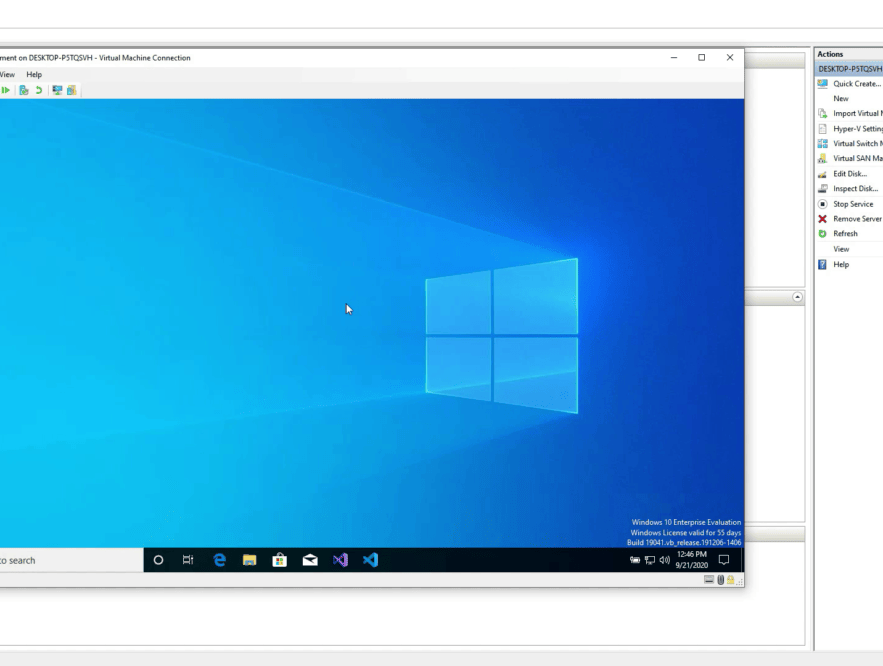
If you’re using Windows 10, then you are in luck. These is a built in application called Hyper V and you can manage all your virtual machines using the Hyper V manager.
HOW TO INSTALL HYPER V
You can use this video as a guide on how to install Hyper V on your Windows 10 PC.
The process is fairly straight forward but you do need a machine that is powerful enough. The requirements are as follows:
- Windows 10 Enterprise, Pro, or Education
- 64-bit Processor with Second Level Address Translation (SLAT)
- CPU support for VM Monitor Mode Extension (VT-c on Intel CPUs)
- Minimum of 4 GB memory
If you can’t install Windows 10, it’s possible you’re using Windows 10 Home. so you may need to upgrade your operating system.
There are other tools available such as VMWare, VirtualBox and Virtual Machine which can also be used to create virtual machines.

Marco / admin / 30 Nov
Writing day to day ramblings about making money, business, technology, sharing awesome deals and everything else that I know I'll forget. Follow my personal blog https://marcotran.com.au
I've recently also turned Vegan and started this website Veggie Meals - check it out
"When technology speaks for itself, that is art" - MT
Affiliate Compensated: there are some articles with links to products or services that I may receive a commission.
OTHER ARTICLES YOU MAY LIKE

EASY TYRE PRESSURE SENSOR RESET TUTORIAL | RENAULT KOLEOS & SIMILAR CARS
If you have recently adjusted your tyres, topped up the air pressure, or seen a warning appear on your dashboard, knowing how to reset the tyre pressure monitoring system on a Renault Koleos can save you time and unnecessary worry. The process is quite straightforward once you know where to look in the vehicle menu, […]
read moreHOW TO USE GOOGLE WORKSPACE STUDIO FLOW IN GMAIL FOR SMART EMAIL AUTOMATION
Google keeps slipping new productivity features into Workspace, and sometimes the most useful ones are the tools you almost discover by accident while checking email. That is exactly the case with Studio Flow, a feature that has started appearing inside Gmail and wider Google Workspace environments, and it looks like Google is pushing further into […]
read more


