
Mini Mac Utilities Bundle feat. TG Pro for $9
December 12, 2017 / by Marco / Categories : Business, deals, design, entrepreneur, website



KEY FEATURES
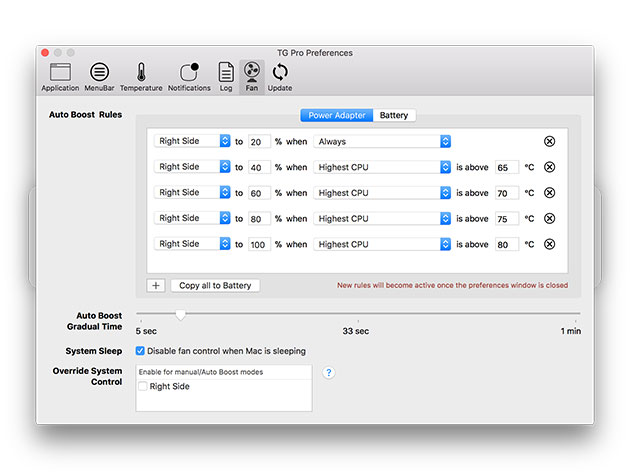
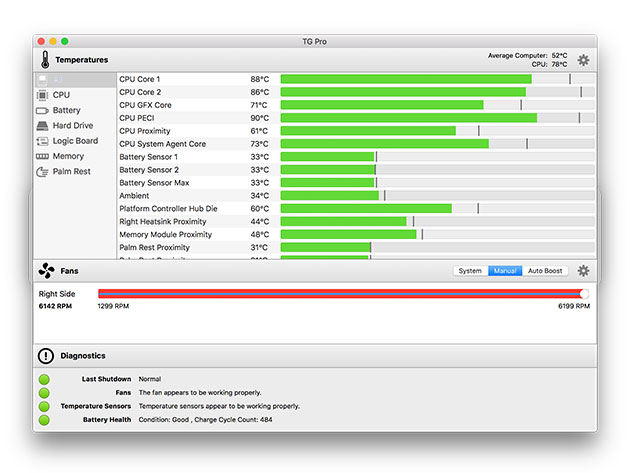
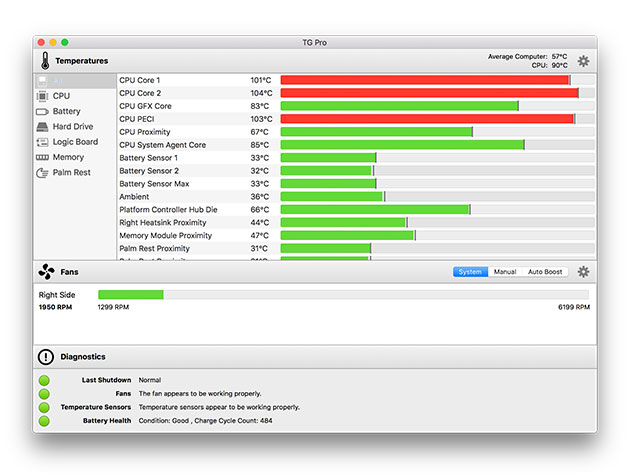
Take a look at what’s going on inside your Mac with TG Pro! No other app shows more temperature sensors or has as many options for notifications and fan speeds. You can find out which components are getting hot (or overheating), turn up the fan speeds to cool down your Mac, get temperature alerts, and more. Plus, you can identify if any fans are defective with the built-in hardware diagnostics.
3.5/5 Stars, PC Mag
‘TG Pro is awesome … because it will show you the temperature of all the separate sensors (and there are a lot of sensors, ranging from several built into the CPU to a palm rest temperature sensor) and can warn you if any of the sensors or fans are defective.’ ZDNet
- See the current & maximum recorded temperatures for every sensor in your Mac
- View & control speeds for every fan
- Get notified if a sensor or the Mac gets too hot, or when the fans are turned up w/ Auto Boost
- Monitor remote servers by having an email sent instead of a local notification
- Discover faulty fans, temperature sensors, & batteries w/ the built-in diagnostics
- Log all temperatures, fan speeds, diagnostics, & notifications to a CSV file
- Run in the background w/ configurable info displayed in the menu bar
PRODUCT SPECS
Details & Requirements
- Version 2.27
Compatibility
- Mac OS X 10.7 or later
SOFTWARE LICENSE DETAILS
- Redemption: must redeem within 30 days of purchase
- Restrictions: for use on 1 Mac
KEY FEATURES
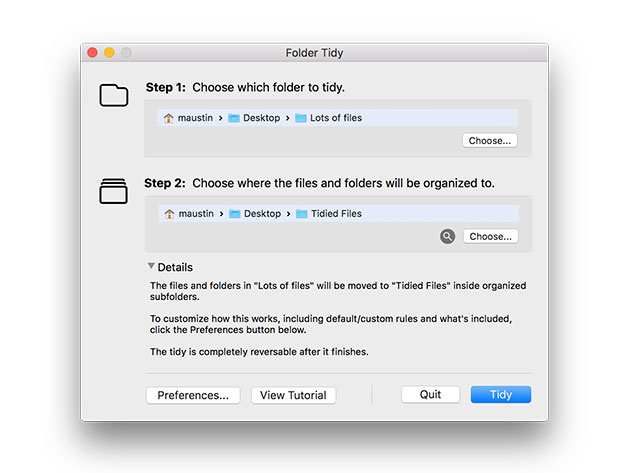
Take a look at your Desktop, or the Downloads folder – is it a little disorganized? Or maybe really disorganized? Don’t worry, it’s really easy to clean up. With Folder Tidy you can choose the folder to organize and with one click you’ll see the files get sorted into the appropriate sub folders (Pictures, Word Documents, Numbers, Archives, etc). Before you know it, that cluttered Mac will look as good as new.
Named a MakeUseOf Best Mac App of 2015
- Tidy up any folder by moving the mess of files into organized sub-folders
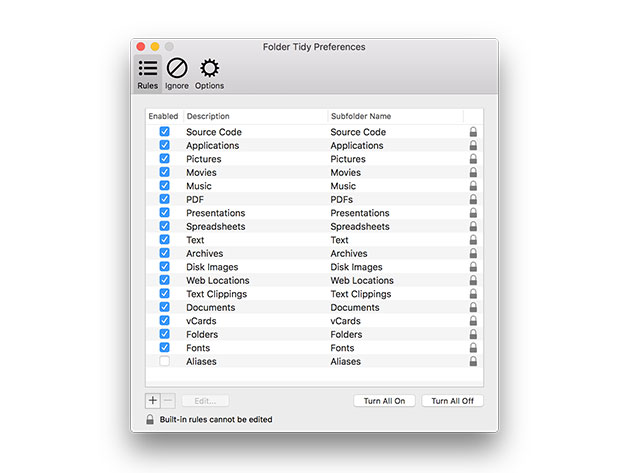
- Use the simple yet powerful built-in rules for a one-click clean
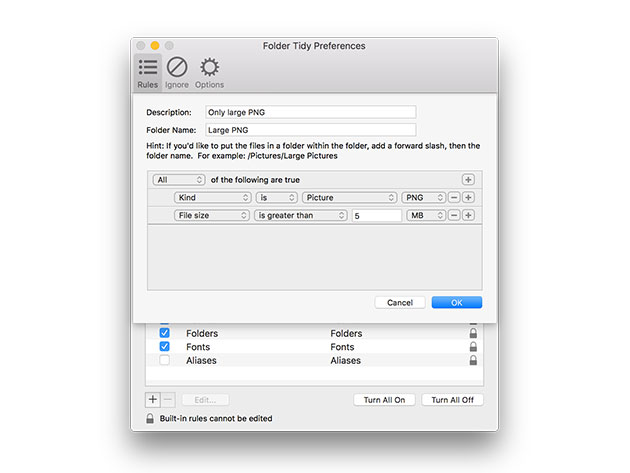
- Create advanced custom rules to tidy the folder exactly how you want to
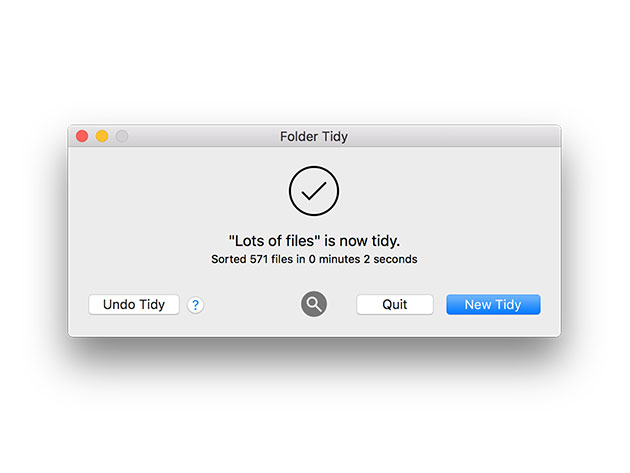
- Move everything back at the end of the tidy if you change your mind
PRODUCT SPECS
Details & Requirements
- Version 2.7
Compatibility
- Mac OS X 10.7 or later
SOFTWARE LICENSE DETAILS
- Redemption: must redeem within 30 days of purchase
- Restrictions: for use on 1 Mac
KEY FEATURES
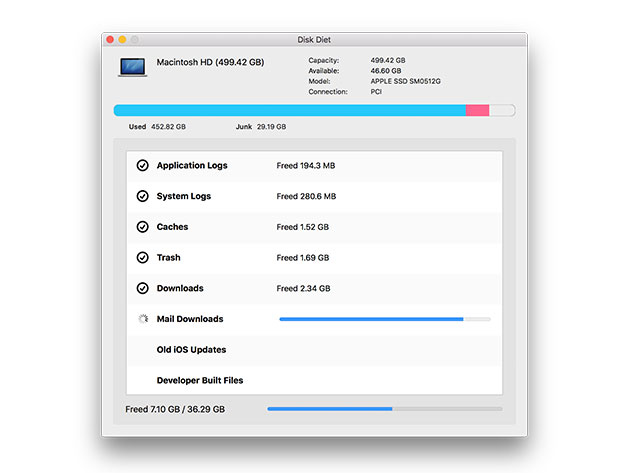
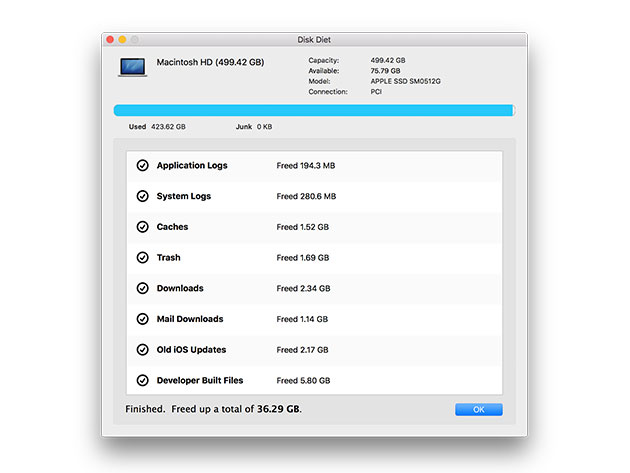
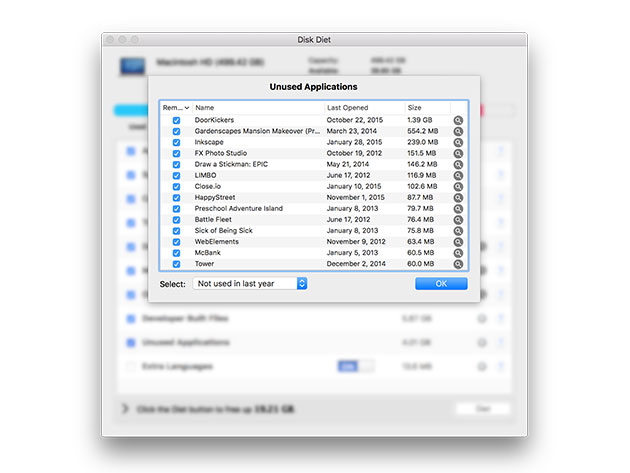
Ever had your Mac almost (or completely) run out of disk space? If so, you’ve probably also tried to find out what’s taking up so much space and how to get rid of junk. Sometimes this is easy, although most of the time a lot of the files that are clogging up your Mac can be tricky to find and remove safely. That’s why almost 100,000 people trust Disk Diet to safely and easily clean their Macs.
4.5/5 Stars, MacUpdate
4.5/5 Stars on 1,000+ iTunes reviews
- Removed unused applications
- Clean unused language translation from apps & caches
- Remove old iOS software updates & old application and system logs
- Empty the regular & iPhoto trashes
- Clean out old, fully downloaded files from the downloads folder & downloaded mail attachments
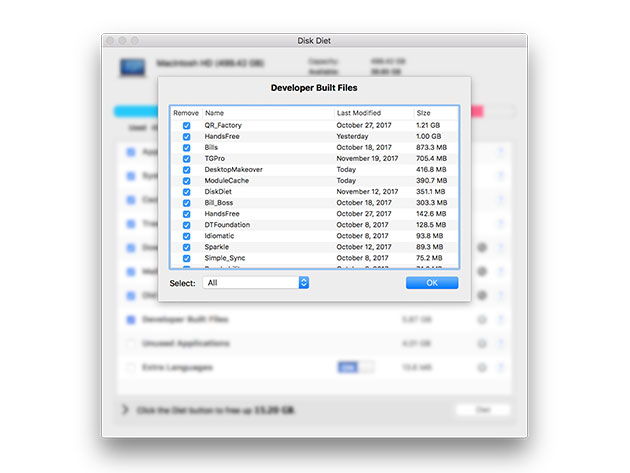
- Safely remove old Xcode derived data folders
PRODUCT SPECS
Details & Requirements
- Version 5.4.1
Compatibility
- Mac OS X 10.7 or later
SOFTWARE LICENSE DETAILS
- Redemption: must redeem within 30 days of purchase
- Restrictions: for use on 1 Mac

Marco / admin / 30 Nov
Writing day to day ramblings about making money, business, technology, sharing awesome deals and everything else that I know I'll forget. Follow my personal blog https://marcotran.com.au
I've recently also turned Vegan and started this website Veggie Meals - check it out
"When technology speaks for itself, that is art" - MT
Affiliate Compensated: there are some articles with links to products or services that I may receive a commission.
OTHER ARTICLES YOU MAY LIKE

REVIEWING AND UNBOXING THE TOOCKI USB-C RIGHT ANGLE 1.2M CABLE
USB C cables are among the most ordinary accessories we own, yet they can make a surprisingly noticeable difference to how comfortable our devices are to use while charging. The Toocki USB C right angle cable is a good example of a simple accessory that tries to solve a very common irritation, because instead of […]
read more
QUICK FIX TO CHANGE THE MAX SELL POWER TO LESS THAN 500W ON THE DEYE INVERTER
There are many reasons a home owner or installer might want to place a tight cap on how much solar power is exported to the public grid. Some households live under a strict export cap imposed by their local distribution network operator, others want to reduce export to focus on self consumption and battery charging, […]
read more

