
Data Rescue 4 for $49
August 16, 2017 / by Marco / Categories : Business, deals, design, entrepreneur, website


KEY FEATURES
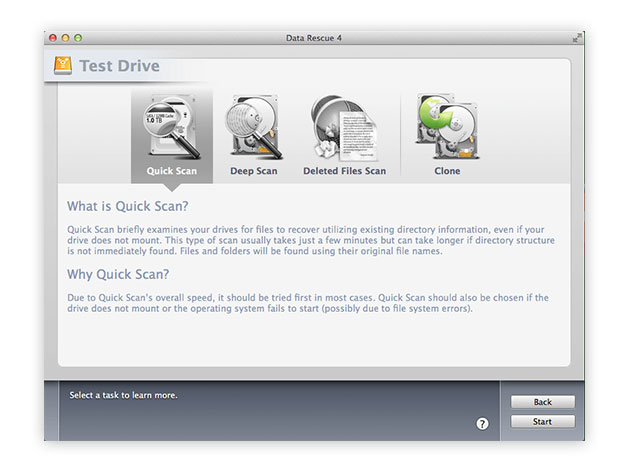
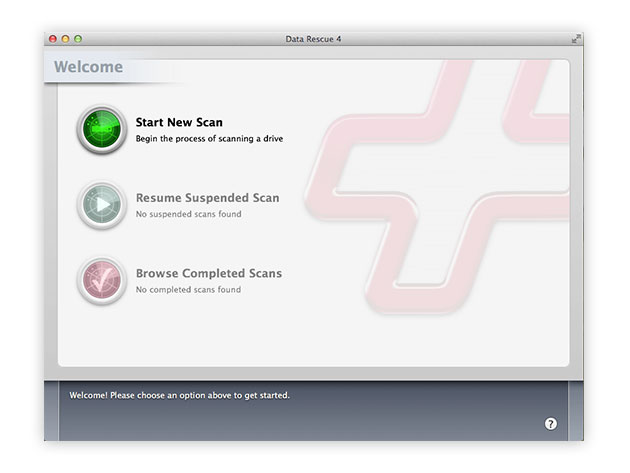
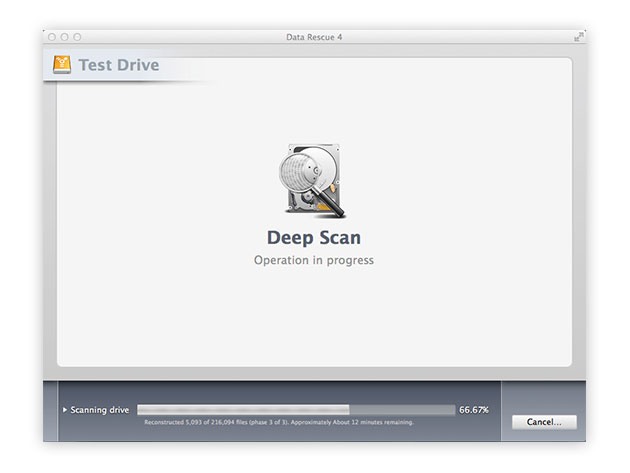
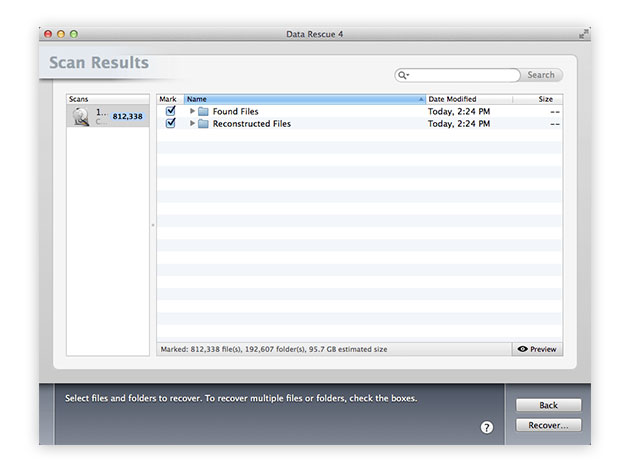
Data Rescue 4 is the gold-standard when it comes to data recovery for your Mac. With Data Rescue 4 for Mac, you’ll be able to recover your photos, videos and documents after a hard drive crash or a reinstallation of your OS. You can even recover files after you mistakenly delete them.
TopTenReviews Gold Award Winner for Mac Data Recovery Software
‘Data Rescue 4 remains your best hope for recovering data from a physically functional drive without having to send it to a dedicated outfit where technicians in clean rooms will replace drive components in clean rooms for hundreds or thousands of dollars,’ 4/5 Stars, Macworld
- Works on all Mac hard drives even if they fail to or only partially mount
- Recovers data from up to 5 drives
- Recovers crashed, corrupted & non-mounting hard drives
- Simplifies data recovery after a crash w/ Bootwell
- Recovers damaged & missing files
- Clones an exact copy of your hard drive for quicker recovery
- Recovers digital pictures from your camera even after it’s been erased or reformatted
- Supports data recovery from NTFS-based Boot Camp Partitions
PRODUCT SPECS
Details & Requirements
- Version 4
- Recovers data from up to 5 drives, unlimited in size
- Online and phone (US) support available
- To prevent your files from being overwritten, Data Rescue requires you to have a second hard drive to recover to
- Dara Rescue cannot recover an ethernet or WiFi connected hard drive
Compatibility
- Mac OS X 10.8 or later
- Languages: English
- Note: recovering files from your Mac’s startup disk requires you to boot from ProSoft’s BootWell USB flash drive ($15), or you can provide your own 16GB USB flash drive and use Data Rescue to create a BootWell volume with it
SOFTWARE LICENSE DETAILS
- Redemption: must redeem within 30 days of purchase
- Restrictions: for use on 1 computer

Marco / admin / 30 Nov
Writing day to day ramblings about making money, business, technology, sharing awesome deals and everything else that I know I'll forget. Follow my personal blog https://marcotran.com.au
I've recently also turned Vegan and started this website Veggie Meals - check it out
"When technology speaks for itself, that is art" - MT
Affiliate Compensated: there are some articles with links to products or services that I may receive a commission.
OTHER ARTICLES YOU MAY LIKE

REVIEWING AND UNBOXING THE TOOCKI USB-C RIGHT ANGLE 1.2M CABLE
USB C cables are among the most ordinary accessories we own, yet they can make a surprisingly noticeable difference to how comfortable our devices are to use while charging. The Toocki USB C right angle cable is a good example of a simple accessory that tries to solve a very common irritation, because instead of […]
read more
QUICK FIX TO CHANGE THE MAX SELL POWER TO LESS THAN 500W ON THE DEYE INVERTER
There are many reasons a home owner or installer might want to place a tight cap on how much solar power is exported to the public grid. Some households live under a strict export cap imposed by their local distribution network operator, others want to reduce export to focus on self consumption and battery charging, […]
read more

