
Sinji Flexible Borescope Camera for Android & iOS for $29
May 27, 2020 / by Marco / Categories : Business, deals, design, entrepreneur, website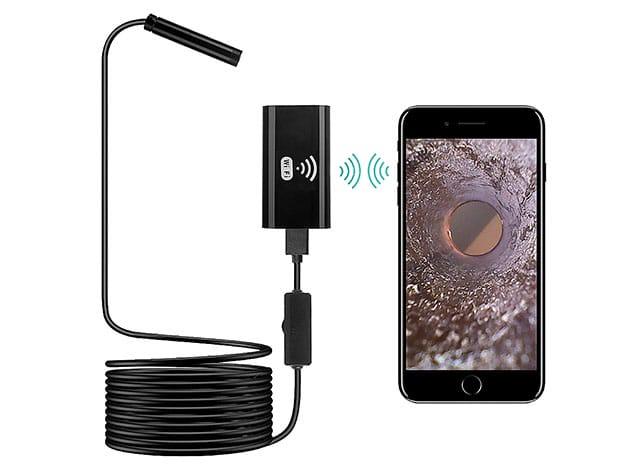

KEY FEATURES
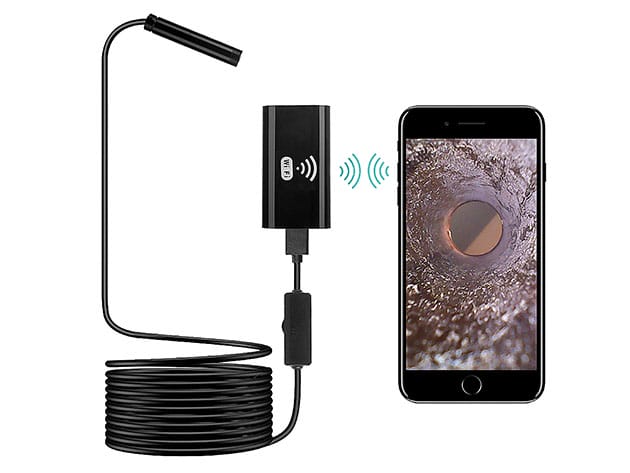
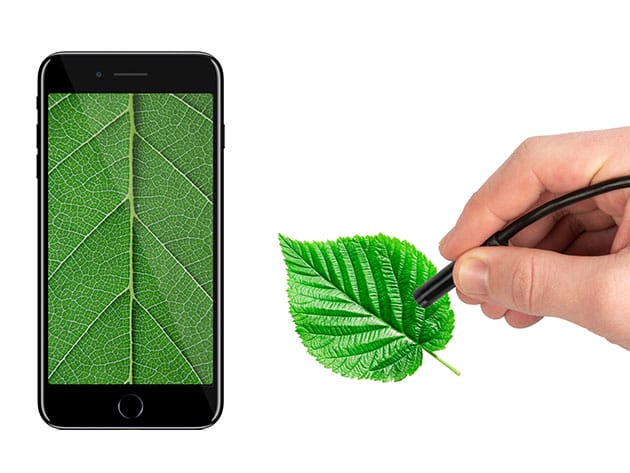
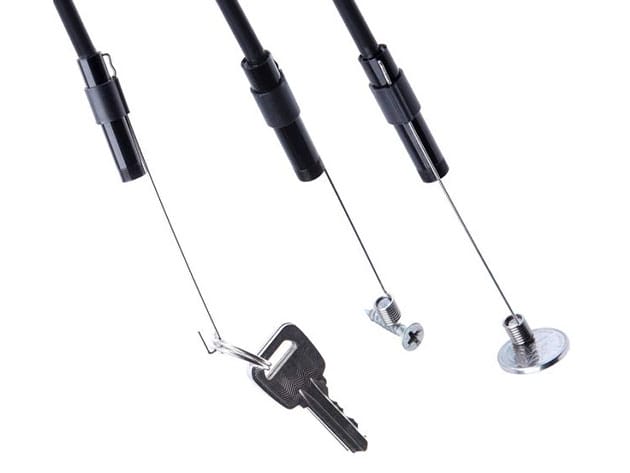
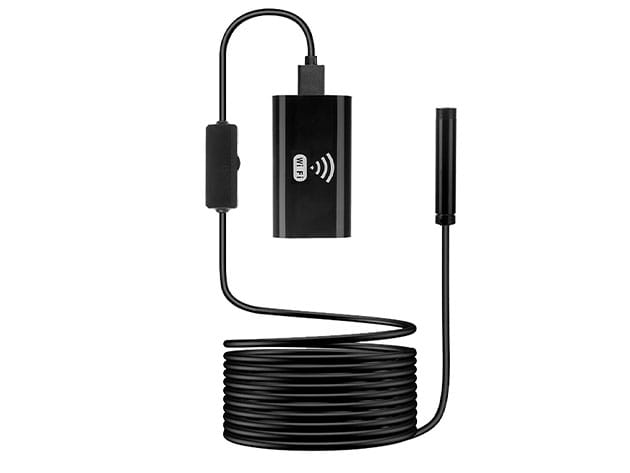
The Sinji Borescope is a flexible inspection camera to provide a quick and easy overview of hard to reach areas. Investigate your blocked drain pipe or a defective machine part. You can even reach the darkest spots, thanks to its HD recording quality and 6 powerful adjustable LED lights. You can easily download the app on your smartphone or tablet or download the software on your PC, to start using the Sinji Borescope. Take photos or record a video and save the footage immediately on your smartphone, tablet, or PC. The waterproof camera is equipped with a 2-meter microUSB to USB cable and a ø8mm camera lens. With included hook and magnet, you can also use this borescope to retrieve lost keys and other items.
- Flexible 2-meter cable will slip past any obstacle
- 6 adjustable LEDs provide a picture-perfect view on your phone
- Included hook & magnet for quick, easy retrieval of hard-to-reach items
- ø8mm nifty camera lens w/ 70˚ viewing angle for wider range
- IP67 waterproof perfect for any situation
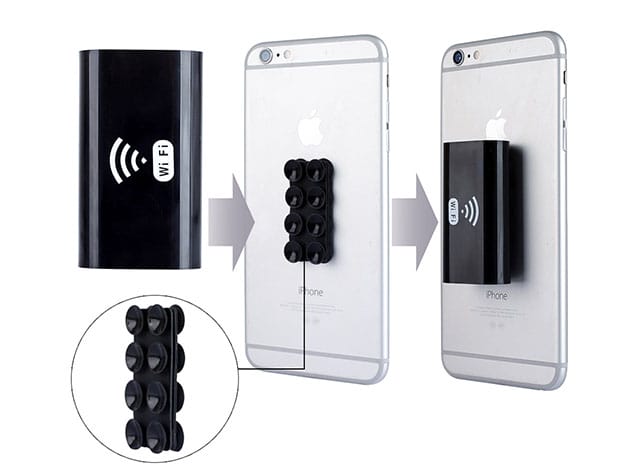
- Connects to phone via Wi-Fi
PRODUCT SPECS
Specs
- Color: black
- Finish: matte
- Materials: ABS, glass, PVC, copper
- Cable length: 2m
- Resolution: 1280×720
- View angle: 70˚
- Camera lens: ø8mm
- Waterproof: IP67
- 6 adjustable white LED lights
- Photo format: JPEG
- Video format: AVI
- App: WiFi Borescope (iOS or Android)
- Manufacturer’s 1-year warranty
Includes
- Sinji Flexible Borescope Camera for Android & iOS (2 meters)

Marco / admin / 30 Nov
Writing day to day ramblings about making money, business, technology, sharing awesome deals and everything else that I know I'll forget. Follow my personal blog https://marcotran.com.au
I've recently also turned Vegan and started this website Veggie Meals - check it out
"When technology speaks for itself, that is art" - MT
Affiliate Compensated: there are some articles with links to products or services that I may receive a commission.
OTHER ARTICLES YOU MAY LIKE

REVIEWING AND UNBOXING THE TOOCKI USB-C RIGHT ANGLE 1.2M CABLE
USB C cables are among the most ordinary accessories we own, yet they can make a surprisingly noticeable difference to how comfortable our devices are to use while charging. The Toocki USB C right angle cable is a good example of a simple accessory that tries to solve a very common irritation, because instead of […]
read more
QUICK FIX TO CHANGE THE MAX SELL POWER TO LESS THAN 500W ON THE DEYE INVERTER
There are many reasons a home owner or installer might want to place a tight cap on how much solar power is exported to the public grid. Some households live under a strict export cap imposed by their local distribution network operator, others want to reduce export to focus on self consumption and battery charging, […]
read more

