
GoSafe 228 Dash Cam for $59
June 21, 2018 / by Marco / Categories : Business, deals, design, entrepreneur, website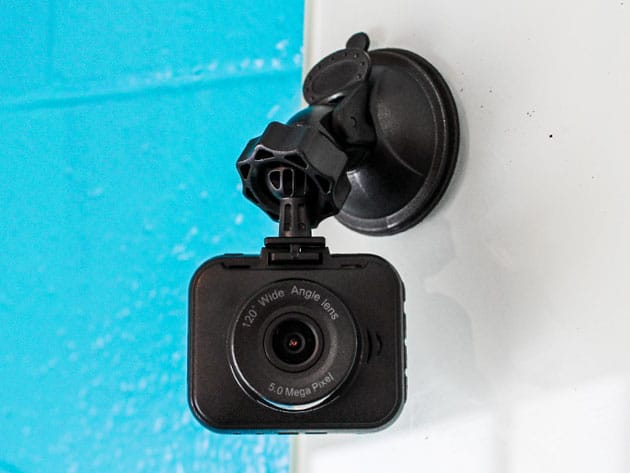

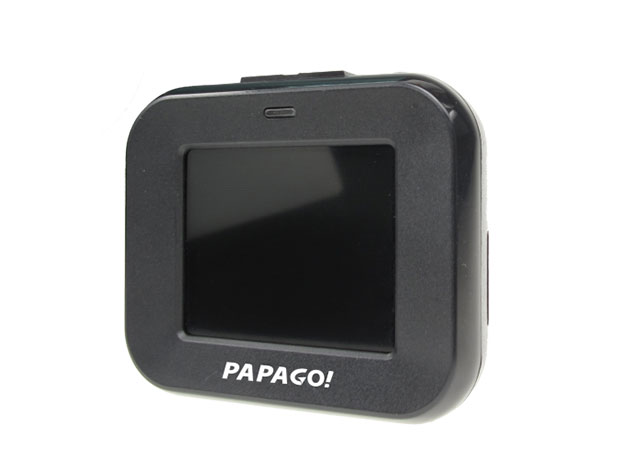
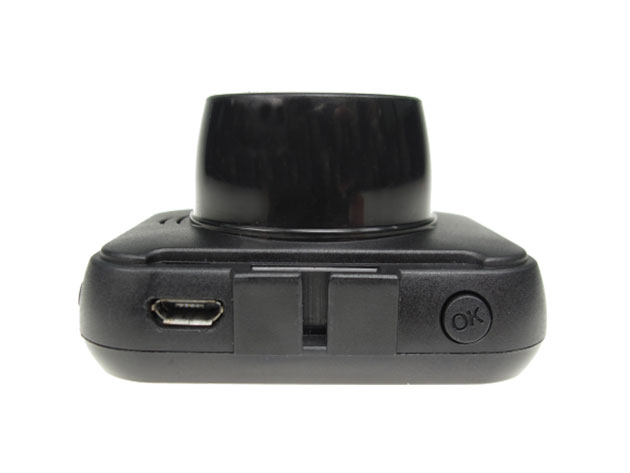
KEY FEATURES
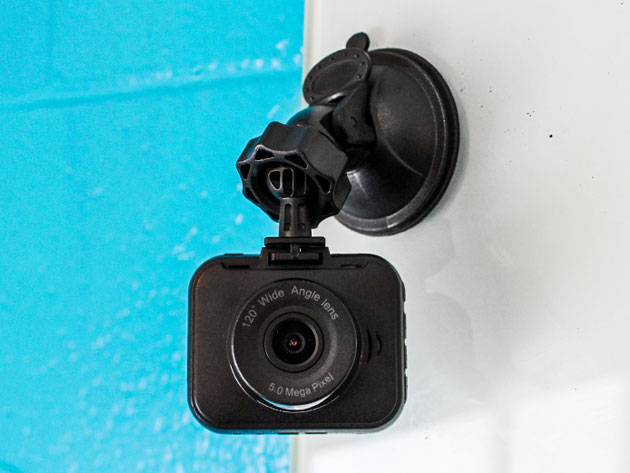
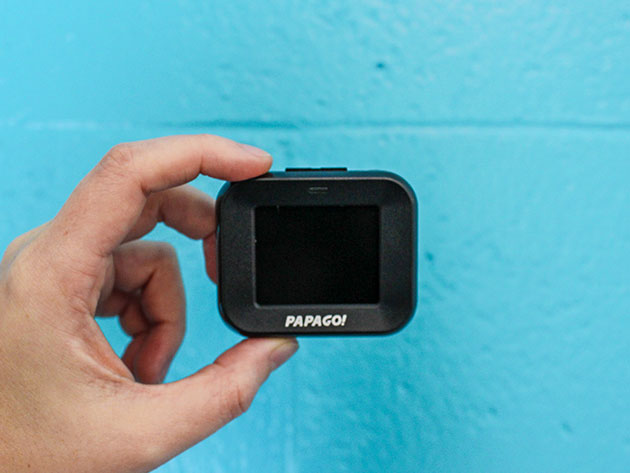
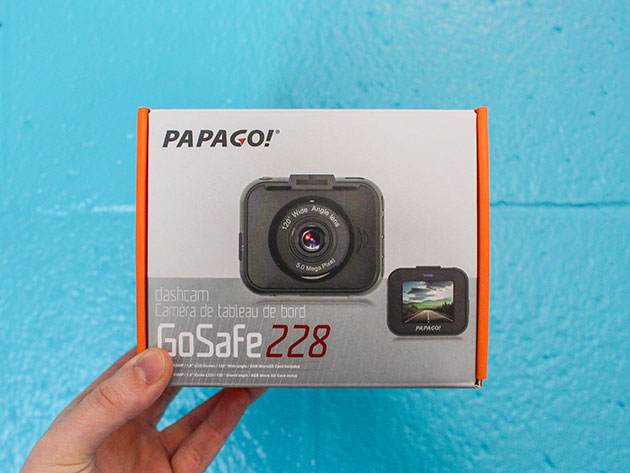
The sturdy GoSafe 228 will handle any situation like a champ. Made to withstand the harshest of weather conditions, this dash camera automatically turns on when you turn on your car and records at an 120° angle view and in 1080p full HD resolution, for high quality videos, day and night. The GoSafe 228’s slim and sleek quality design allows for low-profile surveillance, whether you’re using video mode, motion detection mode, or camera mode. And to playback your videos, this dash camera comes with a 1.8” LCD display, and, includes a built-in G sensor to automatically lock and protect the file when it detects an any impact, making the GoSafe 228 ready for any ride life throws you.
- Full HD resolution recording
- Detects when there is movement in front of the camera & begins recording
- Built-in G-sensor automatically saves files in the event of a collision
- Wider field of vision provides a panoramic view of the road
PRODUCT SPECS
Details & Requirements
- Resolution: 1920×1080 @ 30 fps / 1280×720 @ 60 fps / 1280×720 @ 30 fps / VGA 640 x 480
- Viewing angle: 120º
- Storage format: JPG, AVI
- Supports up to 32GB microSD storage (not included)
- Battery capacity: 95mAh
- Power supply: 5V/1A
- Operating temperature: 14ºF – 149ºF
- Storage temperature: -4ºF – 158ºF
- Picture resolution: 12MP
- Aspect ratio: 4:3
- System language: English, French, Spanish, Portuguese, Traditional Chinese
Includes
- GoSafe 228 Dash Cam
- Car charger
- Suction cup mount
- 8GB microSD card
- Quick guide
- Warranty card

Marco / admin / 30 Nov
Writing day to day ramblings about making money, business, technology, sharing awesome deals and everything else that I know I'll forget. Follow my personal blog https://marcotran.com.au
I've recently also turned Vegan and started this website Veggie Meals - check it out
"When technology speaks for itself, that is art" - MT
Affiliate Compensated: there are some articles with links to products or services that I may receive a commission.
OTHER ARTICLES YOU MAY LIKE

USING THE LATEST CLAUDE MODEL TO BUILD GREAT TOOLS
If you have ever had an idea for a small tool but stopped because coding felt too hard, the latest Claude model makes that gap much smaller. You can now describe what you want in plain English, ask Claude to plan it, build the first version, improve the design, write the logic, test the workflow, […]
read more
REVIEWING AND UNBOXING THE TOOCKI USB-C RIGHT ANGLE 1.2M CABLE
USB C cables are among the most ordinary accessories we own, yet they can make a surprisingly noticeable difference to how comfortable our devices are to use while charging. The Toocki USB C right angle cable is a good example of a simple accessory that tries to solve a very common irritation, because instead of […]
read more


