
Nifty MiniDrive MicroSD Card Adapter for $29
April 6, 2017 / by Marco / Categories : Business, deals, design, entrepreneur, website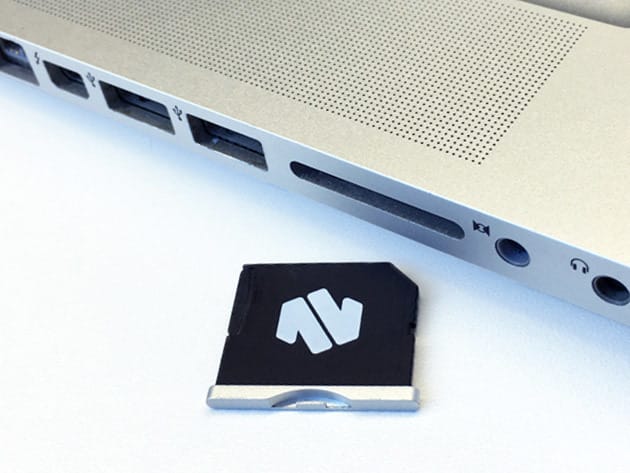

KEY FEATURES
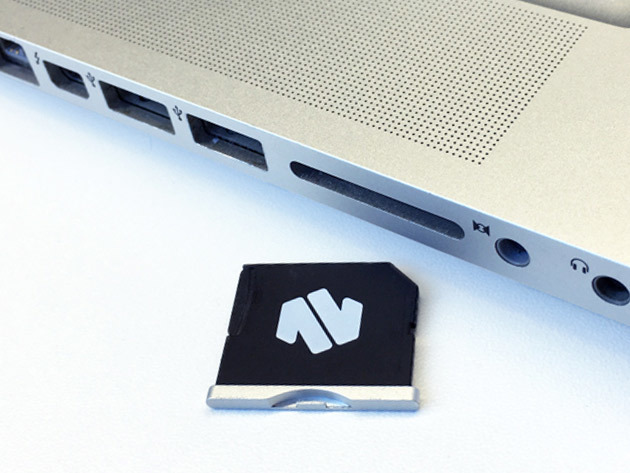
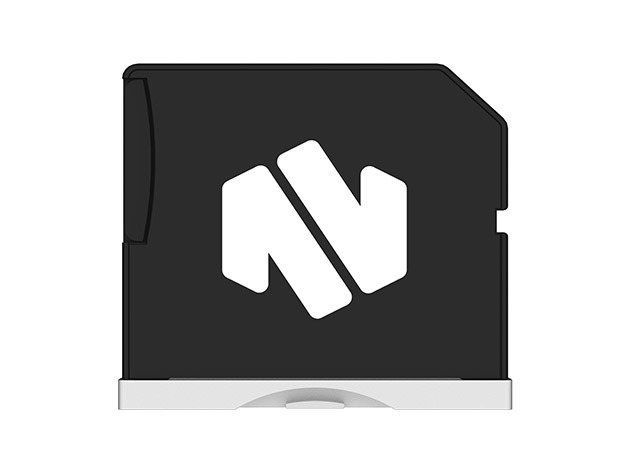
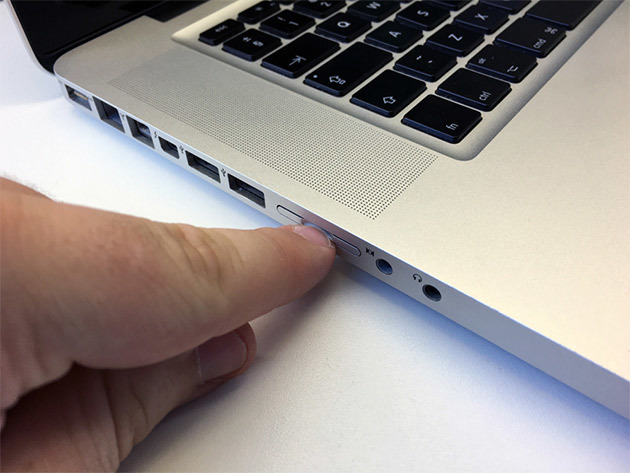
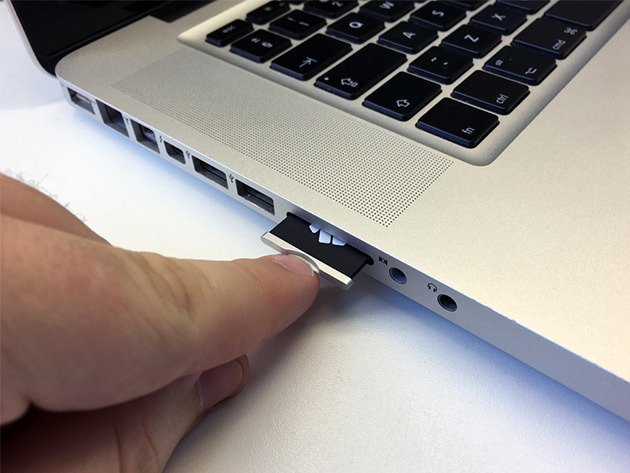
Finally, you can dump that clunky USB drive floating around your backpack. A MicroSD card adapter that seamlessly plugs into your MacBook, the MiniDrive integrates with Time Machine to add up to 256 GB of extra space to store important files. You won’t have to carry cumbersome storage devices anymore, simply plug in MiniDrive and you’re good to go.
“In an age of Wi-Fi cameras and mostly cramped SSD storage, they’re a great little addition to any Mac notebook setup.” – TechCrunch
- Perfect coloring & shaping attach seamlessly to your computer
- Daily back-up options can automatically back up files while your MiniDrive is present
- MicroSD cards up to 256 GB are compatible w/ MiniDrive
Note: No MicroSD card included
PRODUCT SPECS
Details & Requirements
- Material: Aluminum
- Capacity: Adaptable up to 256 GB
Compatibility
- 15″ MacBook Pro Retina (late 2013 model onwards)
- Works with any brand MicroSD card (up to UHS-I only)
- For full compatibility, refer to the following Chart
Includes
- Nifty MiniDrive R15

Marco / admin / 30 Nov
Writing day to day ramblings about making money, business, technology, sharing awesome deals and everything else that I know I'll forget. Follow my personal blog https://marcotran.com.au
I've recently also turned Vegan and started this website Veggie Meals - check it out
"When technology speaks for itself, that is art" - MT
Affiliate Compensated: there are some articles with links to products or services that I may receive a commission.
OTHER ARTICLES YOU MAY LIKE

USING THE LATEST CLAUDE MODEL TO BUILD GREAT TOOLS
If you have ever had an idea for a small tool but stopped because coding felt too hard, the latest Claude model makes that gap much smaller. You can now describe what you want in plain English, ask Claude to plan it, build the first version, improve the design, write the logic, test the workflow, […]
read more
REVIEWING AND UNBOXING THE TOOCKI USB-C RIGHT ANGLE 1.2M CABLE
USB C cables are among the most ordinary accessories we own, yet they can make a surprisingly noticeable difference to how comfortable our devices are to use while charging. The Toocki USB C right angle cable is a good example of a simple accessory that tries to solve a very common irritation, because instead of […]
read more


