
Transfer Photos, Contacts, Music, Apps & More with iMazing 2 – 50% off!
August 4, 2018 / by Marco / Categories : Business, deals, design, entrepreneur, website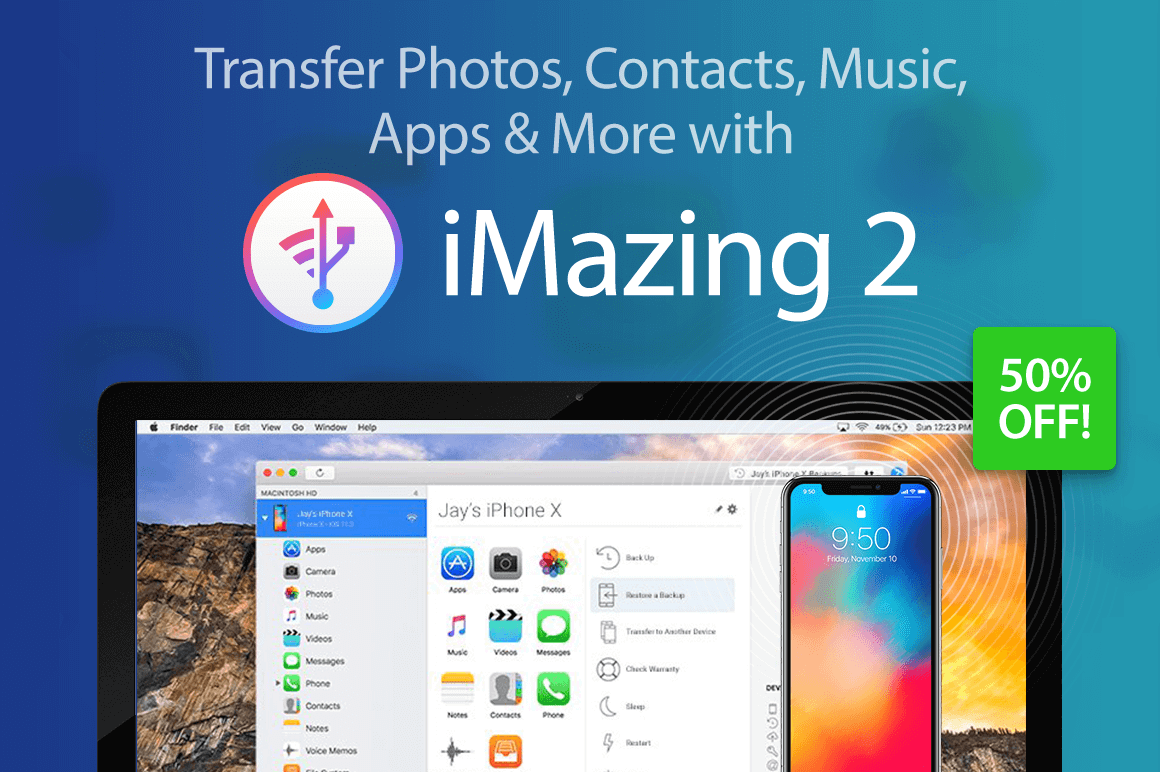

NOW ON: Transfer Photos, Contacts, Music, Apps & More with iMazing 2 – 50% off!
Expires: August 20, 2018, 11:59 pm EST
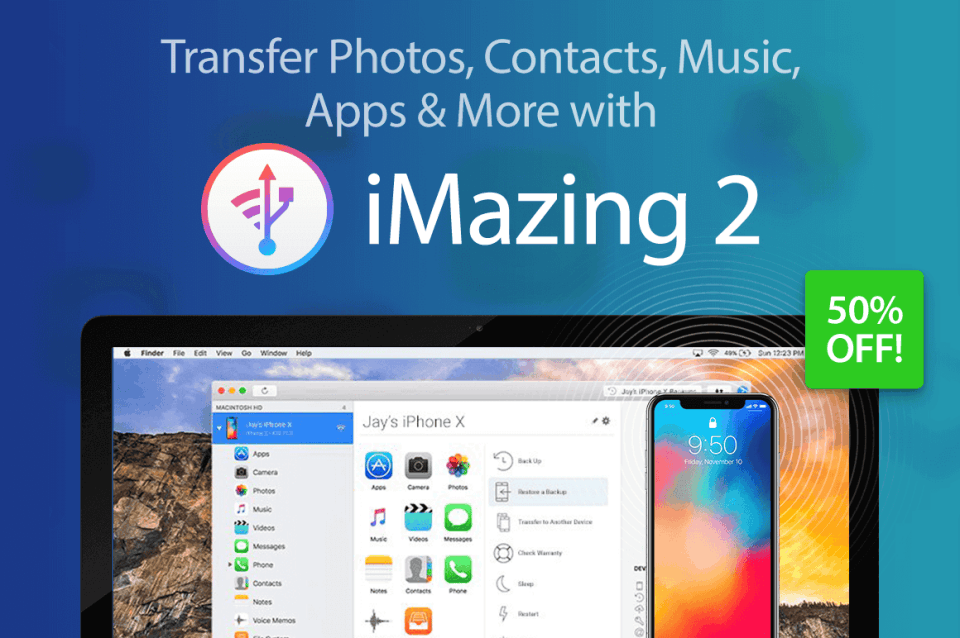
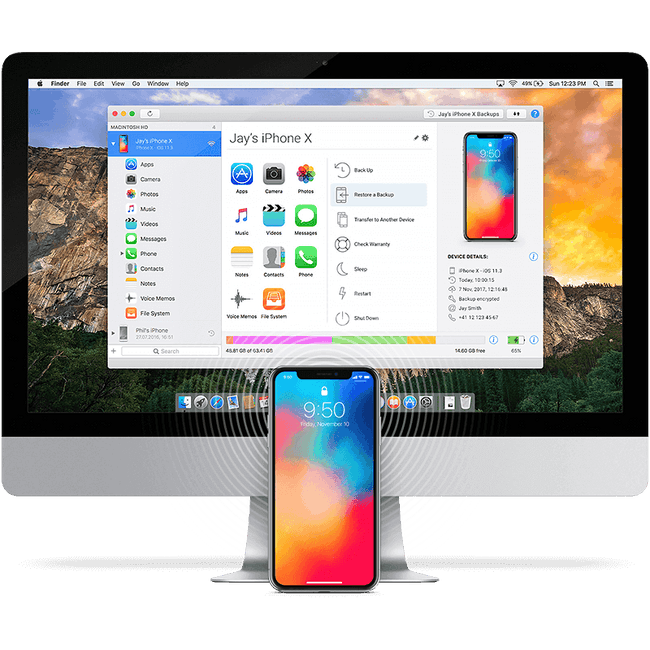
Whether you have a Mac or a PC, you can now easily transfer files to your latest iPhone or iPad. An incredible iOS device manager, iMazing 2 lets you easily transfer music, photos, apps, text messages and more. No more fumbling with iCloud settings. Plus this robust tool even saves a history of your backups so you can easily rollback if needed.
Highlights:
- Robust iOS device manager – music, photos, files, contacts, text messages, data.
- Take full control of your mobile data.
- Easily transfer data to your iPhone X or iPhone 8 – no iCloud necessary.
- Advanced iOS backup tool – saves history of backups for maximum safety.
- Plenty of additional tools – iOS installation tools, editable backups, data export to CSV format, device console, log files access and more.

 How to Copy Photos from iPhone or iPad to Computer (Mac or PC):
How to Backup your iPhone or iPad to an External Drive or NAS:
Pricing:
Normally, this iOS device managers sells for $39.99 but for a limited time only, you can get iMazing 2 for as little as $19! Multiple licenses available:
Single
- Regularly $39.99; pay just $19!
- License for 1 computer
- Mac or PC
- All iMazing 2.x updates
- 24/7 support
Universal
- Regularly $79.98; pay just $24!
- License for 2 computers
- Mac or PC
- All iMazing 2.x updates
- 24/7 support
Family
- Regularly $199.95; pay just $34!
- License for 5 computers
- Mac or PC
- All iMazing 2.x updates
- 24/7 support
Click the BUY NOW button, choose your license and start transferring today!
Deal terms:
- You will receive the download and license key instantly, after completing your purchase.
- Licensed on a single user basis. Your license works on both Windows and Mac.
- Compatibility: macOS 10.8 or higher. Windows 7 or higher. Supports: iPhone, iPad & iPod
- More info about Tech Specs here.

Marco / admin / 30 Nov
Writing day to day ramblings about making money, business, technology, sharing awesome deals and everything else that I know I'll forget. Follow my personal blog https://marcotran.com.au
I've recently also turned Vegan and started this website Veggie Meals - check it out
"When technology speaks for itself, that is art" - MT
Affiliate Compensated: there are some articles with links to products or services that I may receive a commission.
OTHER ARTICLES YOU MAY LIKE

REVIEWING AND UNBOXING THE TOOCKI USB-C RIGHT ANGLE 1.2M CABLE
USB C cables are among the most ordinary accessories we own, yet they can make a surprisingly noticeable difference to how comfortable our devices are to use while charging. The Toocki USB C right angle cable is a good example of a simple accessory that tries to solve a very common irritation, because instead of […]
read more
QUICK FIX TO CHANGE THE MAX SELL POWER TO LESS THAN 500W ON THE DEYE INVERTER
There are many reasons a home owner or installer might want to place a tight cap on how much solar power is exported to the public grid. Some households live under a strict export cap imposed by their local distribution network operator, others want to reduce export to focus on self consumption and battery charging, […]
read more

