
Monster SMART⁺ Universal 2-Device Remote Control for $19
May 20, 2020 / by Marco / Categories : Business, deals, design, entrepreneur, website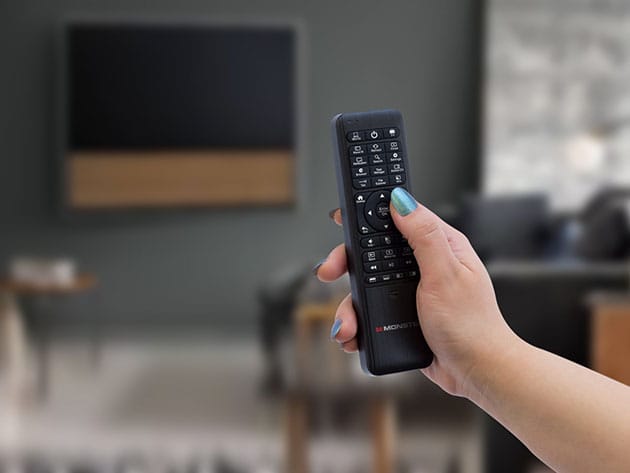

KEY FEATURES
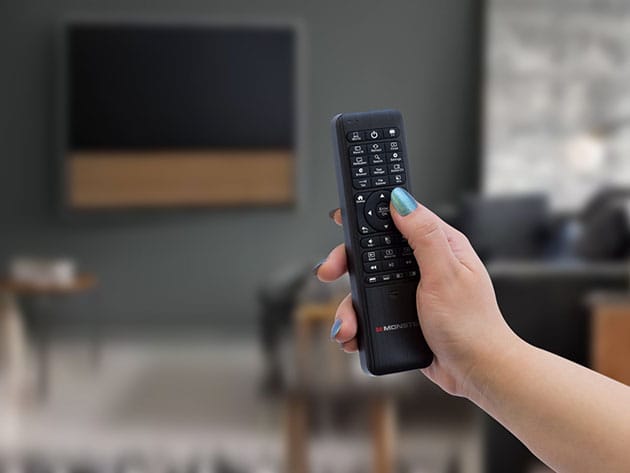
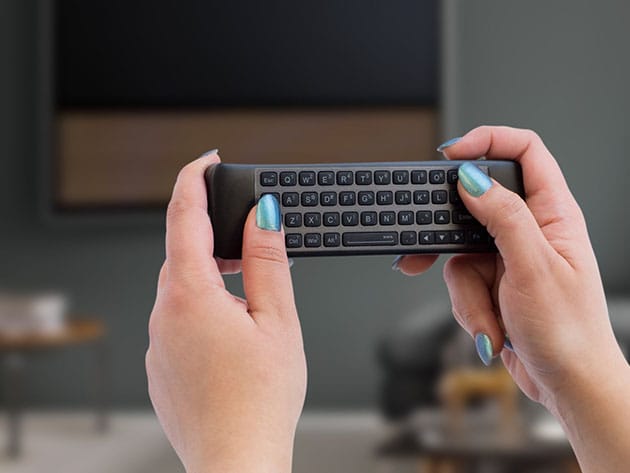
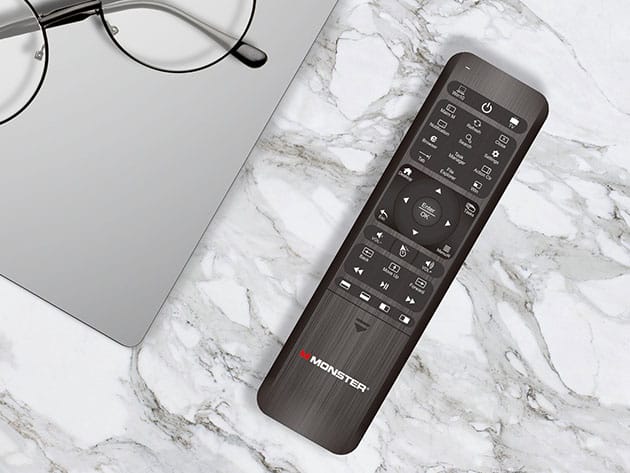
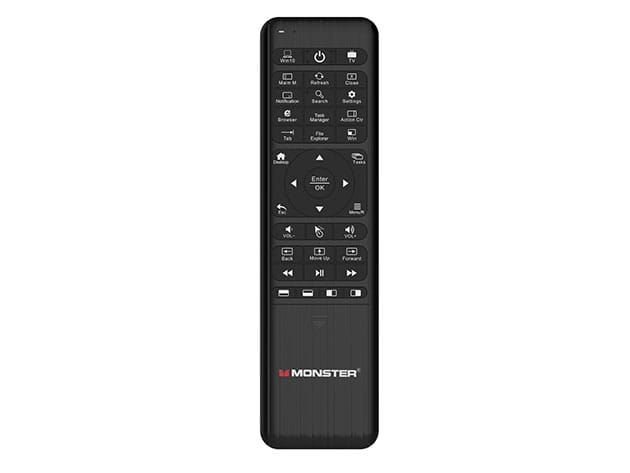
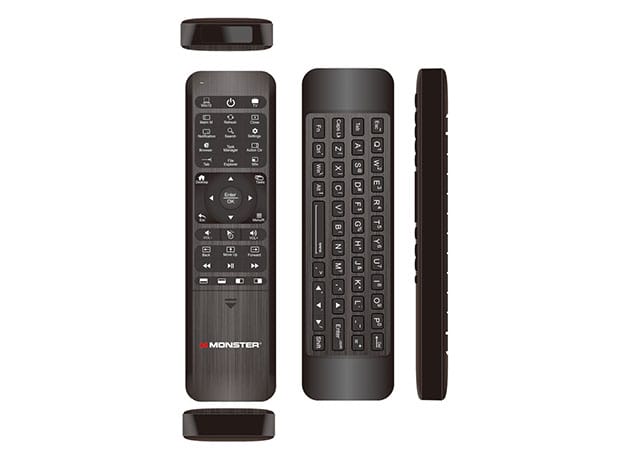
The Monster MRC002K SMART+ Remote Control is the first smart remote controller specifically designed for Windows 10 Home Theater PCs. Now you can easily control both your TV and your Windows 10 HTPC, or other media device, from the convenience of your sofa without switching devices. Maneuvering between your TV and Windows 10 functionality is as simple as the push of a button. Utilizing the latest six-axis gyroscope technology, the MRC002K allows for precision cursor angles and accurate motion representation. While in PC Mode, you can utilize all your favorite Windows function shortcut keys by using the full keyboard located on the back of the remote.
- Easily control both your TV & Windows HTPC
- Utilize all your favorite Windows function shortcut keys
- Ditch the need for a separate keyboard w/ the full QWERTY style keyboard on the back
- Duplicates from one remote to another
PRODUCT SPECS
Specs
- Model: MRC002K SMART+
- Color: black
- Product dimensions: 6.5″H x 0.5″L x 1.8″W
- 6-Axis Gyroscope Technology
- QWERTY keyboard at the back
- Precision cursor angles
- Accurate motion representation
- Quick learning feature
- Manufacturer’s limited lifetime warranty
Compatibility
- Works with most TV brands & Windows 10 devices
Includes
- Monster SMART⁺ Remote Control
- Manual

Marco / admin / 30 Nov
Writing day to day ramblings about making money, business, technology, sharing awesome deals and everything else that I know I'll forget. Follow my personal blog https://marcotran.com.au
I've recently also turned Vegan and started this website Veggie Meals - check it out
"When technology speaks for itself, that is art" - MT
Affiliate Compensated: there are some articles with links to products or services that I may receive a commission.
OTHER ARTICLES YOU MAY LIKE

REVIEWING AND UNBOXING THE TOOCKI USB-C RIGHT ANGLE 1.2M CABLE
USB C cables are among the most ordinary accessories we own, yet they can make a surprisingly noticeable difference to how comfortable our devices are to use while charging. The Toocki USB C right angle cable is a good example of a simple accessory that tries to solve a very common irritation, because instead of […]
read more
QUICK FIX TO CHANGE THE MAX SELL POWER TO LESS THAN 500W ON THE DEYE INVERTER
There are many reasons a home owner or installer might want to place a tight cap on how much solar power is exported to the public grid. Some households live under a strict export cap imposed by their local distribution network operator, others want to reduce export to focus on self consumption and battery charging, […]
read more

