
Ultimate All-Level Excel Bootcamp for $35
June 23, 2017 / by Marco / Categories : Business, deals, design, entrepreneur, website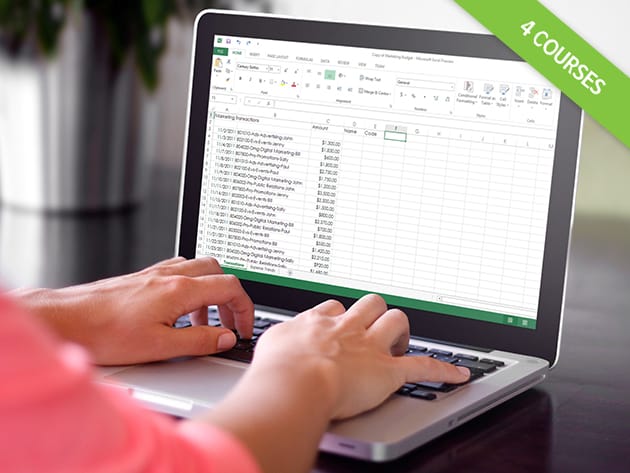

KEY FEATURES
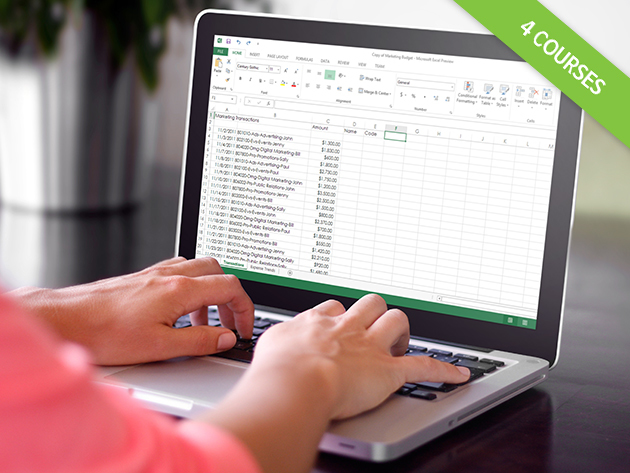
Even the most basic understanding of Excel can make you a more efficient worker, but an advanced understanding can be your ticket to success. Learn to create, dissect, and augment data with no sweat, so you can make better-informed, smarter business decisions. With access to video tutorials and practice spreadsheets, you’ll find yourself impressing potential employers and colleagues with each pivot table and Vlookup.
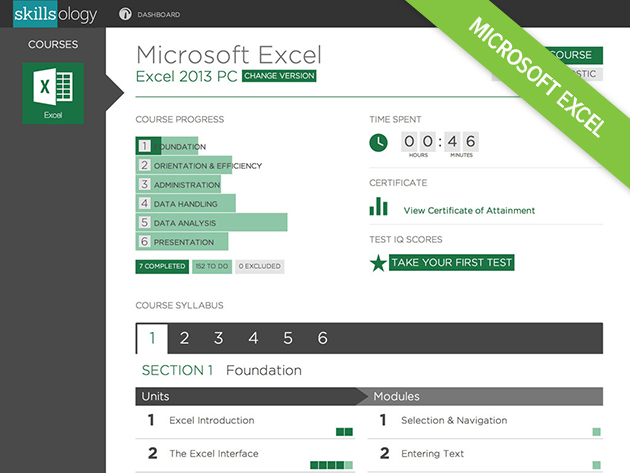
- Course 1: Microsoft Excel Course
- Learn about 38 core Excel units w/ instruction completable in as little as 12 hours
- Use key functions ranging from sorting & filtering to configuring graphs & charts
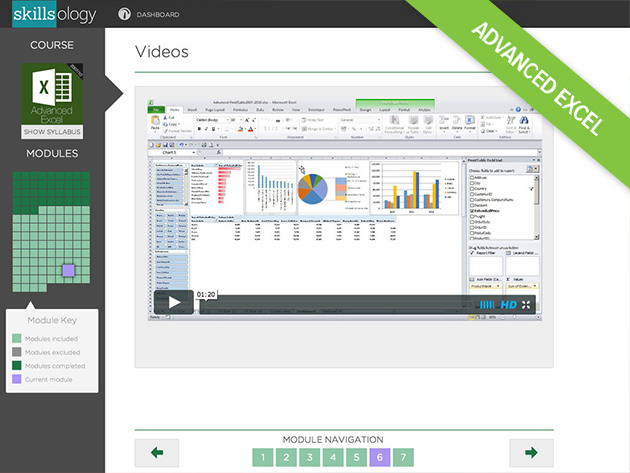
- Course 2: Advanced Microsoft Excel Course
- Dive into advanced Excel concepts w/ 160 video tutorials, completable in 27 hours average
- Learn powerful techniques such as using complex graphs, automating spreadsheets, etc.
- Tease insights from raw data w/ the PivotTable & PowerPivot tools
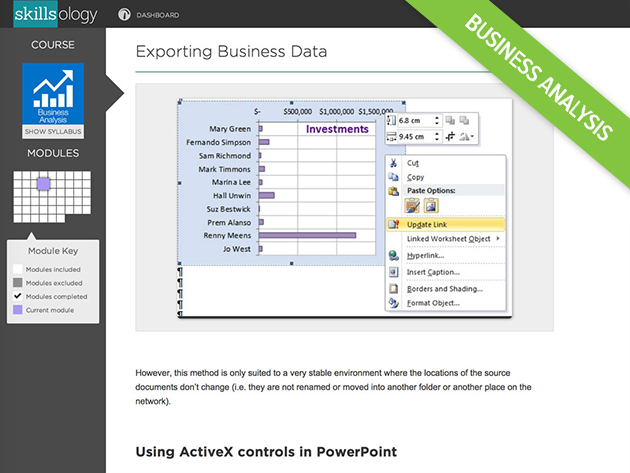
- Course 3: Business Analysis
- Learn business analysis techniques w/ instruction completable in 20 hours average
- Apply 60 professional spreadsheet models (included) to your business’s purposes
- Collect, analyze & forecast data to generate valuable insights for your data and effectively present it to clients & stakeholders
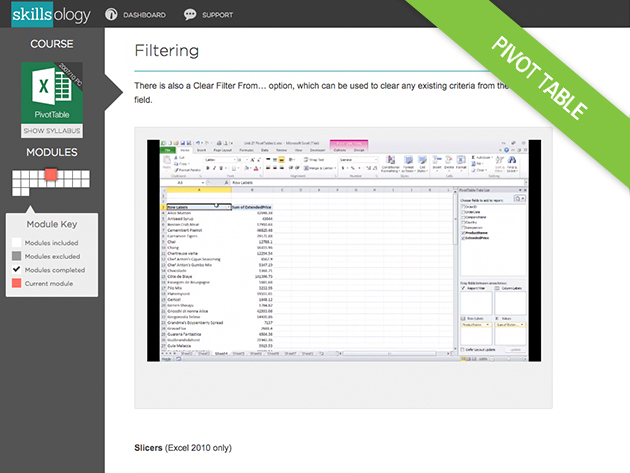
- Course 4: Pivot Table Course
- Make sense of large data sets w/ instruction completable in 10 hours average
- Filter, sort & group PivotTable data to maximize its usefulness
- Clearly present your findings w/ PivotCharts & Conditional Formatting
PRODUCT SPECS
Details & Requirements
- Length of time users can access this course: 12 months after activation
- Access options: web streaming & mobile streaming
- Certification of completion included (accredited by CPD UK)
- Redemption deadline: redeem your code within 30 days of purchase
- Experience level required: beginner to advanced
Compatibility
- Internet required
- Microsoft Excel required (versions covered per course as follows):
- Microsoft Excel Course: Excel 2003 or newer (PC), Excel 2011 (Mac)
- Advanced Excel Course: Excel 2007 or newer (PC)
- Business Analysis Course: Excel 2007 or newer (PC)
- Pivot Table Course: Excel 2007 or newer (PC)
THE EXPERT
With over 500,000 users throughout the world, Skillsology has developed courses with an emphasis on high-quality training for business or pleasure, with courses in Excel, Project Management, Web-Design, Accounting and Bookkeeping, and various languages. Users work through a combination of videos, text, and practice exercises to become experts in different areas. Online tests begin and end courses to allow users to measure their proficiency, and course diagnostics are used in business courses to pinpoint areas for improvement.
- For more details on Standard Microsoft Excel Course, click here.
- For more details on Advanced Microsoft Excel Course, click here.
- For more details on Business Analysis Course, click here.
- For more details on Pivot Table Course, click here.

Marco / admin / 30 Nov
Writing day to day ramblings about making money, business, technology, sharing awesome deals and everything else that I know I'll forget. Follow my personal blog https://marcotran.com.au
I've recently also turned Vegan and started this website Veggie Meals - check it out
"When technology speaks for itself, that is art" - MT
Affiliate Compensated: there are some articles with links to products or services that I may receive a commission.
OTHER ARTICLES YOU MAY LIKE

REVIEWING AND UNBOXING THE TOOCKI USB-C RIGHT ANGLE 1.2M CABLE
USB C cables are among the most ordinary accessories we own, yet they can make a surprisingly noticeable difference to how comfortable our devices are to use while charging. The Toocki USB C right angle cable is a good example of a simple accessory that tries to solve a very common irritation, because instead of […]
read more
QUICK FIX TO CHANGE THE MAX SELL POWER TO LESS THAN 500W ON THE DEYE INVERTER
There are many reasons a home owner or installer might want to place a tight cap on how much solar power is exported to the public grid. Some households live under a strict export cap imposed by their local distribution network operator, others want to reduce export to focus on self consumption and battery charging, […]
read more

