
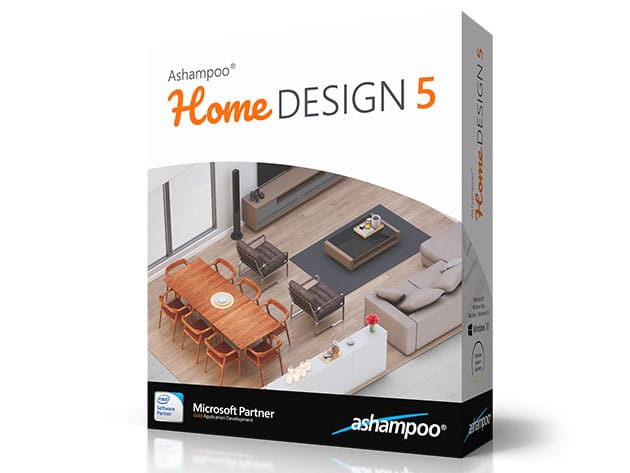
Ashampoo® Home Design 5 (Windows Only Software) for $19
April 15, 2020 / by Marco / Categories : Business, deals, design, entrepreneur, website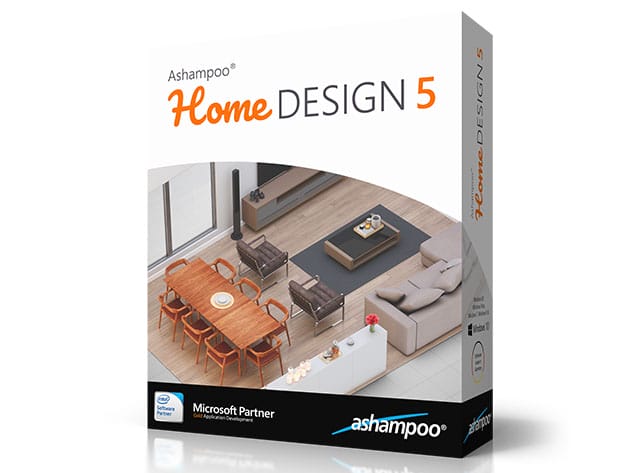


KEY FEATURES
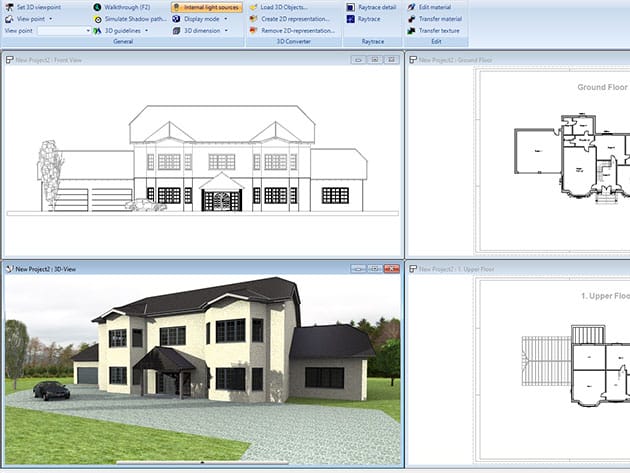
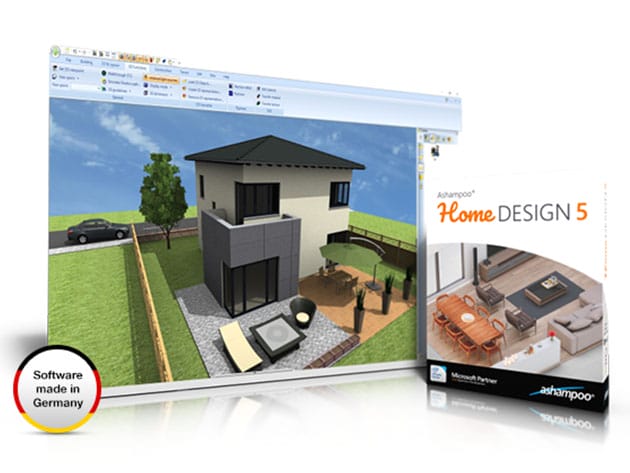
Including everything from doors, windows, balconies, and carports to sanitary and electrical installations with photovoltaic elements, Ashampoo Home Design 5 enables you to design, furnish and visualize your dream home, extension or redecoration on your PC. The project wizard combined with multiple automatic features helps users get started quickly and greatly facilitates complex calculations. Every aspect of construction planning is covered. Three design levels (2D, 3D, cross-section) provide maximum clarity at every planning step. The home design software also supports SketchUp and Collada imports for even more detailed furnishings. Options for photovoltaic systems have been improved with the addition of the popular roof-mounted installations. 3D raster elements enable users to swiftly plan and process huge areas and support for mirroring of objects and 2D symbols allow for even more customization. The application also features numerous symbols for gas, water, and security appliances to fully cover these areas of planning.
3,685 downloads from Softpedia
- Supports loading, editing & saving of various new 3D object formats
- Support for SketchUp or Collada models allows you to use numerous generic & brand-specific models
- Comfortable input aids help you plan sophisticated photovoltaic systems in minutes
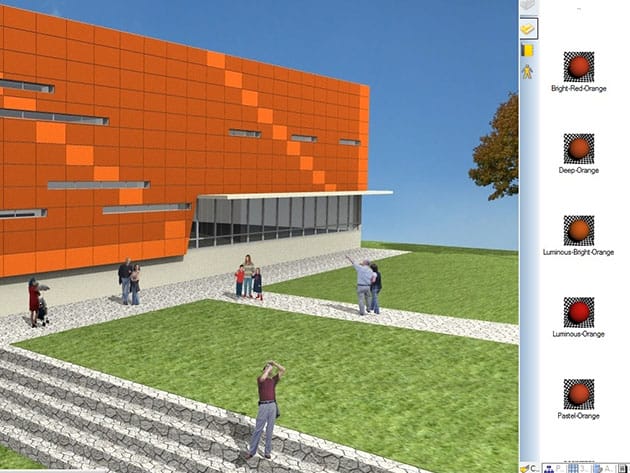
- Phenomenal 3D view allows you to take a virtual tour through your buildings
- Ribbon toolbar groups all functions logically & thematically
- Extensive object catalog covers everything from furniture to electrical appliances & decorations
PRODUCT SPECS
System Requirements
- Windows 7, 8, 10
Important Details
- Length of access: lifetime
- Redemption deadline: redeem your code within 30 days of purchase
- Max number of devices: 1
- Access options: desktop
- Software version: 5
- Updates included

Marco / admin / 30 Nov
Writing day to day ramblings about making money, business, technology, sharing awesome deals and everything else that I know I'll forget. Follow my personal blog https://marcotran.com.au
I've recently also turned Vegan and started this website Veggie Meals - check it out
"When technology speaks for itself, that is art" - MT
Affiliate Compensated: there are some articles with links to products or services that I may receive a commission.
OTHER ARTICLES YOU MAY LIKE

USING THE LATEST CLAUDE MODEL TO BUILD GREAT TOOLS
If you have ever had an idea for a small tool but stopped because coding felt too hard, the latest Claude model makes that gap much smaller. You can now describe what you want in plain English, ask Claude to plan it, build the first version, improve the design, write the logic, test the workflow, […]
read more
REVIEWING AND UNBOXING THE TOOCKI USB-C RIGHT ANGLE 1.2M CABLE
USB C cables are among the most ordinary accessories we own, yet they can make a surprisingly noticeable difference to how comfortable our devices are to use while charging. The Toocki USB C right angle cable is a good example of a simple accessory that tries to solve a very common irritation, because instead of […]
read more

