
Micro Drone 2.0+ with HD-Camera for $89
June 21, 2018 / by Marco / Categories : Business, deals, design, entrepreneur, website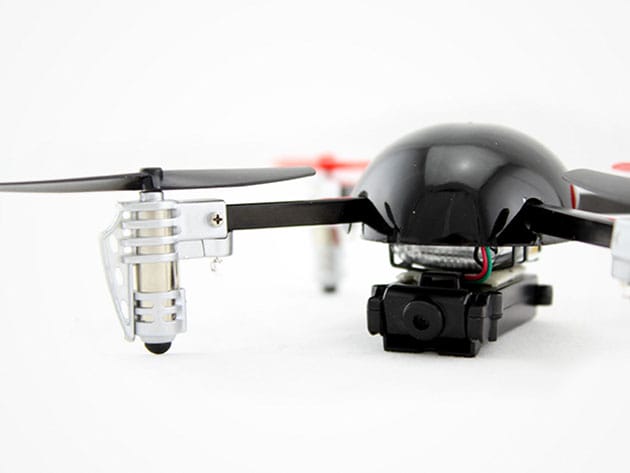

KEY FEATURES
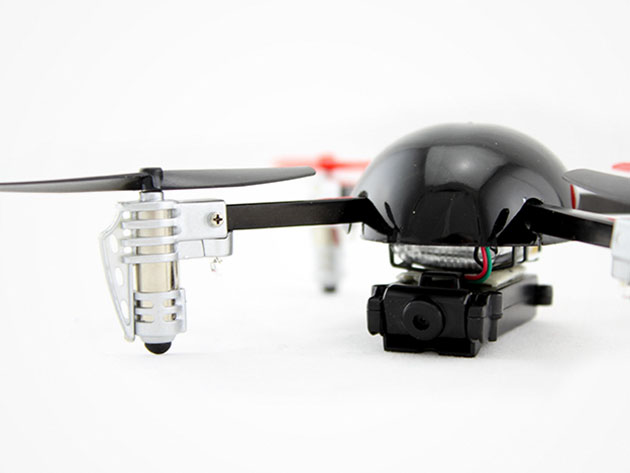
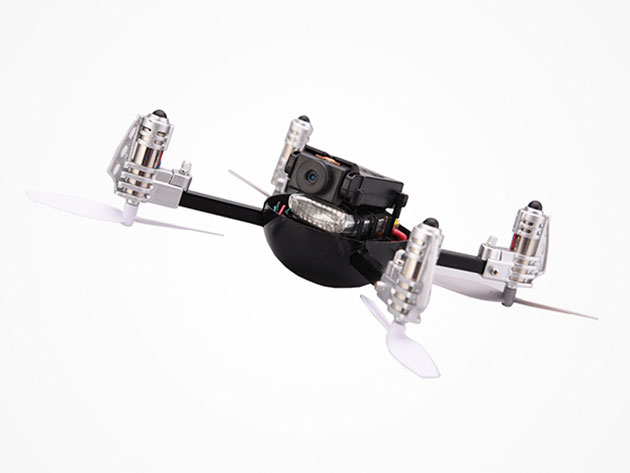
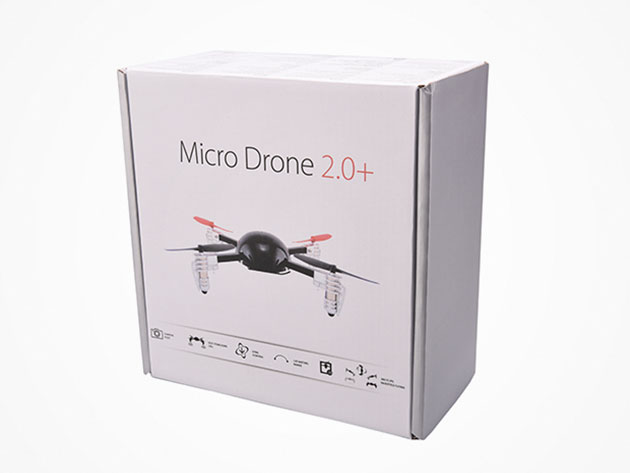
Meet the only micro HD-camera drone in the world that can fly upside down. The Micro Drone 2.0+ is truly in a league of its own, offering a new perspective on aerial photography, and a world of technological capabilities that make flying ridiculously fun. Simply throw it in the air at any angle and its self-correcting algorithm will stabilize for smooth sailing in no time. You’ll stay entertained with flips, rolls, 720p HD videography, and much more.
- Performs 360-degree flips w/ the pre-programmed algorithm
- Captures HD video from upside down w/ a flick of a switch
- Stabilizes to its horizontal flying position w/ self-righting algorithm & sensors
- Designed to be durable & extremely fun to fly
- Perfect for flying indoors & outside (doesn’t suffer stability issues in wind)
- Easily recharges via USB
- Includes a range up to 400 ft & an 8 minute flight time per charge
PRODUCT SPECS
Details & Requirements
- USB rechargeable battery
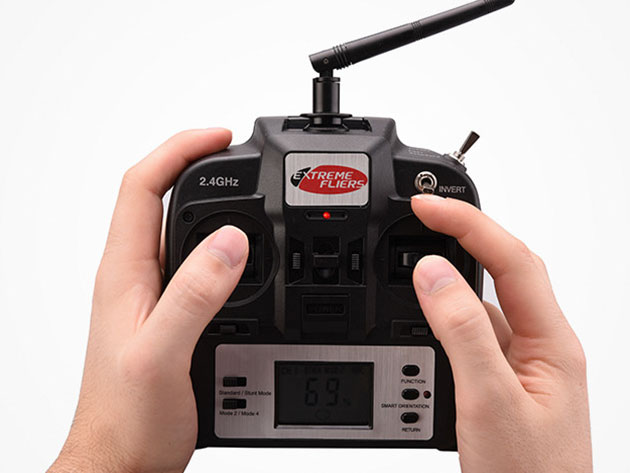
- Range up to 400 feet (2.4GHZ Transmitter)
- Weight: just over 1 oz
- Flight time: up to 8 minutes
- Charging time: around 45 minutes via USB
- HD camera module: video & photos 720p (1280 x 720), 30 frames per second
- Includes a spare set of blades & inverted blades to fly upside down
Includes
- Micro Drone 2.0: HD Camera Inverted Flight Edition (black)
- 4 spare blades & a mini screwdriver for attaching the camera
- 4 inverted blades (as standard)
- HD camera module (doesn’t include micro SD card)

Marco / admin / 30 Nov
Writing day to day ramblings about making money, business, technology, sharing awesome deals and everything else that I know I'll forget. Follow my personal blog https://marcotran.com.au
I've recently also turned Vegan and started this website Veggie Meals - check it out
"When technology speaks for itself, that is art" - MT
Affiliate Compensated: there are some articles with links to products or services that I may receive a commission.
OTHER ARTICLES YOU MAY LIKE

REVIEWING AND UNBOXING THE TOOCKI USB-C RIGHT ANGLE 1.2M CABLE
USB C cables are among the most ordinary accessories we own, yet they can make a surprisingly noticeable difference to how comfortable our devices are to use while charging. The Toocki USB C right angle cable is a good example of a simple accessory that tries to solve a very common irritation, because instead of […]
read more
QUICK FIX TO CHANGE THE MAX SELL POWER TO LESS THAN 500W ON THE DEYE INVERTER
There are many reasons a home owner or installer might want to place a tight cap on how much solar power is exported to the public grid. Some households live under a strict export cap imposed by their local distribution network operator, others want to reduce export to focus on self consumption and battery charging, […]
read more

