
How to connect to a Windows OS when using a Mac
August 31, 2012 / by Marco / Categories : Software, Technology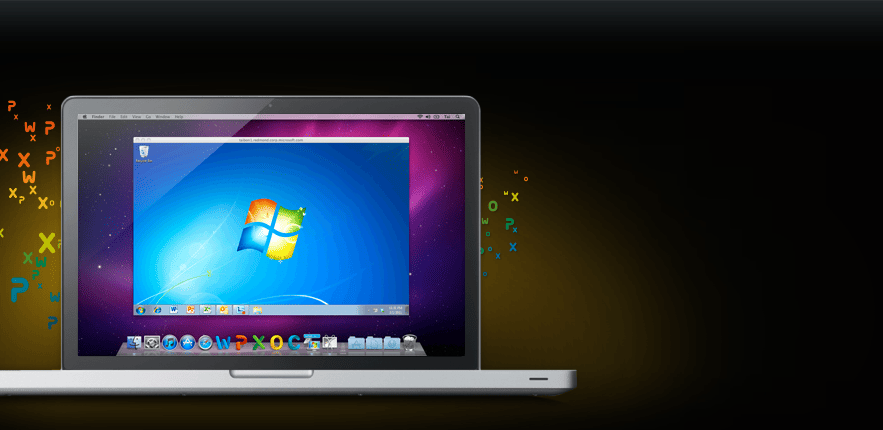
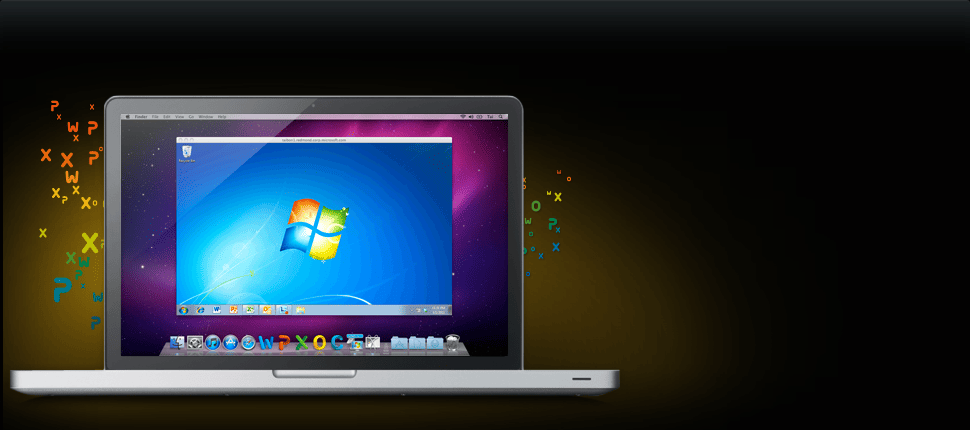 If you need to connect to a Windows PC when using your Mac then you will need the Microsoft Remote Desktop Connection Client for Mac 2.1.1. You can download it here.
Here’s some info about the software:
Connect to Multiple PC’s
New Multiple Session Support gives Mac users simultaneous access to multiple Windows-based PCs or to a network server that hosts remote applications and files. Since it is a Universal application, Remote Desktop Connection Client 2 is compatible with the latest technologies on Windows and Mac platforms.
A more Mac-like experience
A redesigned user interface makes this application more customizable. Create your own keyboard shortcuts, and even access and change preferences during active sessions.
Print everything off of your Mac
Access and print from Windows applications to any printer that can be configured from your Mac.
Get fast updates and easy help
Microsoft Error Reporting Tool and Microsoft AutoUpdate are included so you can anonymously submit data on software related issues and get software updates as soon as they are available. Remote Desktop Connection Client 2 also takes advantage of the new Helpviewer and improved help topics for quick access to fresh online product help from within the application.
Reduce security breaches
Network Level Authentication (NLA) is a new authentication method in Windows that offers security enhancements that can help to protect the remote computer from hackers and malicious software. It completes user authentication before you establish a full Remote Desktop Connection. Please see Windows Help for more details on network level authentication.

Marco / admin / 30 Nov
Writing day to day ramblings about making money, business, technology, sharing awesome deals and everything else that I know I'll forget. Follow my personal blog https://marcotran.com.au
I've recently also turned Vegan and started this website Veggie Meals - check it out
"When technology speaks for itself, that is art" - MT
Affiliate Compensated: there are some articles with links to products or services that I may receive a commission.
OTHER ARTICLES YOU MAY LIKE

REVIEWING AND UNBOXING THE TOOCKI USB-C RIGHT ANGLE 1.2M CABLE
USB C cables are among the most ordinary accessories we own, yet they can make a surprisingly noticeable difference to how comfortable our devices are to use while charging. The Toocki USB C right angle cable is a good example of a simple accessory that tries to solve a very common irritation, because instead of […]
read more
SUPABASE BACKUP TUTORIAL: USE DBEAVER TO EXPORT YOUR DATABASE SAFELY
If you are building anything serious on Supabase, whether that is a client portal, a SaaS app, an internal dashboard, or even a small side project that is starting to get traction, having a reliable database backup process is one of those tasks that quickly moves from optional to essential. Supabase makes a lot of […]
read more

