
Keeper Unlimited Password Manager for $53
April 16, 2020 / by Marco / Categories : Business, deals, design, entrepreneur, website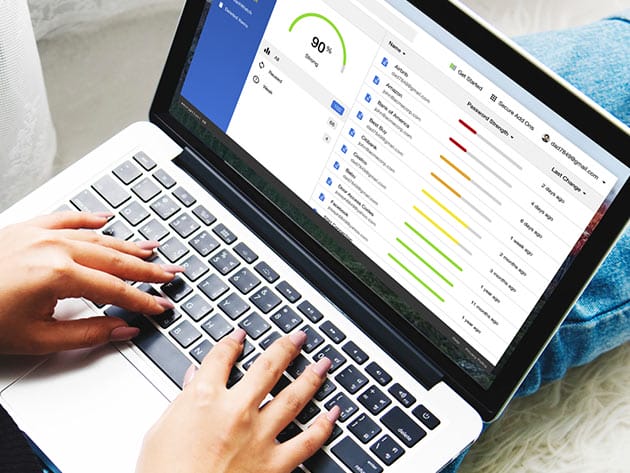

KEY FEATURES
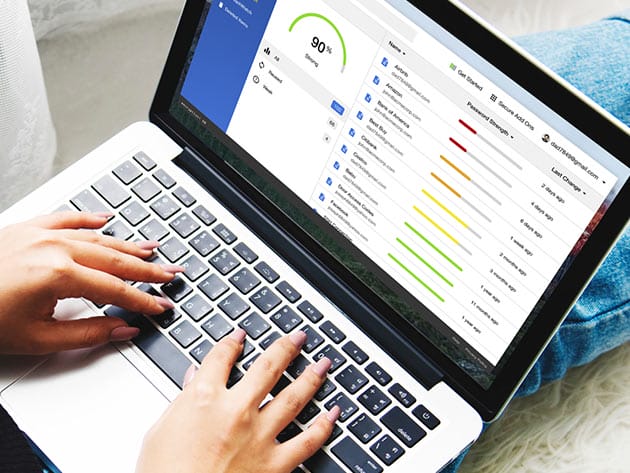
Protect your passwords and personal information with Keeper’s easy to use and hyper-secure password management platform. This top-rated software manages your passwords to prevent data breaches, improve employee productivity, cut helpdesk costs and meet compliance standards. It uses a proprietary zero-knowledge security architecture and is the most audited and certified product on the market. Protecting your data doesn’t have to be complicated. Keeper has an intuitive user interface for computers, smartphones, and tablets that can be deployed rapidly with no upfront equipment or installation costs.
Trusted by millions of people and thousands of businesses
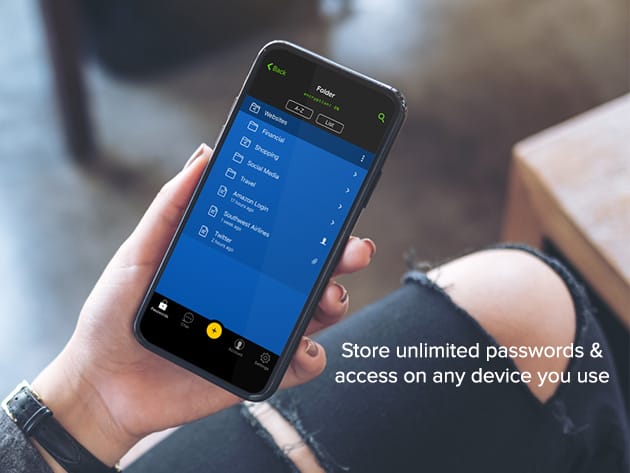
- Store unlimited passwords & access on any device you use
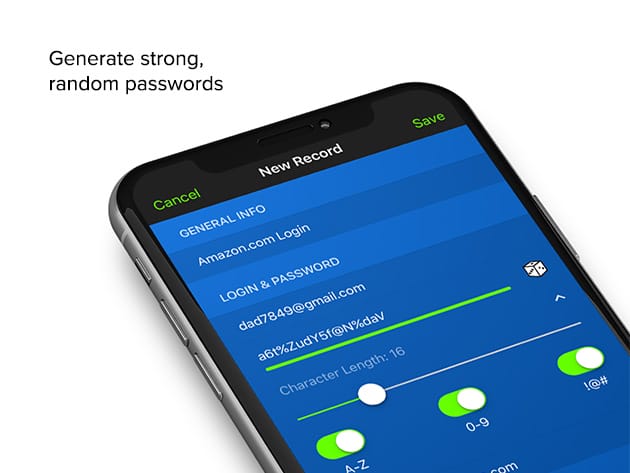
- Generate strong, random passwords
- Autofill your passwords w/ KeeperFill®
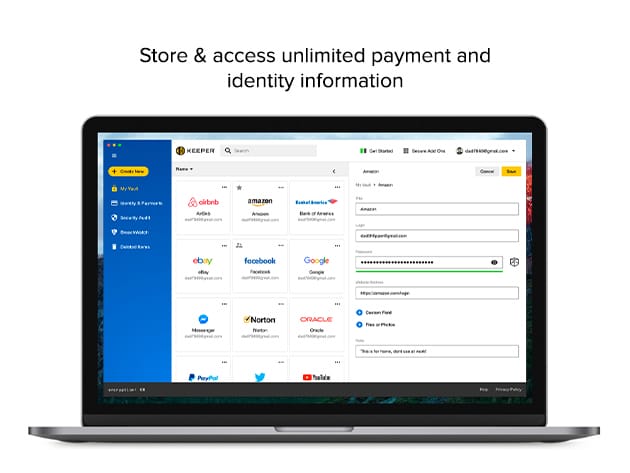
- Store & access unlimited payment and identity information
- Log in w/ Fingerprint & Face ID
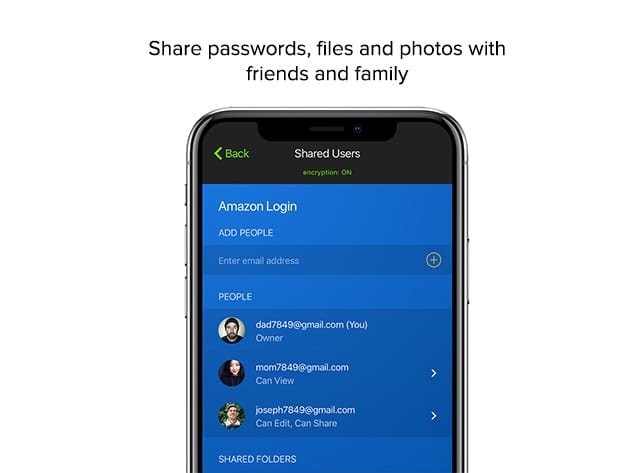
- Share passwords, files & photos w/ friends and family
- Add up to 5 emergency contacts
- Improve security w/ Two-Factor Authentication
- Access 24/7 support
Ratings & Reviews
- PCMag: Editor’s Choice & Best Password Manager of 2019
-
4.9/5 stars based on over 130,000 reviews on App Store:
★ ★ ★ ★
★ - Google Play Store: Over 10 million installs
- Tom’s Guide: Best Security
PRODUCT SPECS
Keeper Unlimited
- Unlimited Password Storage
- Unlimited Identity & Payments
- Fingerprint & Face ID Login
- Unlimited Devices & Sync
- Secure Record Sharing
- Emergency Access
- Web Application
- 24/7 Support
System Requirements
- Desktop: Mac, Windows, or Linux
- Browser: Chrome, Firefox, Safari, IE, Edge, Opera
- iOS 10.0 or later, compatible with iPhone, iPad, and iPod touch
- Android 5.0 or later
Important Details
- Length of access: 3 years
- Redemption deadline: redeem your code within 30 days of purchase
- Max number of devices: unlimited
- Access options: desktop & mobile
- Software version: v14.12.4 (desktop), v14.0.6 (browser), v14.9.1 (iOS), v14.5.31.1 (Android)
- Updates included

Marco / admin / 30 Nov
Writing day to day ramblings about making money, business, technology, sharing awesome deals and everything else that I know I'll forget. Follow my personal blog https://marcotran.com.au
I've recently also turned Vegan and started this website Veggie Meals - check it out
"When technology speaks for itself, that is art" - MT
Affiliate Compensated: there are some articles with links to products or services that I may receive a commission.
OTHER ARTICLES YOU MAY LIKE

QUICK FIX TO CHANGE THE MAX SELL POWER TO LESS THAN 500W ON THE DEYE INVERTER
There are many reasons a home owner or installer might want to place a tight cap on how much solar power is exported to the public grid. Some households live under a strict export cap imposed by their local distribution network operator, others want to reduce export to focus on self consumption and battery charging, […]
read more
SUPABASE BACKUP TUTORIAL: USE DBEAVER TO EXPORT YOUR DATABASE SAFELY
If you are building anything serious on Supabase, whether that is a client portal, a SaaS app, an internal dashboard, or even a small side project that is starting to get traction, having a reliable database backup process is one of those tasks that quickly moves from optional to essential. Supabase makes a lot of […]
read more

