
How To Rename Your WordPress Theme
August 25, 2015 / by Marco / Categories : Business
There are a number of advantages of renaming a WordPress Theme but I won’t into details in this post. I just need to jot down some of the steps. Here’s the steps (I’m using a CentOS VPS server so some of these commands may not work for you):
Firstly, SSH into your server and go into the folder wp-content/themes/
Copy the folder of the theme you are currently using to a new name e.g phototastic to newtheme. The command I used was:


cp -r phototastic newtheme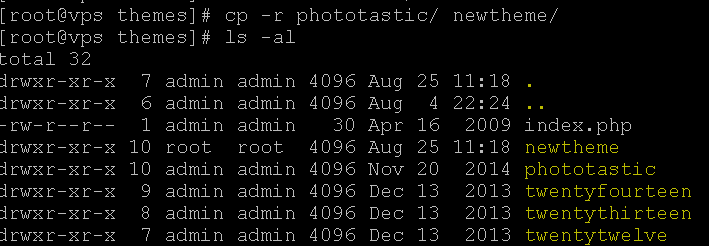
As you can see above, the file ownership belongs to root, so we need to change the file ownership to admin. The command I used was:
chown -Rv admin:admin newtheme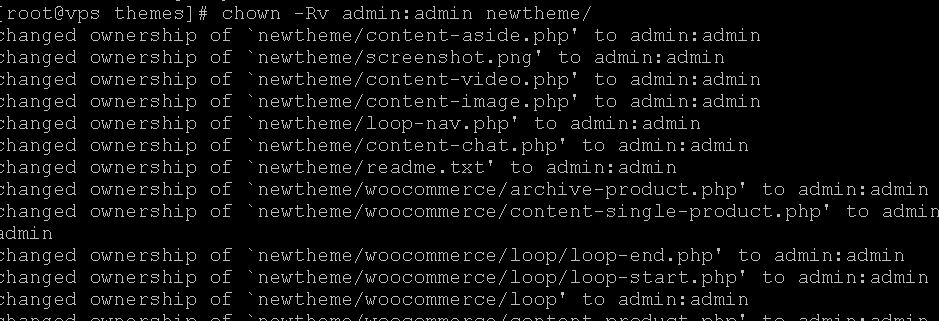
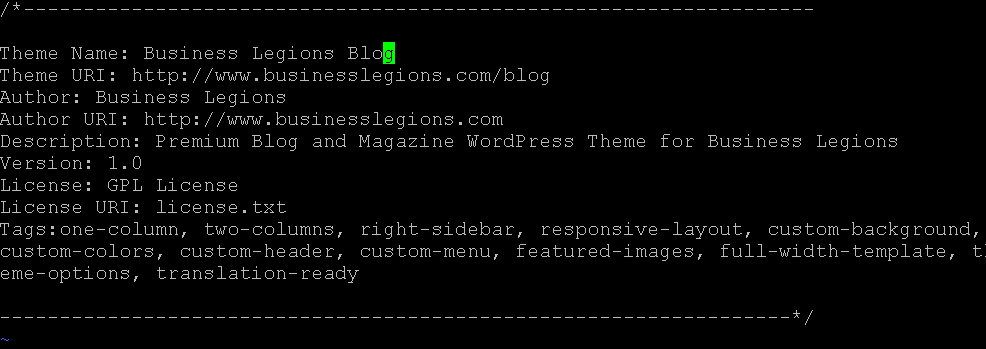
Go into the newtheme folder and edit the styles.css file. In particular change the Theme Name, Theme URI, Author, Author URI and Text Domain.
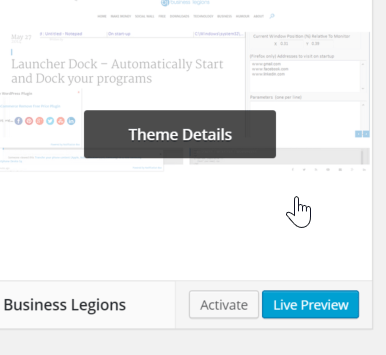
Switch the theme in the dashboard by going to Appearance and active your new theme.
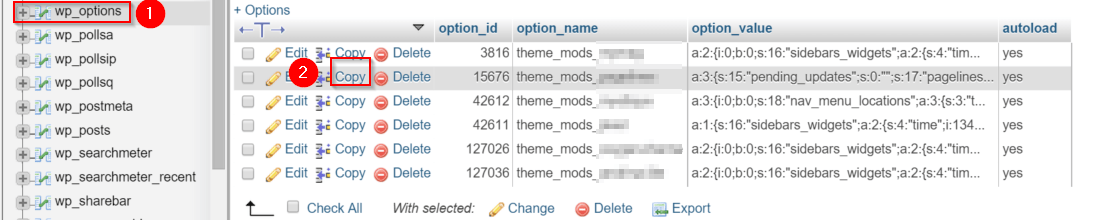
If you want to retain the look and feel of your previous theme then you need to go into the database and in the wp_options table look the option_name called theme_mods_[old_theme] and copy the option_values from this to theme_mods_[new_theme]
You can also update the screenshot.png by tacking a screenshot of your website and then uploading the file to wp-contents/themes/newtheme/
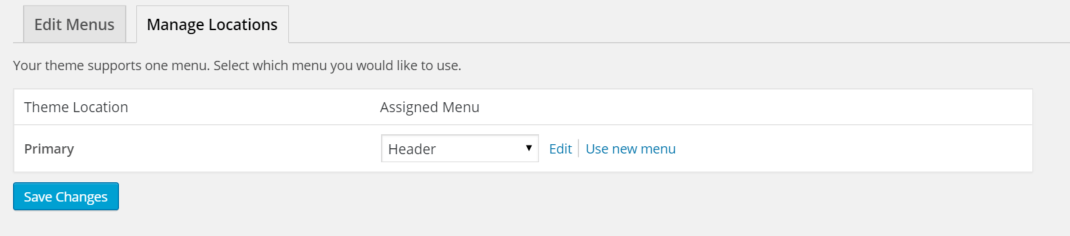
In some instances, I had to reselect the Menu items in the Manage Location section.

Marco / admin / 30 Nov
Writing day to day ramblings about making money, business, technology, sharing awesome deals and everything else that I know I'll forget. Follow my personal blog https://marcotran.com.au
I've recently also turned Vegan and started this website Veggie Meals - check it out
"When technology speaks for itself, that is art" - MT
Affiliate Compensated: there are some articles with links to products or services that I may receive a commission.
OTHER ARTICLES YOU MAY LIKE

REVIEWING AND UNBOXING THE TOOCKI USB-C RIGHT ANGLE 1.2M CABLE
USB C cables are among the most ordinary accessories we own, yet they can make a surprisingly noticeable difference to how comfortable our devices are to use while charging. The Toocki USB C right angle cable is a good example of a simple accessory that tries to solve a very common irritation, because instead of […]
read more
QUICK FIX TO CHANGE THE MAX SELL POWER TO LESS THAN 500W ON THE DEYE INVERTER
There are many reasons a home owner or installer might want to place a tight cap on how much solar power is exported to the public grid. Some households live under a strict export cap imposed by their local distribution network operator, others want to reduce export to focus on self consumption and battery charging, […]
read more

