
Augmented Reality Zodiac Notebook (Capricorn) for $24
April 27, 2020 / by Marco / Categories : Business, deals, design, entrepreneur, website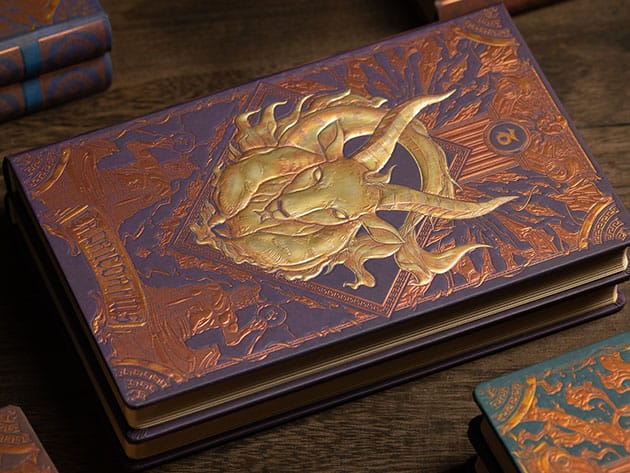



KEY FEATURES
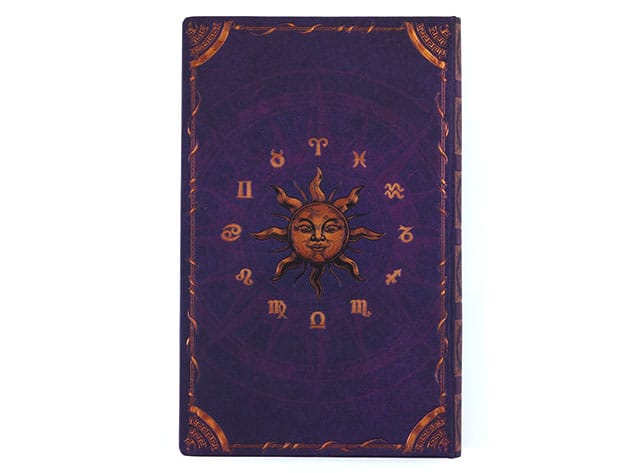
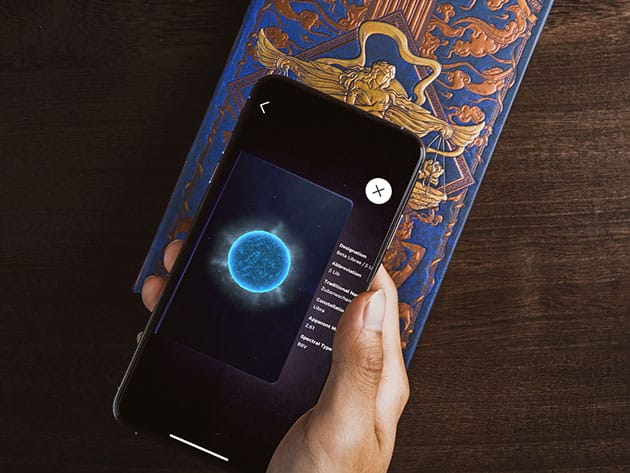
Ever heard about “leaving things to the universe”? Well, astrologers believe that the alignment of stars during the time we were born somehow affects our personalities, decision-making, and our life’s instances. AstroReality brings you the Zodiac Notebook. It’s a beautifully-designed notebook where you can document your daily wonders and feel the reign of the cosmos over you with its AR feature. Paired with the AstroReality Explorer app, this journal lets you interact with the placement of your star sign. Switch between 2D and 3D mode to touch the stars in your hands! This notebook also provides you with your zodiac mythology. Feel like decisions and events are up to something? Maybe it’s the stars acting up. Be one with the universe with AstroReality!
- Know more about your star sign w/ the provided constellation mythology
- Scribble down your daily ideas, memories & important events
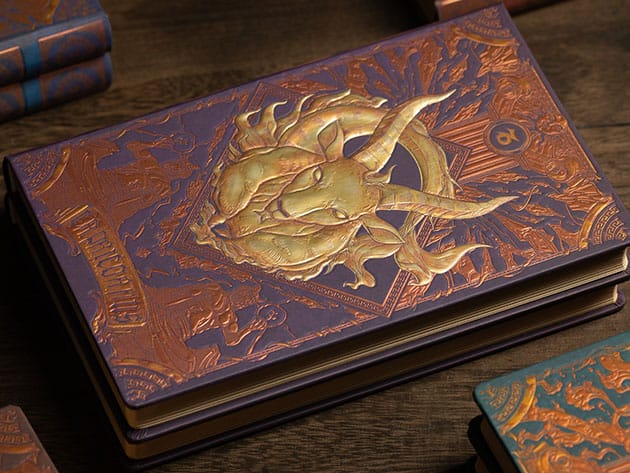
- Feel like royalty w/ the stunning vintage hardcover design
- Interact w/ the stars by scanning the notebook’s cover – switch between 2D & 3D mode
Capricorn (22 Dec – 19 Jan)
Capricornus is a constellation in the zodiac that resembles a fish and goat. The name means “goat horn” in Latin.
PRODUCT SPECS
Specs
- Zodiac sign: Capricorn
- Color: multicolor
- Product dimensions: 1″H x 8.3″L x 5.1″W
- Embossed hardcover exterior
- Vintage hardcover design
- Protective plastic wrap
- 192 pages of blank paper
- App: AstroReality Explorer (iOS or Android)
Compatibility
- iOS 10.3 or later
- Android 4.3 or later
Includes
- Augmented Reality Zodiac Notebook (Capricorn)
- Protective box
- Gift bag

Marco / admin / 30 Nov
Writing day to day ramblings about making money, business, technology, sharing awesome deals and everything else that I know I'll forget. Follow my personal blog https://marcotran.com.au
I've recently also turned Vegan and started this website Veggie Meals - check it out
"When technology speaks for itself, that is art" - MT
Affiliate Compensated: there are some articles with links to products or services that I may receive a commission.
OTHER ARTICLES YOU MAY LIKE

USING THE LATEST CLAUDE MODEL TO BUILD GREAT TOOLS
If you have ever had an idea for a small tool but stopped because coding felt too hard, the latest Claude model makes that gap much smaller. You can now describe what you want in plain English, ask Claude to plan it, build the first version, improve the design, write the logic, test the workflow, […]
read more
REVIEWING AND UNBOXING THE TOOCKI USB-C RIGHT ANGLE 1.2M CABLE
USB C cables are among the most ordinary accessories we own, yet they can make a surprisingly noticeable difference to how comfortable our devices are to use while charging. The Toocki USB C right angle cable is a good example of a simple accessory that tries to solve a very common irritation, because instead of […]
read more

