
How to test your website speeds
June 1, 2014 / by Marco / Categories : Business
Here’s a few websites to use to test the speed of your website:
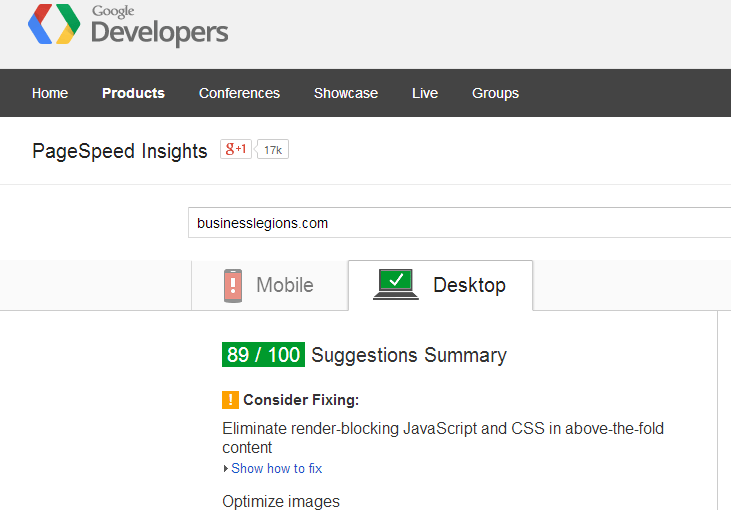
GOOGLE PAGESPEED
The PageSpeed family of tools is designed to help you optimize the performance of your website. PageSpeed Insights products will help you identify performance best practices that can be applied to your site, and PageSpeed optimization tools can help you automate the process.
http://developers.google.com/speed/pagespeed
PINGDOM SPEED TEST
Pingdom offers cost-effective and reliable server, network and website monitoring. We use a global network of servers to monitor our customers’ sites 24/7, all year long. The service includes statistics for uptime and response time, and can send out alerts via SMS, email, and more.

GTmetrix
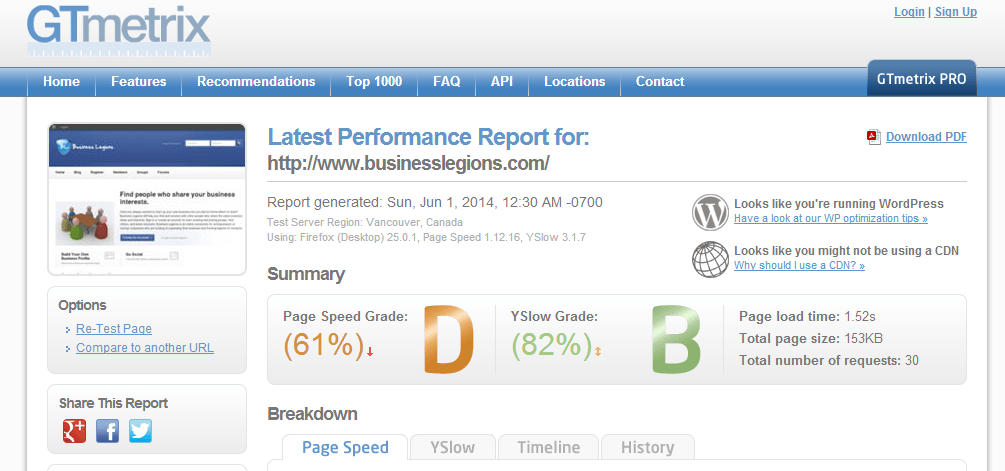
GTmetrix uses Google Page Speed and Yahoo! YSlow to grade your site’s performance and provides actionable recommendations to fix these issues.
There are probably other websites that you can use to test your websites speeds but those are the ones I primarily use.
If you want to benchmark a website with really good speed tests heres one: bensmann.no
You can use the recommendations to try to optimise the speed and we’ll cover some of the optimisations in future posts.

Marco / admin / 30 Nov
Writing day to day ramblings about making money, business, technology, sharing awesome deals and everything else that I know I'll forget. Follow my personal blog https://marcotran.com.au
I've recently also turned Vegan and started this website Veggie Meals - check it out
"When technology speaks for itself, that is art" - MT
Affiliate Compensated: there are some articles with links to products or services that I may receive a commission.
OTHER ARTICLES YOU MAY LIKE
HOW TO USE GOOGLE WORKSPACE STUDIO FLOW IN GMAIL FOR SMART EMAIL AUTOMATION
Google keeps slipping new productivity features into Workspace, and sometimes the most useful ones are the tools you almost discover by accident while checking email. That is exactly the case with Studio Flow, a feature that has started appearing inside Gmail and wider Google Workspace environments, and it looks like Google is pushing further into […]
read more
USE FUSEBASE TO AUTOMATE TEAMWORK AND COLLABORATION
If your business is growing, your team is juggling too many moving parts, and your client communication is spread across email threads, chat apps, documents, task boards, and endless follow ups, there is a good chance the real problem is not effort but fragmentation. Most businesses do not lose time because people are lazy. They […]
read more

