
Beware Dropbox Virus
July 17, 2015 / by Marco / Categories : Gmail, Technology, Websites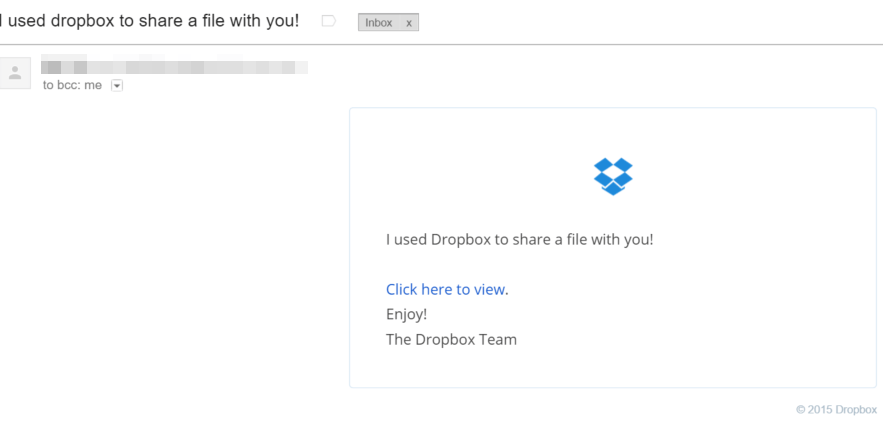
I’ve just received several emails from people that I know with the subject title ” I used dropbox to share a file with you!”. Just like below:

When you click on the email you will see the following message:
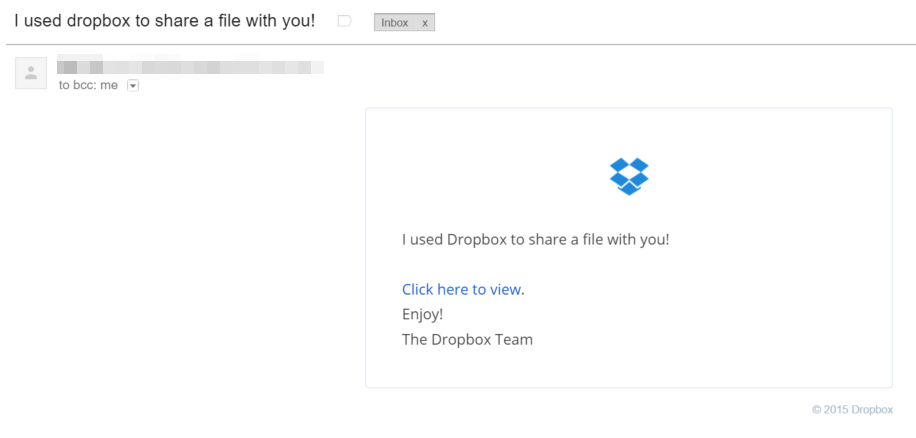
This is not a Spoof email because the headers of the email actually came from the sender.
How did I know this was not legit? When I moved my mouse over the link (did not click on it!), at the bottom left hand side of my Chrome browser it displayed the link like this:
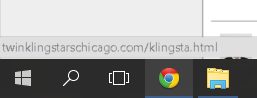
As you can see from the image, the link was actually pointing to a malware website instead of Dropbox.com. It is always a good idea to check the links before clicking on them especially if I didn’t anticipate that person sending you an email.
TIPS
So here’s a few tips to make sure you don’t get caught with a virus or malware:
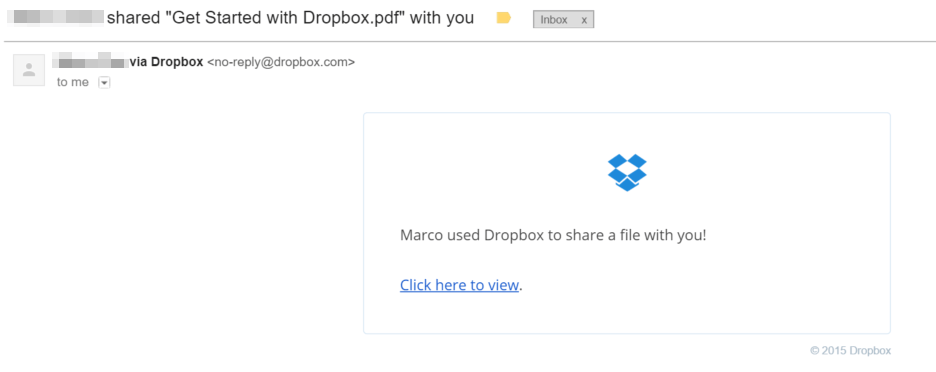
1. Dropbox will normally have their name in the Subject Line e.g. Marco shared “the name of the file” with you” and in the content “Hi Marco,”. So if the email is not personalised then you know it’s fake. Below is a legit email from dropbox. Also notice that the sender was <no-reply@dropbox.com> rather than the email address of the actual sender. That’s another thing to check.
2. If you didn’t expect to receive the email from the sender then question “why are they sending me this email?” and don’t open it or click on any links. Especially if they are asking you to click on a link to view or download a file.
3, Make sure you have your antivirus or malware software up to date. Unfortunately, Gmail didn’t mark this email as spam because it actually came from someone that I knew.
4. Check the links before you click on them. Just move your mouse over the link and look at the bottom left hand status bar.
5. If you don’t know the person that sent you the email then don’t click on it.

Marco / admin / 30 Nov
Writing day to day ramblings about making money, business, technology, sharing awesome deals and everything else that I know I'll forget. Follow my personal blog https://marcotran.com.au
I've recently also turned Vegan and started this website Veggie Meals - check it out
"When technology speaks for itself, that is art" - MT
Affiliate Compensated: there are some articles with links to products or services that I may receive a commission.
OTHER ARTICLES YOU MAY LIKE

USE FUSEBASE TO AUTOMATE TEAMWORK AND COLLABORATION
If your business is growing, your team is juggling too many moving parts, and your client communication is spread across email threads, chat apps, documents, task boards, and endless follow ups, there is a good chance the real problem is not effort but fragmentation. Most businesses do not lose time because people are lazy. They […]
read more
USING REAP FOR VIDEO CLIPS
Short form video is now one of the most effective ways to reach new audiences, grow brand awareness, and turn long form content into a steady stream of social media assets. For creators, marketers, consultants, educators, and business owners, the challenge is rarely a lack of content. The real problem is time. Editing long videos […]
read more

