
MyHealthyApp using Monstroid WordPress Theme
September 5, 2015 / by Marco / Categories : Business, Websites, Wordpress
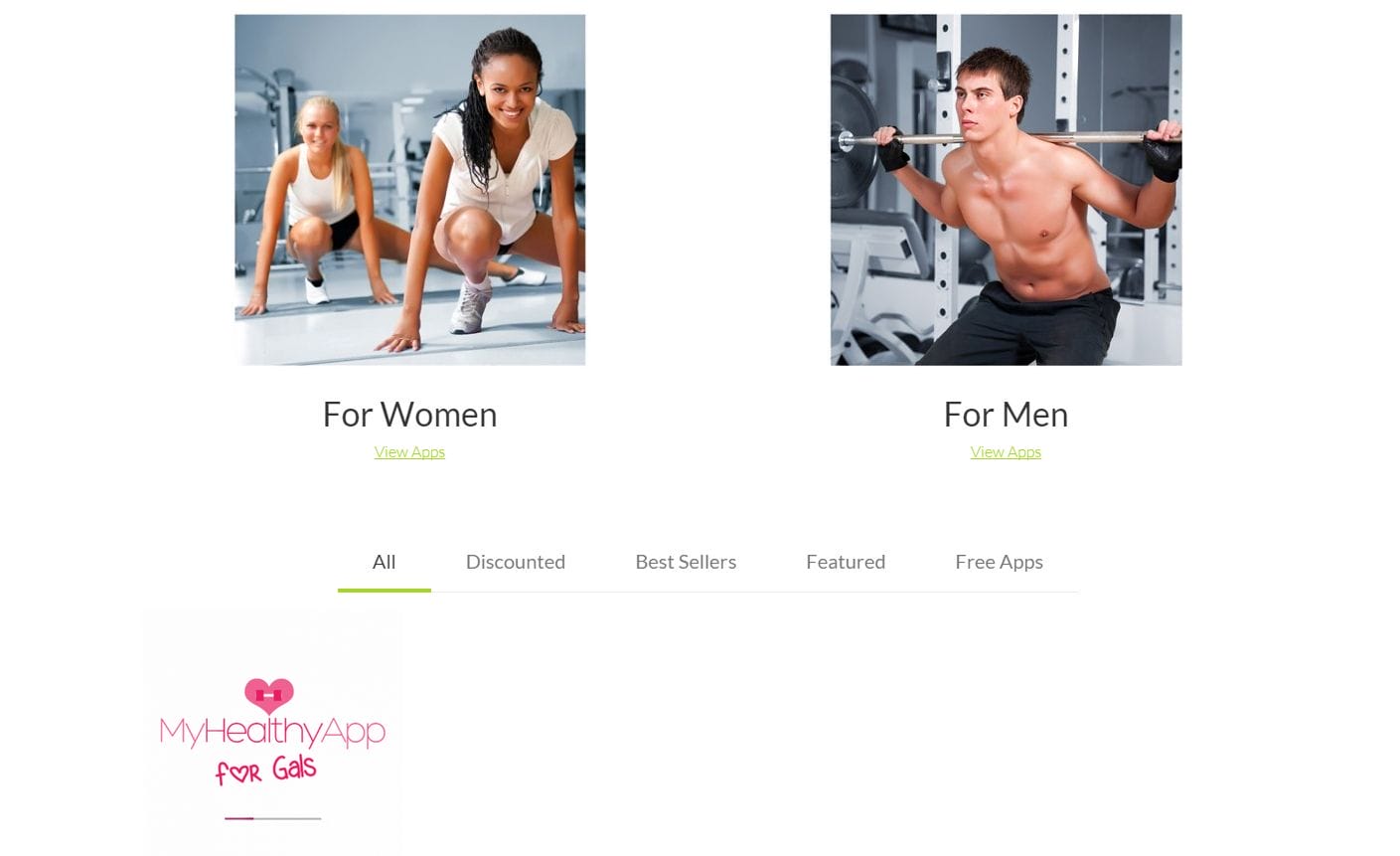
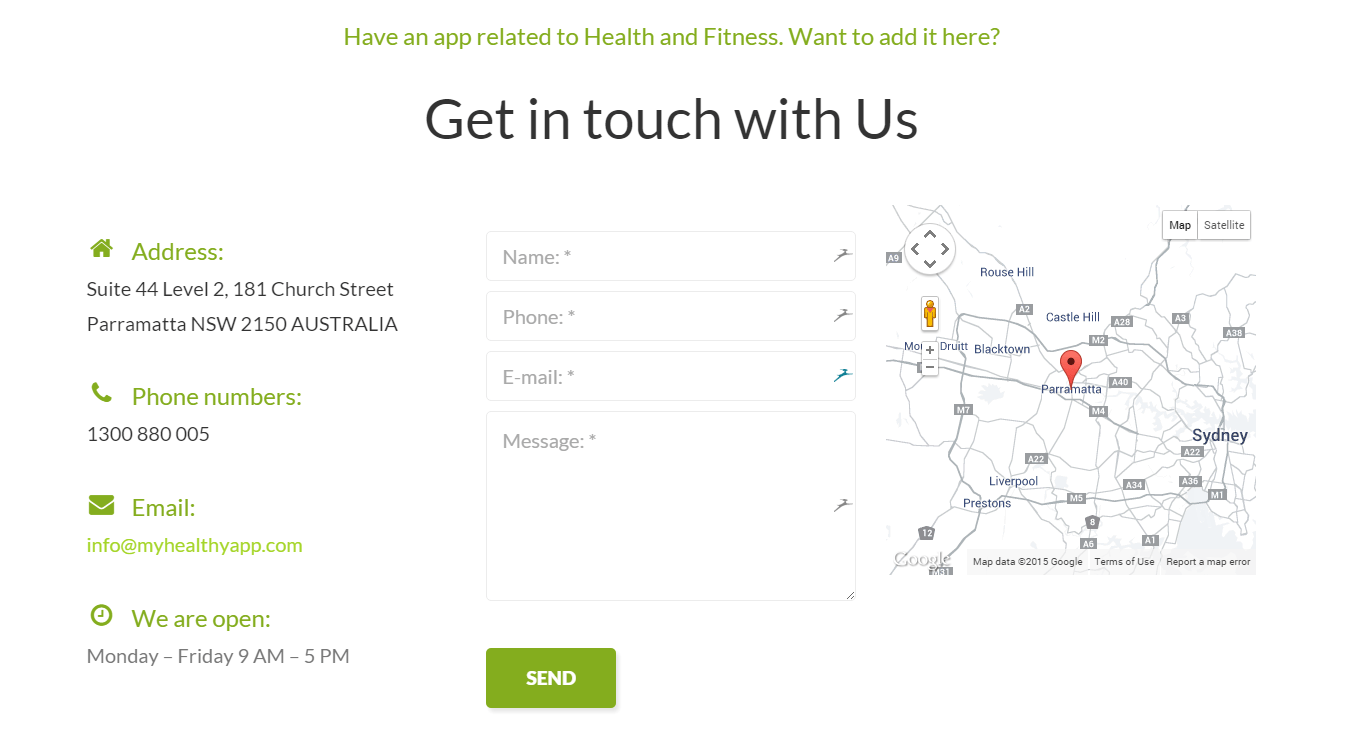
A few posts ago, I introduced to you The Monstroid WordPress Theme and showcased a site I was building called MyHealthyApp.com
If you haven’t checked yet, the MyHealthyApp.com website is now fully operational. It took approximately 5-6 hours to set this up but that’s because I’m quite familiar with WordPress. For beginners it may take a bit longer to understand how Widgets, Page, Sliders and the Theme actually works.
Overall The Monstroid Theme looks very professional with the standard child template and there are many more child themes you can download to make your website just the way you want it. I’m now working on getting another website updated with this theme, but this is an existing website so there is actually more work involved. This is the main difference with the MyHealthyApp.com website – this was completely new so I was able to import the sample data (which included the layouts, images, content just like the demo) and modify accordingly. With an existing website, it’s very different you cannot just import the sample data because it will conflict and the existing data. As an example, if you were to import the sample data it will add sample comments into your website and sample posts. This will not look professional, especially if you setup you website to ping google to let them know that you have a new post (which is a dummy post).
I’ll see how I got updating an existing website and let you all know.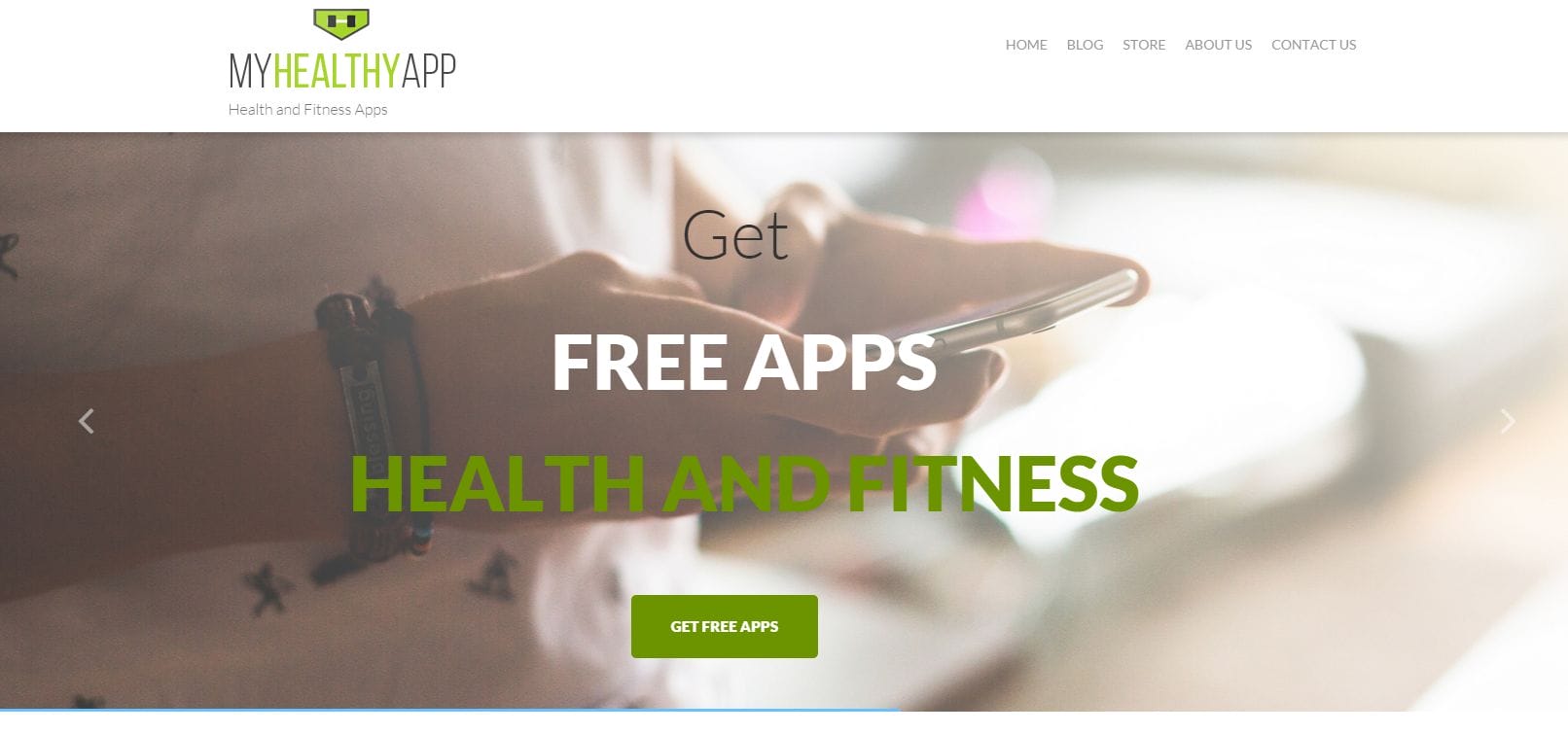

Marco / admin / 30 Nov
Writing day to day ramblings about making money, business, technology, sharing awesome deals and everything else that I know I'll forget. Follow my personal blog https://marcotran.com.au
I've recently also turned Vegan and started this website Veggie Meals - check it out
"When technology speaks for itself, that is art" - MT
Affiliate Compensated: there are some articles with links to products or services that I may receive a commission.
OTHER ARTICLES YOU MAY LIKE
USE THESE TOOLS TO BUILD YOUR BUSINESS
Building a business has never been short on ambition, but it has often been short on time, budget, and operational headroom. Founders are expected to market like a media team, sell like a seasoned closer, support customers around the clock, manage projects with precision, and still find space to think strategically. That is exactly why […]
read more
HOW TO USE SPLIT VIEW IN GOOGLE CHROME
Google Chrome is full of useful features that many people never notice until they appear by accident during everyday browsing. One of those quietly helpful tools is Split View, a feature that makes it much easier to work with two tabs side by side in the same browser window. If you regularly compare documents, read […]
read more


