
Convert Photos to Stunning Paintings with Digital Painter – only $9!
March 21, 2016 / by Marco / Categories : Business, deals, design, entrepreneur, website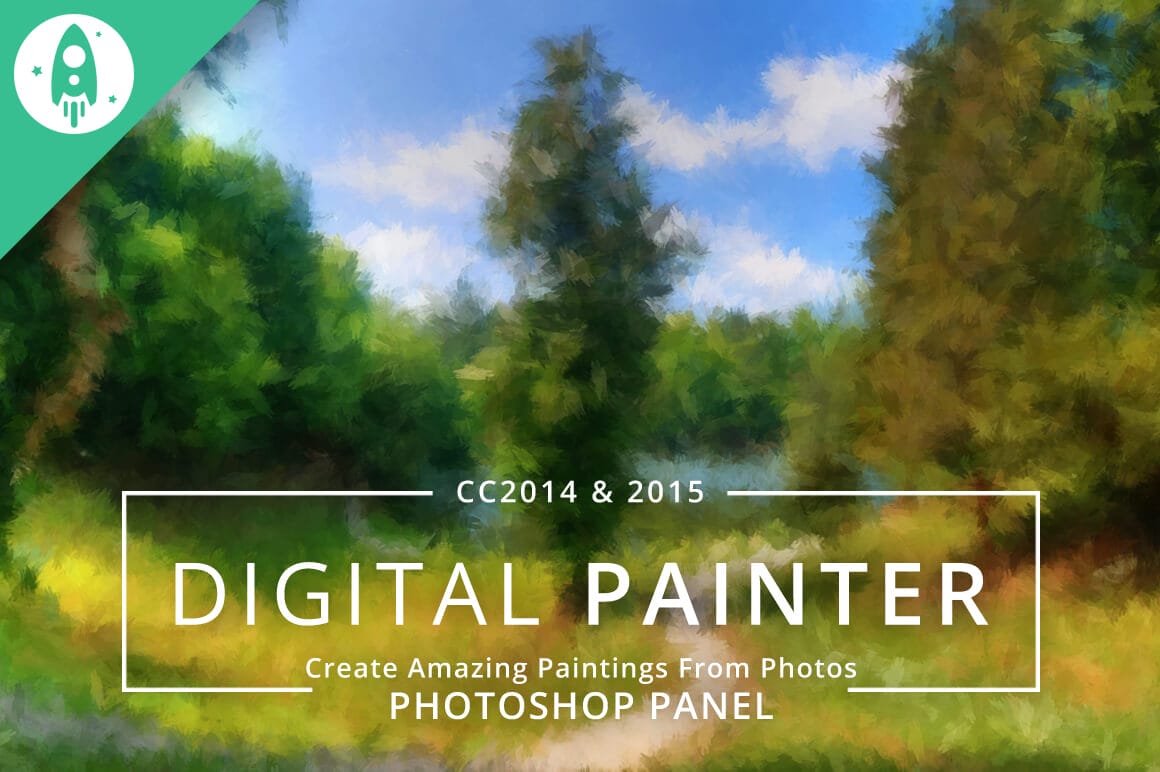

NOW ON: Convert Photos to Stunning Paintings with Digital Painter – only $9!
Expires: March 23, 2016, 11:59 pm EST

Imagine if you could turn your amazing photos into beautiful painted works of art. Well, no need to imagine, since you’ve found this Mighty Deal from Design Rocket! With the Photoshop extension Digital Painter, you can easily convert any photo into a stunning painting. Get amazing artistic results by playing around with different brush sizes and opacities. You’ll even end with some truly hi-res outputs, with files reaching up to 15 megapixels!
Highlights:
- Turn your personal photos into breathtaking paintings!
- This incredible Photoshop extension is compatible with Adobe Photoshop CC 2014 and CC 2015.
- Simple to use, you can convert photos to paintings in just a few easy steps.
- Use the live preview window to witness your work in action.
- Multiple brush sizes adjust the level of painting detail.
- Choose from multiple opacity options and brush presets to find the exact style you’re looking for.
- Your final masterpiece will output as a hi-res file ranging in size up to 15 megapixels!
- Digital Painter is a snap to get going thanks to the install script.
Examples:


Pricing:
Normally, Digital Painter sells for $20, but for a limited time only, you can get this fabulous Photoshop extension for only $9! That’s a savings of 55% off the regular price.
Click the BUY NOW button to give your photos an artistic makeover today!
Deal terms:
- Delivered as an instant download, after completing your purchase.
- This is a Photoshop plugin, which requires CC 2014 and CC 2015.
- You can use this add-on to create multiple end products, as long as is only installed on a single computer.
- You may not sublicense, resell, share, transfer, or otherwise redistribute the Item on its own.

Marco / admin / 30 Nov
Writing day to day ramblings about making money, business, technology, sharing awesome deals and everything else that I know I'll forget. Follow my personal blog https://marcotran.com.au
I've recently also turned Vegan and started this website Veggie Meals - check it out
"When technology speaks for itself, that is art" - MT
Affiliate Compensated: there are some articles with links to products or services that I may receive a commission.
OTHER ARTICLES YOU MAY LIKE

USING THE LATEST CLAUDE MODEL TO BUILD GREAT TOOLS
If you have ever had an idea for a small tool but stopped because coding felt too hard, the latest Claude model makes that gap much smaller. You can now describe what you want in plain English, ask Claude to plan it, build the first version, improve the design, write the logic, test the workflow, […]
read more
REVIEWING AND UNBOXING THE TOOCKI USB-C RIGHT ANGLE 1.2M CABLE
USB C cables are among the most ordinary accessories we own, yet they can make a surprisingly noticeable difference to how comfortable our devices are to use while charging. The Toocki USB C right angle cable is a good example of a simple accessory that tries to solve a very common irritation, because instead of […]
read more


