
HDR Projects 5 for $39
May 22, 2017 / by Marco / Categories : Business, deals, design, entrepreneur, website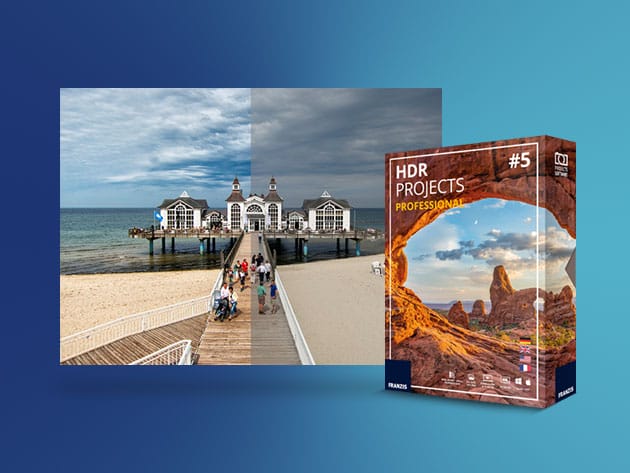


KEY FEATURES
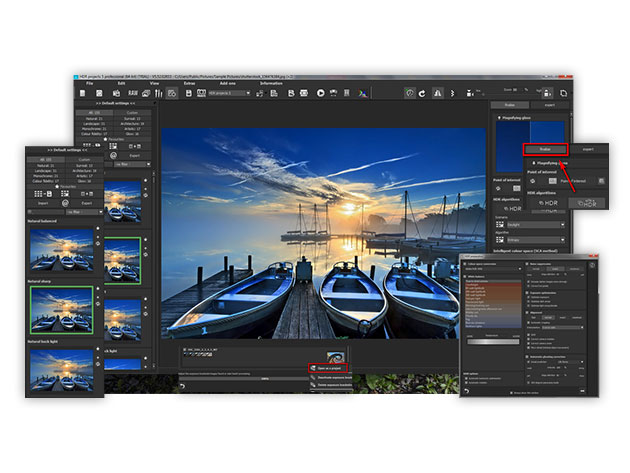
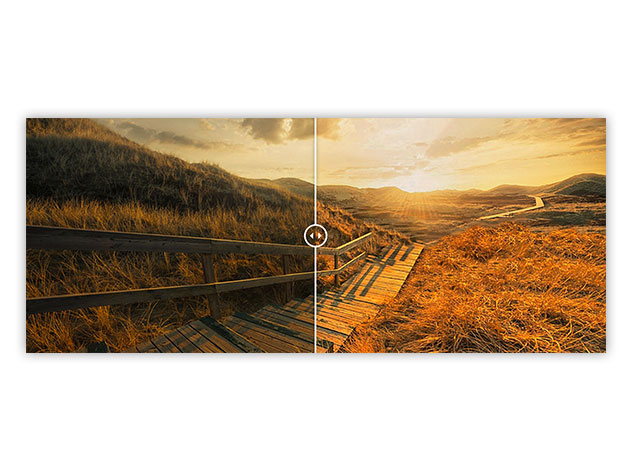
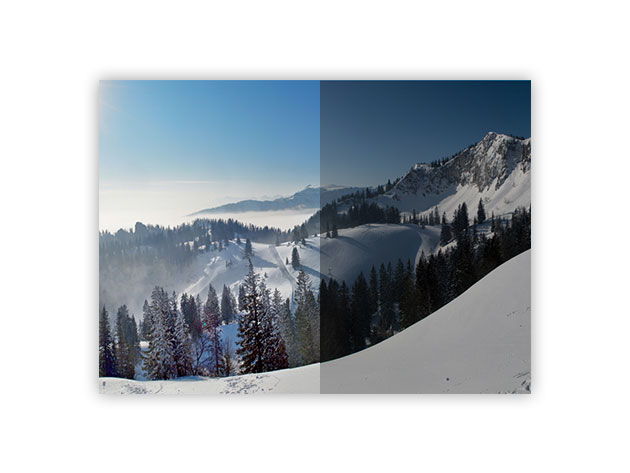
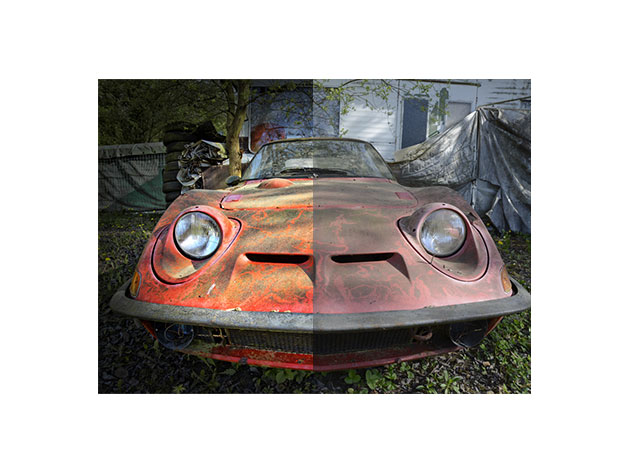
HDR (high-dynamic-range) imaging is an innovative technique for perfecting photos. It displays a greater range of luminance levels that better represents what the human eye actually sees, letting you go beyond everyday photography. HDR Projects 5 provides new and innovative possibilities for your photos while choosing from an intelligently adaptive tool-set that is part of an efficient and transparent workflow. The fully equipped Professional-Toolbox grants you access to a collection of finely adjusted presets and expert filters, letting you arrange your favorite tools how you like to bring out 4K resolution in your photos.
Top 5 HDR Software for Mac Users, Lifehack.org
- Choose from 155 expertly developed presets for awe-inspiring masterpieces
- Get clean HDR images without the intensification of image noise
- Use 103 image recommendations w/ HDR montages to perfect your photos
- Plug in to Photoshop or Lightroom to work w/ more familiar filters
- Remove elements from one photo & add elements from another using the Composing function
- Never lose a file–HDR Projects 5 never forgets what you upload
- Automatically optimize your photos w/ HDR Dynamics Optimization & Optimization Assistant
- Process image files from every possible photo source
PRODUCT SPECS
Details & Requirements
- Version 5.0
- All minor updates included
Compatibility
- Windows:
- Windows 10, 8, 7 (32-bit or higher)
- Processor Core Duo or higher
- 2 GB RAM or higher
- 2 GB hard disk space or higher
- Resolution: 1,280 x 1,024 or higher
- Graphics card compatible with DirectX-9
- Mac:
- Mac OS X 10.7 or later (64-bit)
- Intel Processor
- 2 GB RAM or higher
- 2 GB hard disk space or higher
- Resolution: 1,280 x 1,024 or higher
- Retina display at 2,304 x 1,440
SOFTWARE LICENSE DETAILS
- Redemption: must redeem within 30 days of purchase
- Length of access: lifetime
- Restrictions: for use on 1 computer

Marco / admin / 30 Nov
Writing day to day ramblings about making money, business, technology, sharing awesome deals and everything else that I know I'll forget. Follow my personal blog https://marcotran.com.au
I've recently also turned Vegan and started this website Veggie Meals - check it out
"When technology speaks for itself, that is art" - MT
Affiliate Compensated: there are some articles with links to products or services that I may receive a commission.
OTHER ARTICLES YOU MAY LIKE
HOW TO USE GOOGLE WORKSPACE STUDIO FLOW IN GMAIL FOR SMART EMAIL AUTOMATION
Google keeps slipping new productivity features into Workspace, and sometimes the most useful ones are the tools you almost discover by accident while checking email. That is exactly the case with Studio Flow, a feature that has started appearing inside Gmail and wider Google Workspace environments, and it looks like Google is pushing further into […]
read more
USE FUSEBASE TO AUTOMATE TEAMWORK AND COLLABORATION
If your business is growing, your team is juggling too many moving parts, and your client communication is spread across email threads, chat apps, documents, task boards, and endless follow ups, there is a good chance the real problem is not effort but fragmentation. Most businesses do not lose time because people are lazy. They […]
read more

