
HyperDrive SOLO 7-in-1 USB-C Hub for $55
February 26, 2018 / by Marco / Categories : Business, deals, design, entrepreneur, website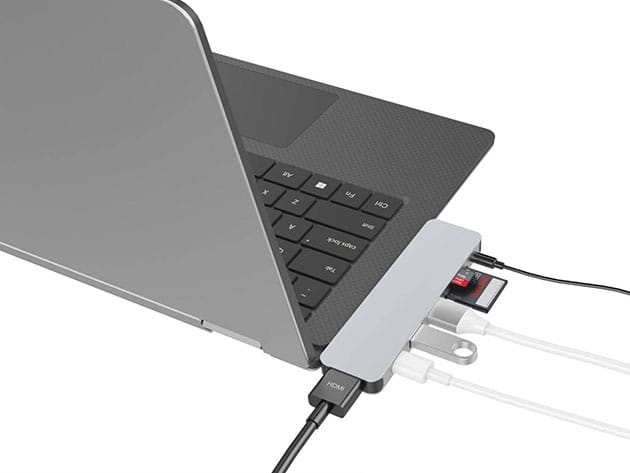



KEY FEATURES
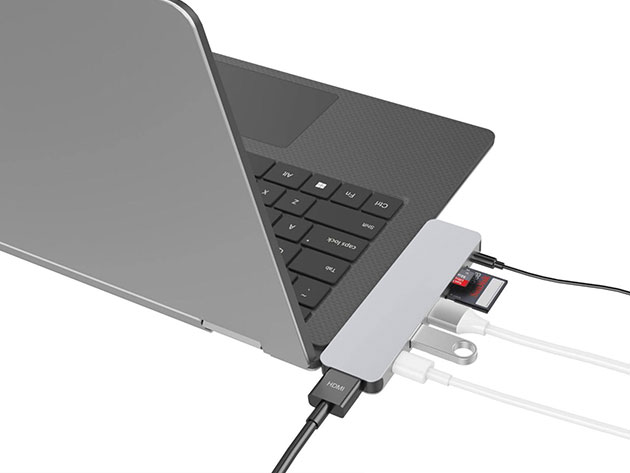
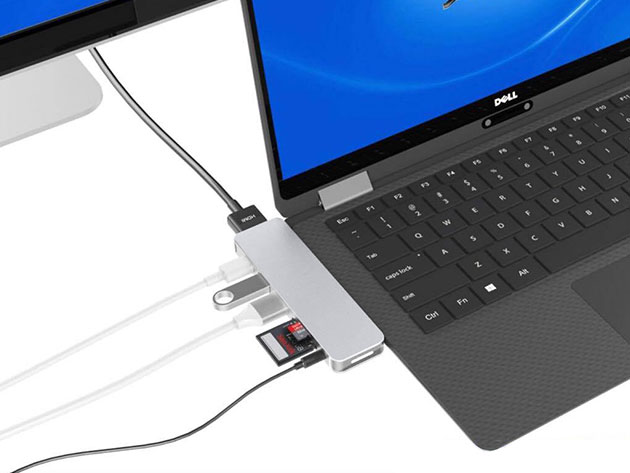
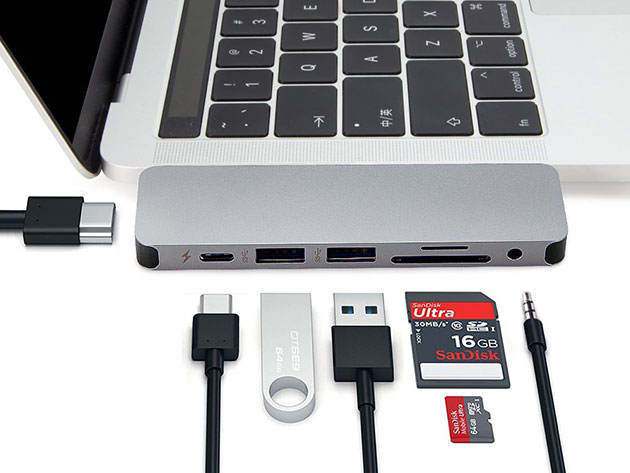
USB-C is becoming more prevalent, thanks largely to the increasing ubiquity of the new MacBook Pro, which famously got rid of its USB 3.0 ports. Technology, however, hasn’t completely caught up, and you probably have several devices that you’d love to use with USB-C that you just can’t. Thankfully, there’s the HyperDrive SOLO. This remarkable bar expands your MacBook’s ports with 7(!) additional ports. That’s a USB-C, HDMI, 2 USB 3.1, microSD, SD, and audio jack ports all in one place. You can even charge your MacBook right through the hub, so you can multitask like a pro.
- Expand your MacBook or PC’s ports to accommodate HDMI cables, syncing cables, camera cords, flash drives, microSD cards & much more
- Play 4K HDMI video on external monitors w/ 4K HDMI support
- Charge your laptop w/ pass-through charging, without having to remove the hub
- Carry anywhere easily thanks to a portable, sturdy design
PRODUCT SPECS
Details & Requirements
- USB Type-C with power delivery
- HDMI
- 2 USB 3.1
- MicroSD
- SD
- Audio jack
- Material: aluminum
- Does not support Apple SuperDrive
Compatibility
- 12″ MacBook
- 13″ and 15″ MacBook Pro
- PC with USB Type-C ports
Includes
- HyperDrive SOLO 7-in-1 USB-C Hub (silver)

Marco / admin / 30 Nov
Writing day to day ramblings about making money, business, technology, sharing awesome deals and everything else that I know I'll forget. Follow my personal blog https://marcotran.com.au
I've recently also turned Vegan and started this website Veggie Meals - check it out
"When technology speaks for itself, that is art" - MT
Affiliate Compensated: there are some articles with links to products or services that I may receive a commission.
OTHER ARTICLES YOU MAY LIKE
HOW TO USE GOOGLE WORKSPACE STUDIO FLOW IN GMAIL FOR SMART EMAIL AUTOMATION
Google keeps slipping new productivity features into Workspace, and sometimes the most useful ones are the tools you almost discover by accident while checking email. That is exactly the case with Studio Flow, a feature that has started appearing inside Gmail and wider Google Workspace environments, and it looks like Google is pushing further into […]
read more
USE FUSEBASE TO AUTOMATE TEAMWORK AND COLLABORATION
If your business is growing, your team is juggling too many moving parts, and your client communication is spread across email threads, chat apps, documents, task boards, and endless follow ups, there is a good chance the real problem is not effort but fragmentation. Most businesses do not lose time because people are lazy. They […]
read more


