
OPENING THE JABRA ROX HEADSET – WHERE IS THE BATTERY!
May 28, 2019 / by Marco / Categories : Business, Technology
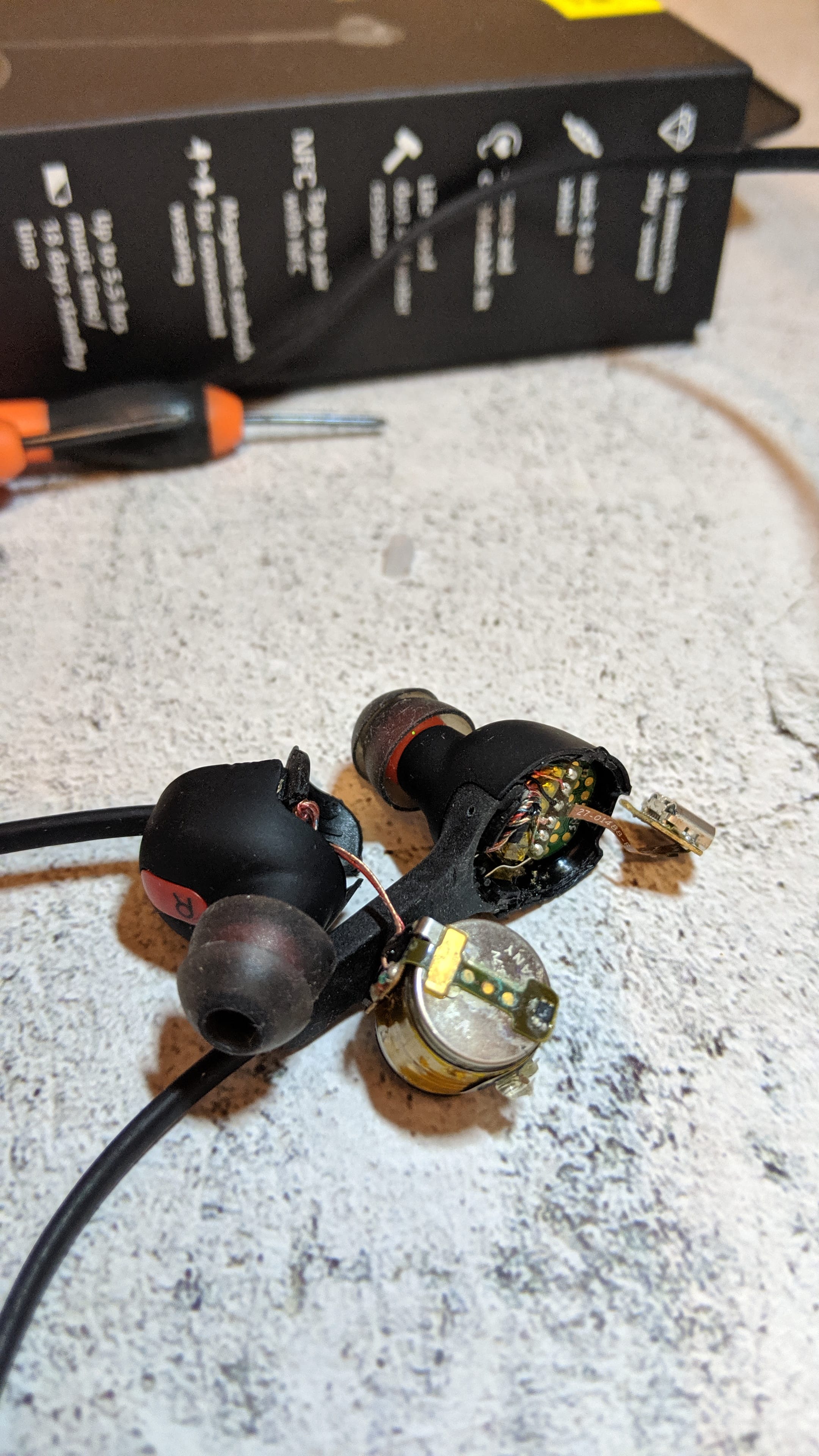
My Jabra Rox headset wasn’t charging anymore so I decided to find out where the battery was located and to see if it was easy to replace. I was advised by Jabra support the battery cannot be replaced and after opening up the unit I can see why.
There were a few steps I used to determine the unit was no longer charging the battery:
- when connecting the power cable, the light would turn red but after leaving it charged overnight it still wouldn’t power on
- connecting the micro USB cable to a laptop shows that it connects and the red light remains on
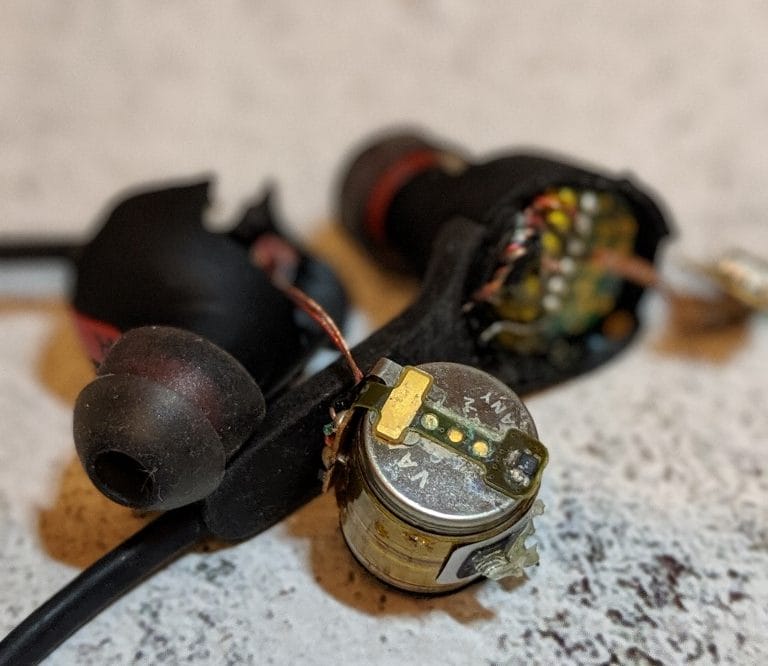
I couldn’t figure out an easy way to remove the battery and replace it but if you want to find out where it’s located then check out the video. Note, I had to use brute force to open up the plastic covers and they sort of broke.
The battery is located on the right-hand side earpiece.
If you just want to replace the complete unit have a look at these Jabra options: https://amzn.to/2MaJbnm


Marco / admin / 30 Nov
Writing day to day ramblings about making money, business, technology, sharing awesome deals and everything else that I know I'll forget. Follow my personal blog https://marcotran.com.au
I've recently also turned Vegan and started this website Veggie Meals - check it out
"When technology speaks for itself, that is art" - MT
Affiliate Compensated: there are some articles with links to products or services that I may receive a commission.
OTHER ARTICLES YOU MAY LIKE

USING THE LATEST CLAUDE MODEL TO BUILD GREAT TOOLS
If you have ever had an idea for a small tool but stopped because coding felt too hard, the latest Claude model makes that gap much smaller. You can now describe what you want in plain English, ask Claude to plan it, build the first version, improve the design, write the logic, test the workflow, […]
read more
REVIEWING AND UNBOXING THE TOOCKI USB-C RIGHT ANGLE 1.2M CABLE
USB C cables are among the most ordinary accessories we own, yet they can make a surprisingly noticeable difference to how comfortable our devices are to use while charging. The Toocki USB C right angle cable is a good example of a simple accessory that tries to solve a very common irritation, because instead of […]
read more

